EasyManua.ls Logo

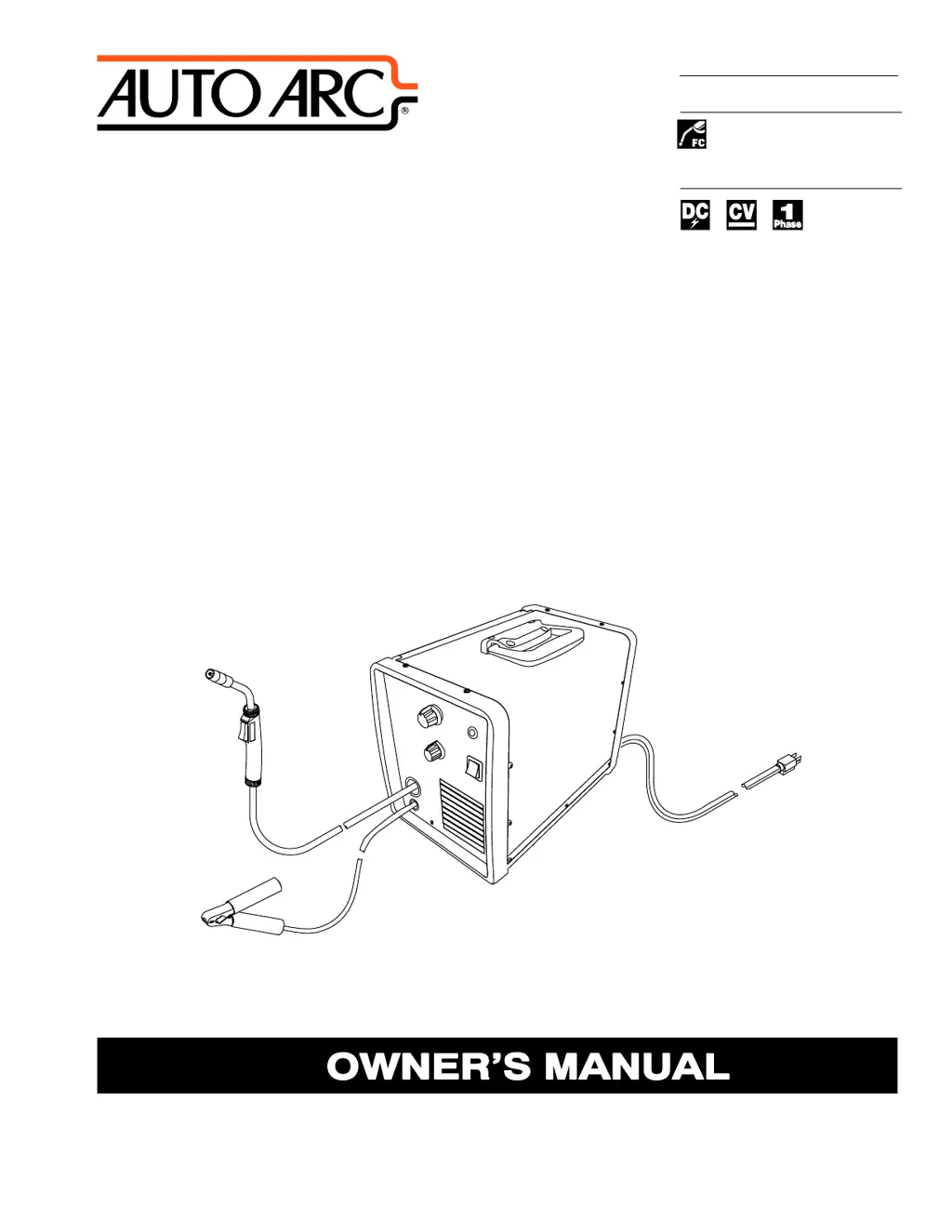
AUTO ARC Toolmate 100 - User Manual

Default Icon
72 pages
Print Icon
To Next Page IconTo Next Page
Loading...
OM-270 231B 201501
Processes
Description
Arc Welding Power Source and Wire
Feeder
Flux Cored (FCAW) Welding
Toolmate 100
t

Table of Contents

Questions and Answers

  • M
    michele33Aug 11, 2025
    What to do if AUTO ARC Toolmate 100 has no weld output and wire feed but the fan runs?
    • J
      jason89Aug 11, 2025
      If your AUTO ARC Welding System has no weld output, and the wire does not feed, but the fan motor continues to run, try the following: * Allow the fan to run with the gun trigger switch off to cool the unit if thermostat TP1 is open due to overheating. The thermostat will close when the unit has cooled. * Ensure the Voltage switch is set to positions 1, 2, 3, or 4, as there's no weld output or wire feed in the Fan Only position. * Make sure the gun trigger switch is fully depressed and held. * If the Over Temperature Light PL1 is illuminated, allow the fan to cool the unit until the light turns off. This indicates the unit has overheated.
  • K
    Kurt CarrAug 16, 2025
    Why is the weld output low on my AUTO ARC Welding System?
    • S
      swilliamsAug 16, 2025
      If the AUTO ARC Welding System is producing low weld output, try these solutions: * Connect the unit to the appropriate input voltage or check for low line voltage. * Adjust the voltage switch to the desired position. * Inspect the cable connection at the work clamp and tighten the hardware if needed.
  • H
    hannahdukeAug 23, 2025
    What to do if AUTO ARC Toolmate 100 has no weld output but wire feeds?
    • C
      Chelsea PatrickAug 23, 2025
      If your AUTO ARC Welding System has no weld output but the wire feeds, take these steps: * Ensure the work clamp is connected to establish good metal-to-metal contact. * Inspect the cable connection at the work clamp and tighten any loose hardware. * Replace the contact tip.
  • G
    Gabrielle AllenAug 29, 2025
    How to troubleshoot no weld output, wire feed, and fan operation on AUTO ARC Welding System?
    • E
      Erik MooreAug 29, 2025
      If your AUTO ARC Welding System shows no weld output, the wire doesn't feed, and the fan doesn't run, check the following: * Ensure the power cord is securely plugged into the receptacle. * Replace the building line fuse or reset the circuit breaker if it's open. * Confirm the Power switch is in the On position. * Check the supplementary protector CB1 and reset it if it's open.
  • S
    susan56Nov 4, 2025
    What to do if electrode wire feeding stops during welding with AUTO ARC Toolmate 100?
    • P
      Peter GarciaNov 4, 2025
      If your AUTO ARC Welding System experiences electrode wire feeding stops during welding, consider the following: * Ensure the wire spool isn't empty. * Readjust hub tension. * Adjust drive roll pressure. * Check and reset the supplementary protector CB1 if it's open. * Check the work clamp cable connection and tighten if necessary. * Ensure good metal-to-metal contact with the work clamp. * If the Over Temperature Light PL1 is on, allow the fan to cool the unit. * Straighten the gun cable, and replace damaged parts, if any. * Change to the correct drive roll groove. * Replace a blocked contact tip, if applicable. * Clean or replace a dirty or plugged wire inlet guide or liner. * Replace a worn or slipping drive roll or pressure bearing. * Inspect and clear any ob...

Summary

SECTION 1 - SAFETY PRECAUTIONS - READ BEFORE USING

1-1. Symbol Usage

Identifies hazardous situations and explains possible hazards using symbols or text.

1-2. Arc Welding Hazards

Details the specific hazards associated with arc welding processes and equipment.

1-3. Additional Symbols For Installation, Operation, And Maintenance

1-4. California Proposition 65 Warnings

1-5. Principal Safety Standards

1-6. EMF Information

SECTION 3 - DEFINITIONS

3-1. Additional Safety Symbols And Definitions

Provides definitions for additional safety symbols, primarily for CE products.

3-2. Miscellaneous Symbols And Definitions

Defines various miscellaneous symbols used throughout the manual for operation and specifications.

SECTION 4 - SPECIFICATIONS

4-1. Serial Number And Rating Label Location

Indicates the location of the serial number and rating label for product identification.

4-2. Unit Specifications

Details the technical specifications of the welding unit, including output, input, and dimensions.

4-3. Duty Cycle And Overheating

Explains duty cycle percentages and procedures for handling unit overheating.

4-4. Volt-Ampere Curves

SECTION 5 - INSTALLATION

5-1. Selecting A Location

Provides guidelines for choosing a suitable and safe location for installing the welding unit.

5-2. Installing Work Clamp

Details the procedure for correctly installing the work clamp for proper electrical connection.

5-3. Process;Polarity Table

5-4. Installing Wire Spool And Adjusting Hub Tension

5-5. Connecting 115 Volt Input Power

5-6. Installing Contact Tip And Nozzle

5-7. Threading Welding Wire

SECTION 6 - OPERATION

6-1. Controls

Identifies and explains the function of each control on the welding power source unit.

6-2. Operating The Gun

Describes how to properly operate the welding gun, including trigger function.

6-3. Weld Parameter Chart

SECTION 7 - MAINTENANCE &TROUBLESHOOTING

7-1. Routine Maintenance

Outlines a schedule for routine checks, cleaning, and replacement of parts for maintenance.

7-2. Overload Protection

Explains the overload protection mechanism (CB1) and how to reset it.

7-3. Replacing Gun Contact Tip

Details the process for safely replacing the contact tip on the welding gun.

7-4. Changing Drive Roll Or Wire Inlet Guide

7-5. Cleaning Gun Liner

7-6. Replacing Gun Liner

7-7. Troubleshooting Table

SECTION 8 - ELECTRICAL DIAGRAM

SECTION 9 - FCAW WELDING GUIDELINES

9-1. Typical FCAW Process Connections

Illustrates the typical connection setup for Flux Cored Arc Welding (FCAW) processes.

9-2. Typical Control Settings

9-3. Holding And Positioning Welding Gun

9-4. Conditions That Affect Weld Bead Shape

9-5. Gun Movement During Welding

9-6. Poor Weld Bead Characteristics

9-7. Good Weld Bead Characteristics

9-8. Troubleshooting - Excessive Spatter

9-9. Troubleshooting - Porosity

9-10. Troubleshooting - Excessive Penetration

9-11. Troubleshooting - Lack Of Penetration

9-12. Troubleshooting - Incomplete Fusion

9-13. Troubleshooting - Burn-Through

9-14. Troubleshooting - Waviness Of Bead

9-15. Troubleshooting - Distortion

9-16. Troubleshooting Guide For Semiautomatic Welding Equipment

SECTION 10 - PARTS LIST

10-1. Parts List

Lists all available replacement parts for the Auto Arc Toolmate 100.

10-2. Accessories

Details optional accessories available for the welding unit.

10-3. Consumables

Lists consumable items such as contact tips, nozzles, and liners for the welding process.

SECTION 11 - WARRANTY

Warranty

Outlines the limited warranty terms and conditions for the Auto Arc equipment.

AUTO ARC Toolmate 100 Specifications

General IconGeneral
BrandAUTO ARC
ModelToolmate 100
CategoryWelding System
LanguageEnglish

Related product manuals