Page 15 579-1165AC Rev C
4007ES Operator’s Manual
7 User Access Level
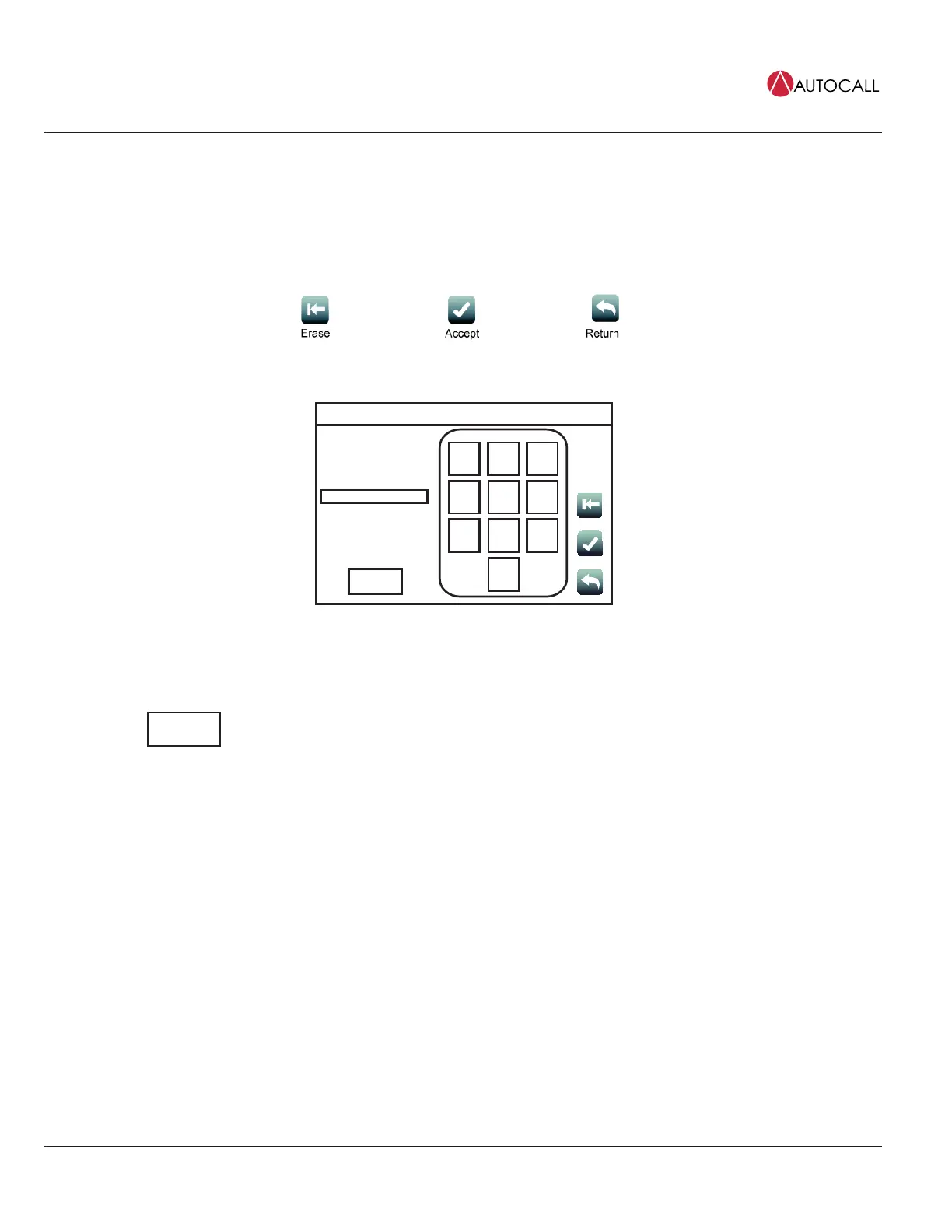
Tap the User Access Level button to access the login screen, where the user can log in to the panel with a desired access level, or log out of the
current access level.
Note:
1. Four access levels can be used to log in to the panel, with the lowest, User Access Level 1, being the default.
2. Only some functions are available at each access level. Figure 25 shows functions with associated default user access levels.
3. The ES Panel Programmer can be used to modify default user access levels for each function, or set user access level passcodes. Refer to
document 579-1167AC: 4007ES Panel Programmer's Manual for more details.
Fig 23: User access screen buttons
User Access Level
Current Access Level: 1
Enter Passcode
Logout
1
ABC
2
DEF
3
JKL
5
TUV
8
WXYZ
9
0
GHI
4
MNO
6
PQRS
7
Date
Time
Fig 24: User Access Level Screen
Log Out
Tap the Log Out button to log out of the current user access level. Once logged out, the user is
returned to Access Level 1.



 To Next Page