Page 17 579-1165AC Rev C
4007ES Operator’s Manual
8 System Info
Use the System Info function to obtain detailed information regarding the panel and its components. Tap on a menu icon to access that option’s main
screen. Refer to User Access Level on page 15 for access levels required to use each option inside the System Info screen.
8.1 System Info Screen Buttons
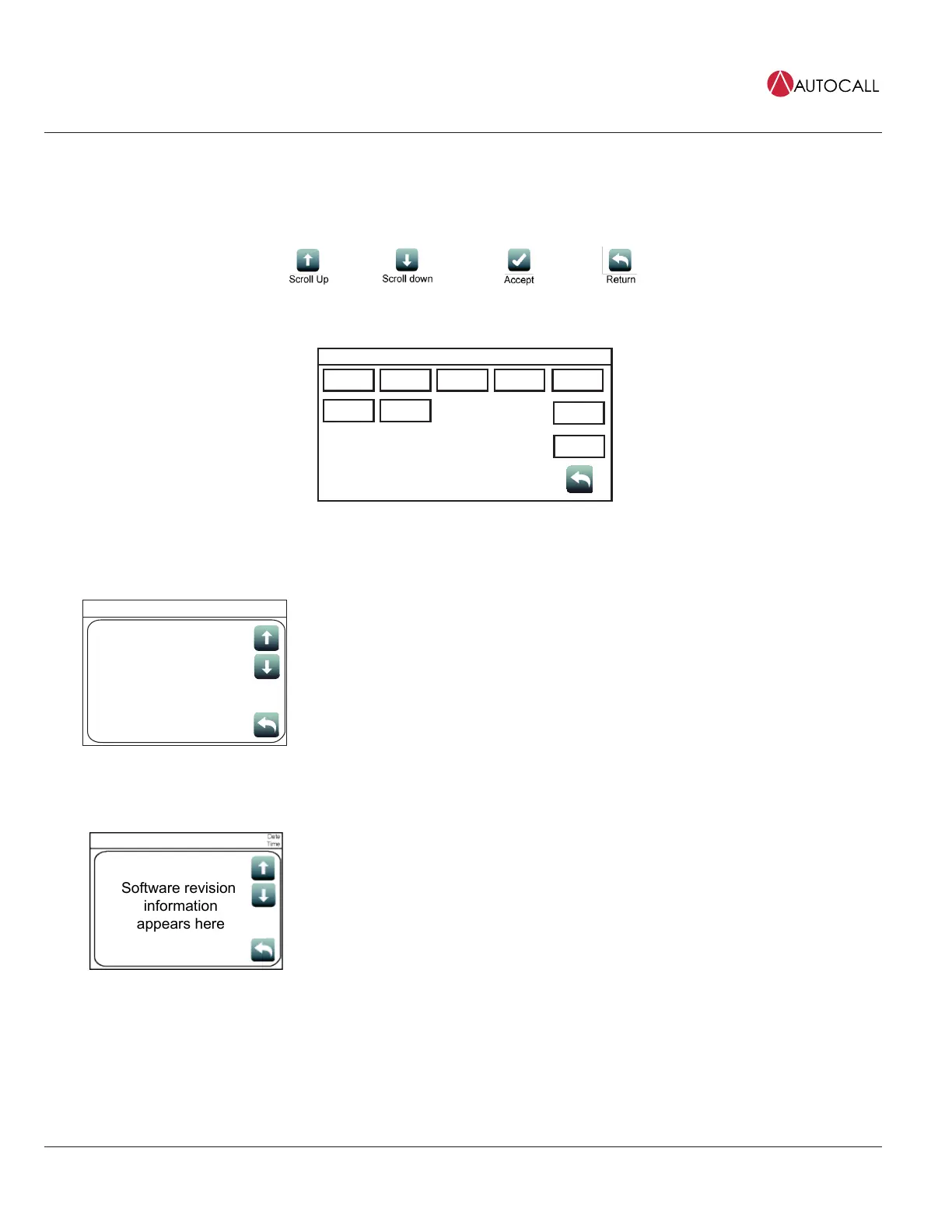
Fig 26: System info screen buttons
System Info
Card
Revisions
Software
Revisions
Panel Serial
Number
Card
Status
USER
BUTTON 1
USER
BUTTON 2
USER
BUTTON 3
Date
Time
System
Files Info
IP Info
Fig 27: System info screen
8.1.1 Card Revisions
Card Revision
Information
Appears Here
Date
Time
Card Revisions
Tap the Card Revisions button to see a list of all the cards (modules) installed in the panel.
8.1.2 Software Revisions
Software revision
information
appears here
Tap the Software Revisions button to see the latest master revisions loaded on the panel.



 To Next Page