Page 22 579-1165AC Rev C
4007ES Operator’s Manual
11 Trouble Log
The Trouble Log screen contains a list of Troubles that the panel has received. Refer to User Access Level on page 15 for access levels required for
each option inside the Trouble Log screen.
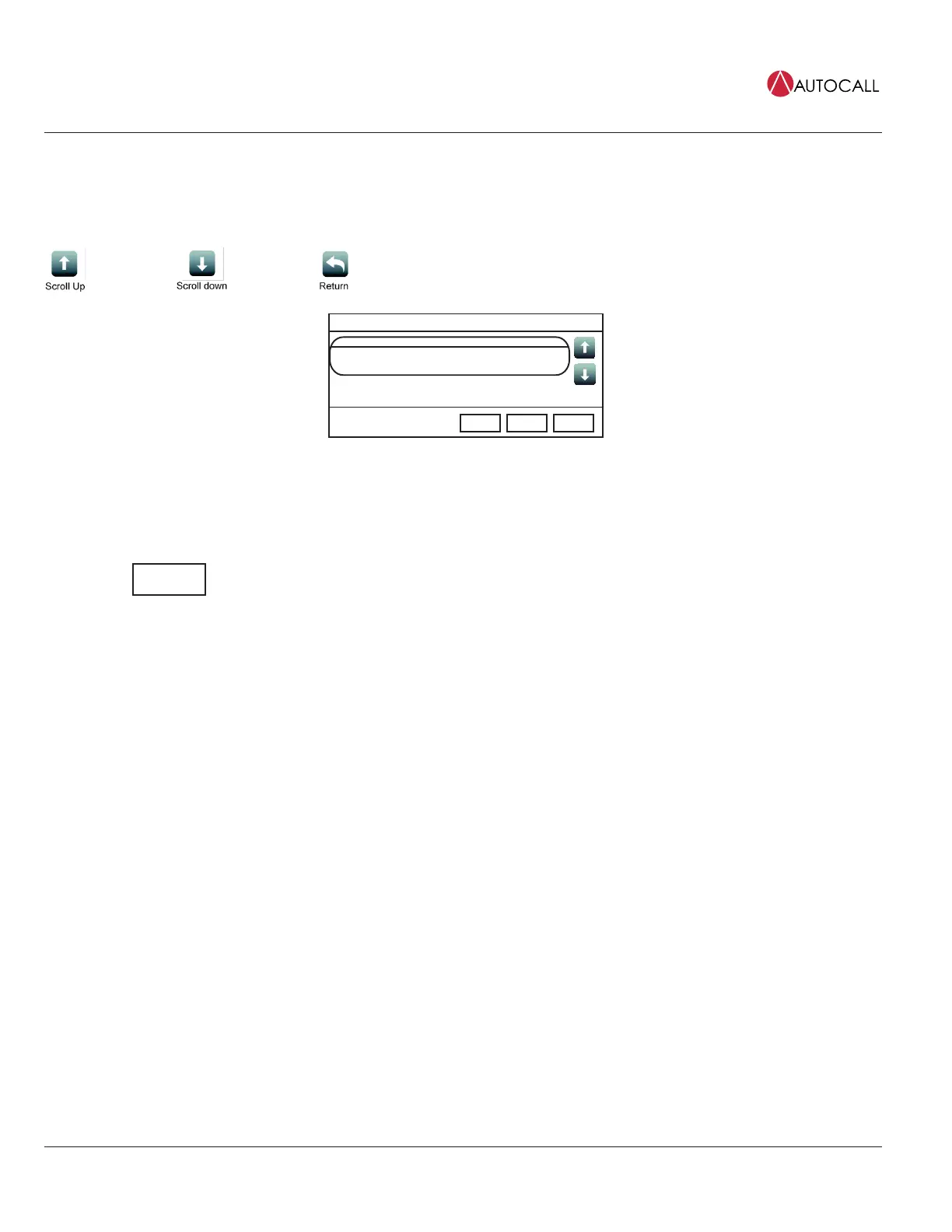
11.1 Trouble Log Screen Buttons
TROUBLE IN SYSTEM
Menu
Date
Time
First of 1 M1-17-0 Date Time
M1-17-0
SUPPRESSION DETECTOR HEAD MISSING
Alarm
Functions
ACK
1
Fig 32: Trouble Log Screen
11.1.1 Clear
Tap the Clear button to erase all entries in the Trouble Logs screen.
IMPORTANT: Use the Clear button only after the Troubles have been investigated.



 To Next Page