Page 30 579-1165AC Rev C
4007ES Operator’s Manual
14 Report Menu
Press the Report Menu button to access the Report Menu screen, where various types of reports on the system points can be generated. To generate
a report:
1. Press the Report Menu button from the Main Menu screen to open the Report Menu screen.
2. A report can either be saved to a USB key or printed. See below for both options:
Table 5: Printing and saving report
Printing a Report Saving a Report to a USB Key
1. Press the Options button and then press Select to choose a printer.
2. In the Report Menu screen, press a report button to print the report.
1. Insert the USB key inside the USB Port of the 4007ES CPU Card.
2. Press a report button to save the report to the USB key.
Note: Pressing a report button without first inserting a USB key or choosing a printer generates an error message stating that hardware could not be
found.
Refer to User Access Level on page 15 for access levels required to use each option inside the Report Menu screen.
14.1 Screen Buttons
Fig 39: Screen buttons
TroubleLog
Status
TrueAlarm
Service
TrueAlarm
USER
BUTTON 1
USER
BUTTON 2
USER
BUTTON 3
TrueAlert NAC
Test
TrueAlert Status TrueAlarm CO Active List
Verification Tally
TrueAlert
Self-Test
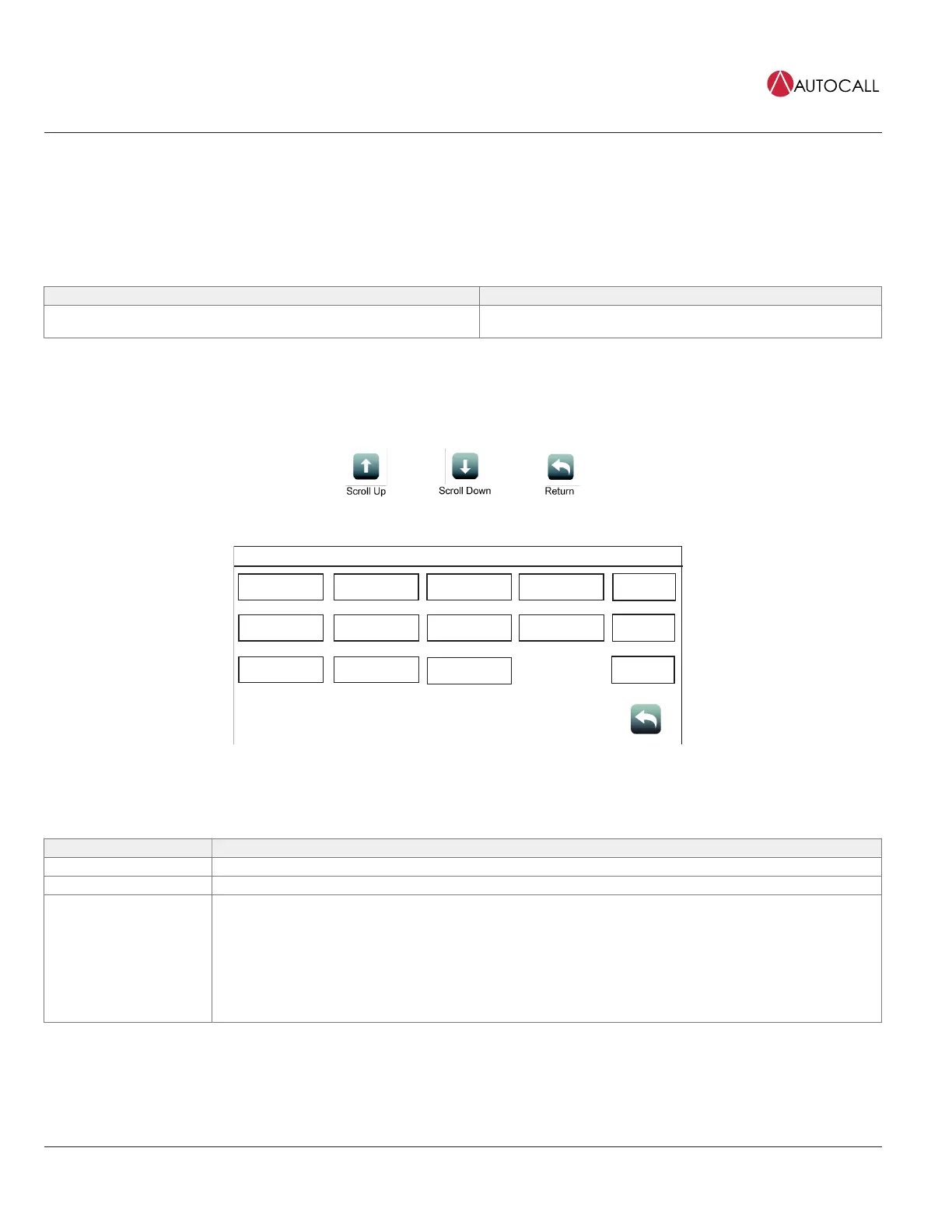
Fig 40: Report menu screen
Table 6: Report Menu Screen Buttons
Button Description
Alarm Log Tap the AlarmLog button to generate a report containing the list of alarms that the panel has received.
Trouble Log Tap the TroubleLog button to generate a report containing the list of Troubles that the panel has received.
TrueAlarm Status
Tap the TrueAlarm Status button to generate a report containing the status of the various TrueAlarm devices
connected to the panel. The report includes the following information:
• Device Number
• Custom Label
• Current Sensitivity of the Point
• Point Status: Normal, Trouble, Alarm
• Almost Dirty Status: Points that are almost dirty have an asterisk.



 To Next Page