Page 24 579-1165AC Rev C
4007ES Operator’s Manual
13 Diagnostics
Use the Diagnostics function to run tests on the panel and the devices. Refer to User Access Level on page 15 for access levels required for each
option inside the Diagnostics screen.
13.1 Diagnostic Screen Buttons
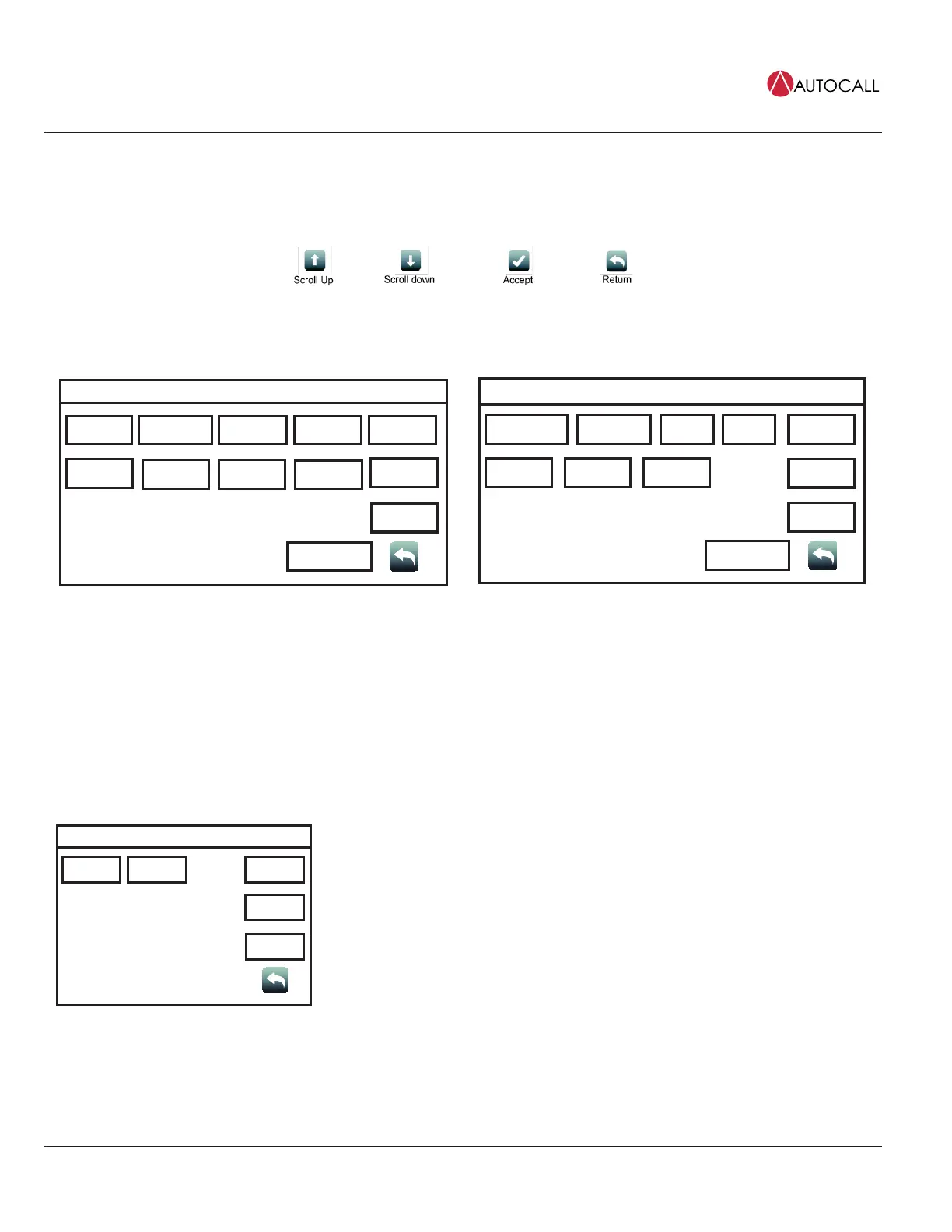
Fig 36: Diagnostic screen buttons
Diagnostics Menu
HW Reset Restart WalkTest
USER
BUTTON 1
USER
BUTTON 2
USER
BUTTON 3
Piezo
Silence
Cfig
Download
Next Page
Earth Fault
Search
Earth Fault
Latch
Date
Time
NAC
Miswire Test
Fig 37: Diagnostic screen 1
Diagnostics Menu
Duplicate
Device Search
Weak Answer
Search
TrueAlert
Test
TrueAlert
NAC Test
USER
BUTTON 1
USER
BUTTON 2
USER
BUTTON 3
CO
Algorithms
Install
Mode
Previous Page
Date
Time
Net Diag
Fig 38: Diagnostic screen 2
13.2 HW Reset
Tap the Hardware Reset button to re-initialize the state of certain hardware components. A hardware reset is typically used to reset a Class A Trouble
after the problem causing the Trouble is resolved.
Note: If you attempt to perform a hardware reset without first fixing the problem causing the Trouble, the hardware reset fails and the Trouble re-
appears.
13.3 Restart
Restart Menu
WarmStart ColdStart
USER
BUTTON 1
USER
BUTTON 2
USER
BUTTON 3
Date
Time
Tap the Restart button to restart the panel by Warm Start or Cold Start.
• Warm Start preserves the logs and the disabled status of any points that are in disabled state.
• Cold Start clears all history logs and re-enables any points that were previously disabled.



 To Next Page