Page 25 579-1165AC Rev C
4007ES Operator’s Manual
13.4 WalkTest
WalkTest Settings
Next
Group
Prev
Group
Select Item
Walktest Group
Information
Date
Time
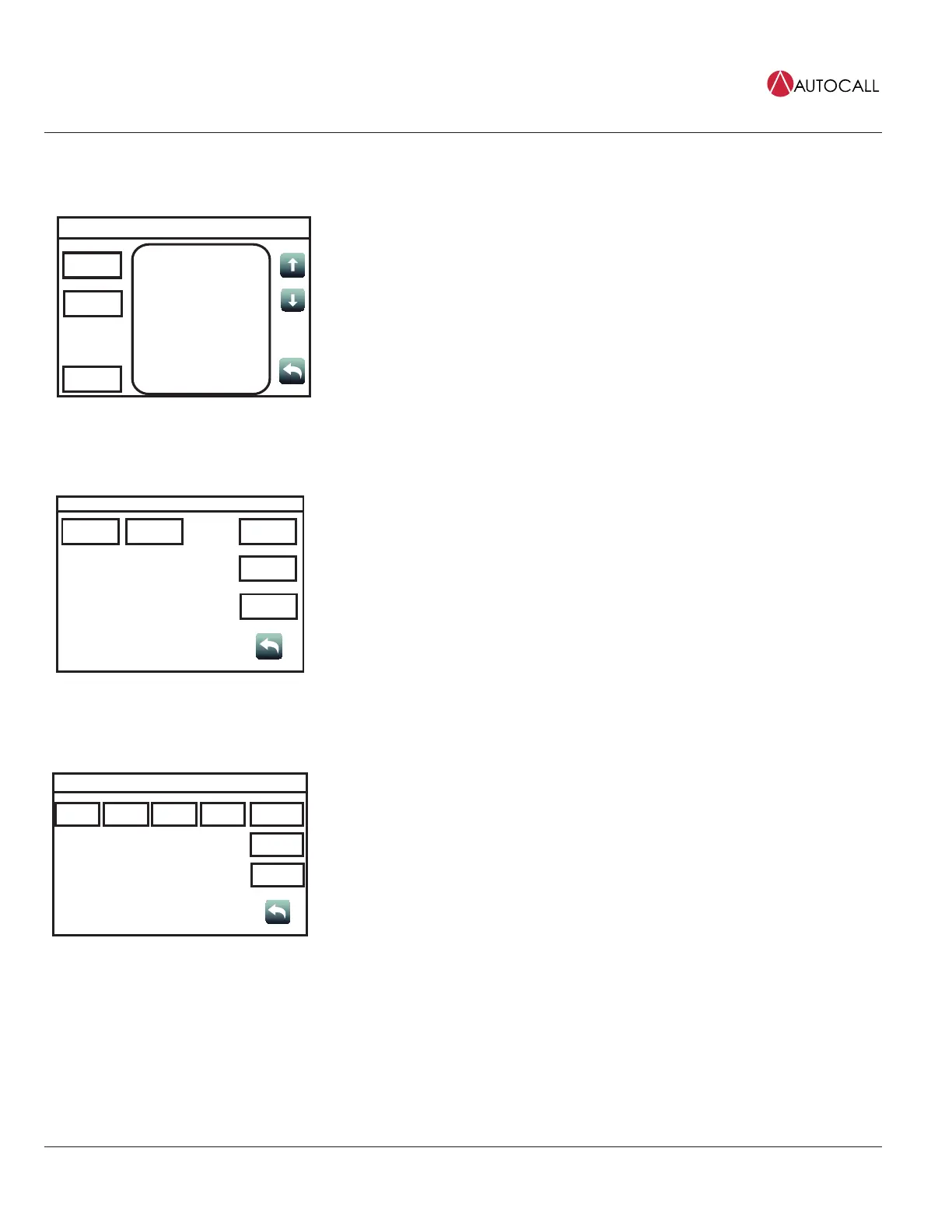
Tap the WalkTestbutton to open the WalkTestscreen, which contains Walktest groups configured
by technicians for use during maintenance testing. The following functions are available:
• Tap the Next Group button to select the next WalkTest group.
• Tap the Prev Group button to select the previous WalkTest group.
• With an item in the WalkTest group selected, tap the Select Item button to open a new screen
where information and additional functions for that item are available.
13.5 Piezo Silence
Piezo Silence Menu
Off On
USER
BUTTON 1
USER
BUTTON 2
USER
BUTTON 3
Tap the Piezo Silence button to access the Piezo Silence Menu screen, where the On or Off
buttons can be used to control the piezos at the panel and turn the Remote Annunciator’s piezo on
or off.
13.6 Cfig Download
Configuration Menu
Enable Enable All
USER
BUTTON 1
USER
BUTTON 2
USER
BUTTON 3
Disable
Revert
Date
Time
Tap the Cfig Download button to access the Configuration Menu screen. Inside, the following
functions are available:
1. Tap the Enable button to allow a job download to a remote panel.
2. Tap the Enable All button to allow a job download to all the remote panels.
3. Tap the Disable button to disable the option of a job download to a remote panel.
4. Tap the Revert button to access the following functions:
a. Tap the Alt Cfig button to see the details of the last job used by the panel.
b. Tap the Swap button to swap the current job for the one used by the panel last.
c. Tap the NoSwap button to move back to the Configuration Menu screen.



 To Next Page