Page 26 579-1165AC Rev C
4007ES Operator’s Manual
13.7 Earth Fault Search
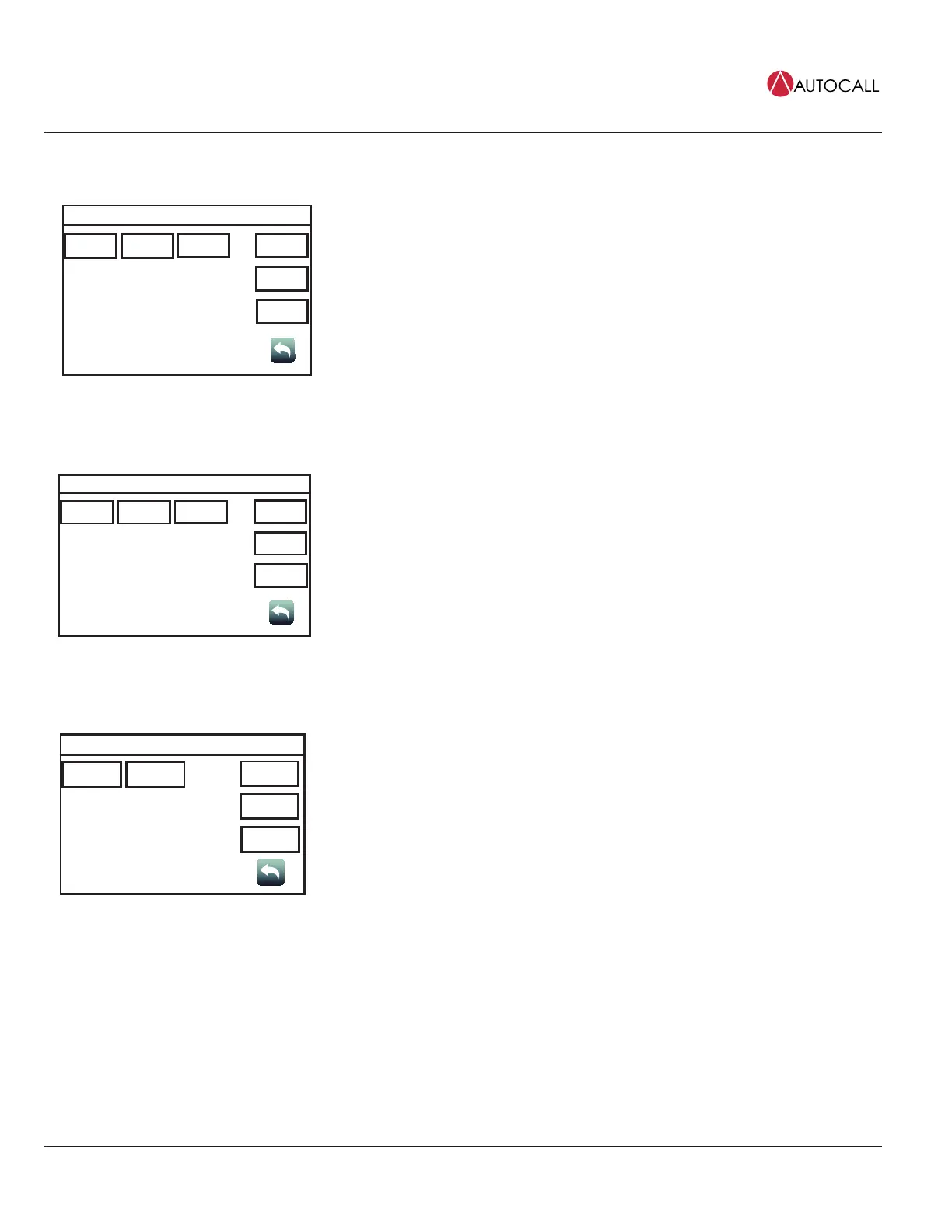
Earth Fault Search?
Location IDNet
USER
BUTTON 1
USER
BUTTON 2
USER
BUTTON 3
LastResult
Date
Time
Tap the Earth Fault Search button to access the Earth Fault Search? screen, which can be used to
test for earth faults in the circuit. The following functions are available:
• Press the Location button to display a list of cards that can be tested for earth faults.
• Press the IDNet button to display a list of IDNet channels that can be tested for earth faults.
• Press the LastResults button to view the results of the last earth fault test.
13.8 Earth Fault Latch
Earth Latch Menu
Off On
USER
BUTTON 1
USER
BUTTON 2
USER
BUTTON 3
ViewRaw
Date
Time
Tap the Earth Fault Latch button to access the Earth Latch Menu screen, which can be used to
latch intermittent earth fault Troubles to the panel. This allows the panel to consistently display a
Trouble instead of each time it re-occurs. The following functions are available:
• Tap the Off button to disable the Earth Latch function.
• Tap the On button to enable the Earth Latch function.
Tap the ViewRaw button to view the locations of the raw earth faults.
13.9 NAC Miswire Test
TrueAlert NAC Test Menu
All Single
USER
BUTTON 1
USER
BUTTON 2
USER
BUTTON 3
Date
Time
Tap the NAC Miswire Test button to access the NAC Test Menu screen, which can be used to
perform a wiring test on the Notifications Appliance Circuits (NAC). The following functions are
available:
• Tap the All button to test all the NACs at once.
• Tap the Single button to test each NAC separately.



 To Next Page