Page 27 579-1165AC Rev C
4007ES Operator’s Manual
13.10 Duplicate Device Search
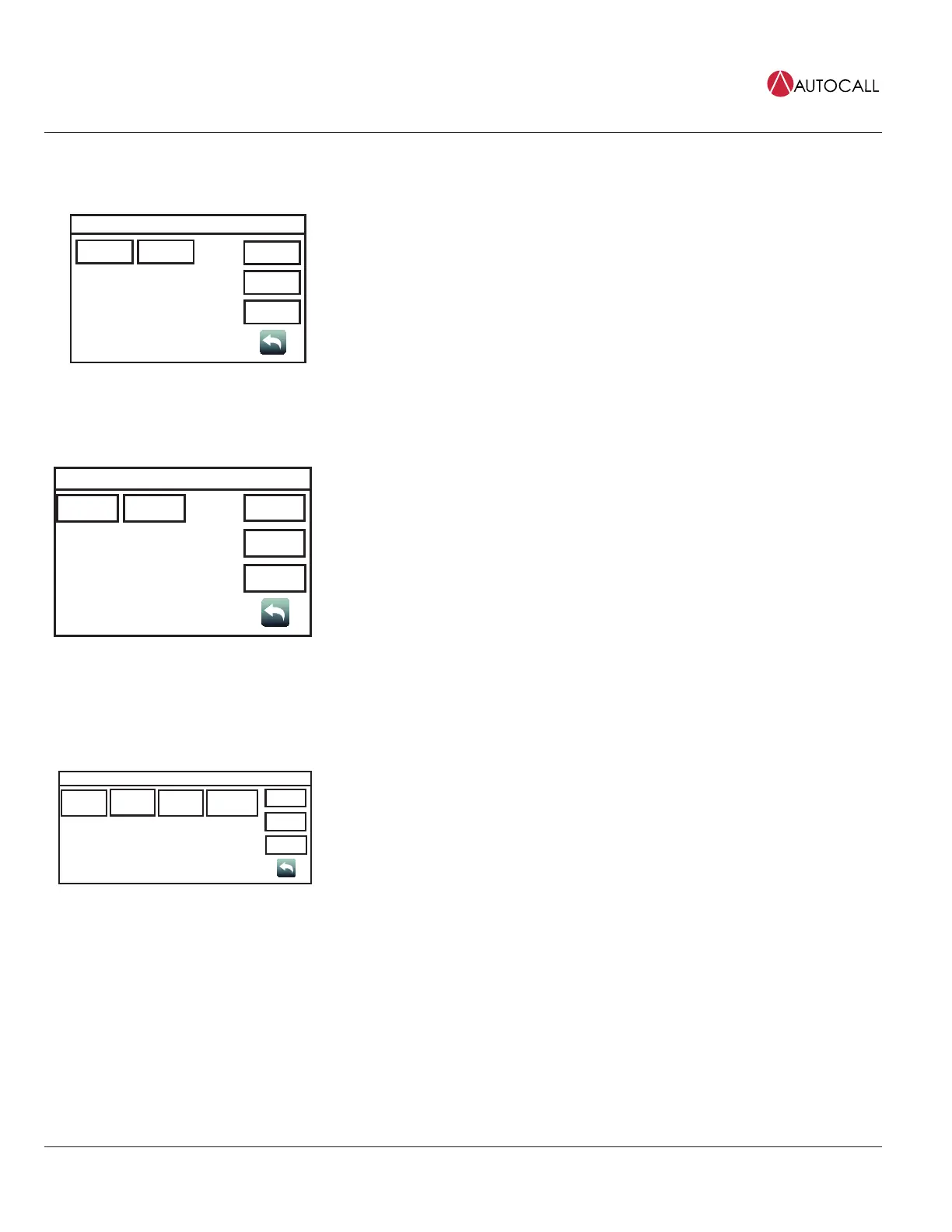
Duplicate Dev Menu
Off On
USER
BUTTON 1
USER
BUTTON 2
USER
BUTTON 3
Date
Time
Tap the Duplicate Device Search button to access the Duplicate Dev Menu screen, where On or
Off buttons can be used to turn the detection of duplicate devices on IDNet channels on or off.
13.11 Weak Answer Search
Weak Answer Menu
Off On
USER
BUTTON 1
USER
BUTTON 2
USER
BUTTON 3
Date
Time
Tap the Weak Answer Search button to access the Weak Answer Menu screen, where the On or
Off buttons can be used to turn the detection of weak answering devices on IDNet channels on or
off.
13.12 TrueAlert Test
Tap the TrueAlert Test button to access the TrueAlert Tests Menu screen, where tests for TrueAlert addressable notification appliances can be
performed. The following functions are available:
TrueAlert Tests Menu
TrueAlert ES
Self-Test?
USER
BUTTON 1
USER
BUTTON 2
USER
BUTTON 3
TrueAlert
Device LEDs
Test?
TrueAlert
Device Test
Mode?
TrueAlert Silent
Test Mode?
Date
Time
• Tap the TrueAlert ES Self-Test? button, and then use the Run Self-Test? button to run Self-Test,
or use the View Test Results? button to view the results for TrueAlert appliances.
• Tap the TrueAlert Device LEDs Test? button, and then use the On or Off buttons to turn the
TrueAlert appliance LEDs on or off.
• Tap on the TrueAlert Device Test Mode? button, and then use the On or Off buttons to place
the TrueAlert appliances in or out of Test Mode.
• Tap the TrueAlert Silent Test Mode? button, and then use the On or Off buttons to choose
whether you want to place the TrueAlert appliances in Silent Test Mode or not. In Silent Test
Mode, the device’s sounders are disabled.


 To Next Page