ECM-BT45 User’s Manual
ECM-BT45 User’s Manual 33
3.6 BIOS setup
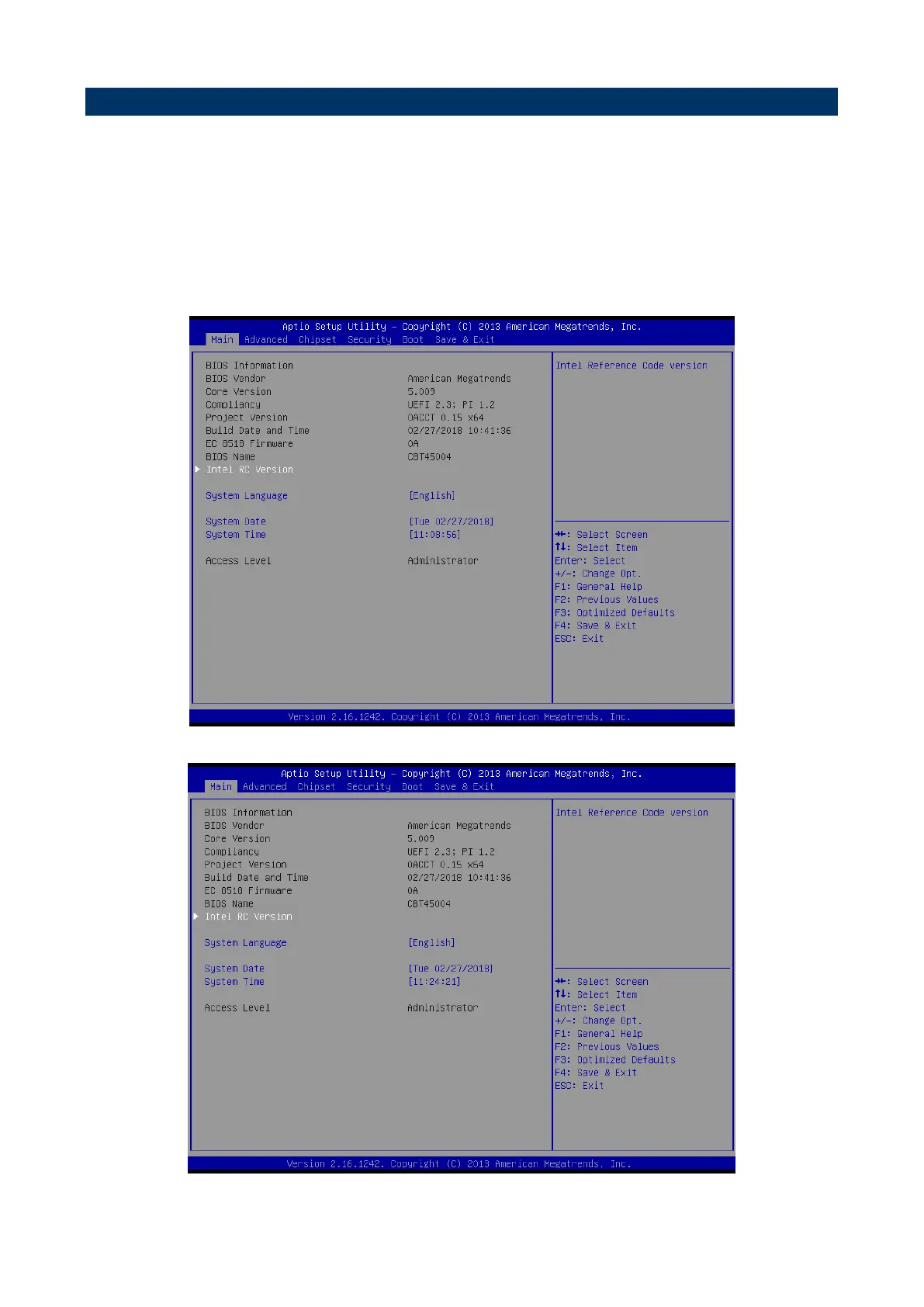
Once you enter the Aptio Setup Utility, the Main Menu will appear on the screen. The Main
Menu allows you to select from several setup functions and exit choices. Use the arrow
keys to select among the items and press <Enter> to accept and enter the sub-menu.
3.6.1 Main Menu
This section allows you to record some basic hardware configurations in your computer and
set the system clock.



 To Next Page