ECM-BT45 User’s Manual
ECM-BT45 User’s Manual 37
Enabled[Default],
Disabled
Enable or Disable Serial Port (COM).
Auto[Default]
IO=3F8h; IRQ=4;
IO=3F8h; IRQ=3,4,5,6,7,9,10,11,12;
IO=2F8h; IRQ=3,4,5,6,7,9,10,11,12;
IO=3E8h; IRQ=3,4,5,6,7,9,10,11,12;
IO=2E8h; IRQ=3,4,5,6,7,9,10,11,12;
Select an optimal setting for Super
IO device.
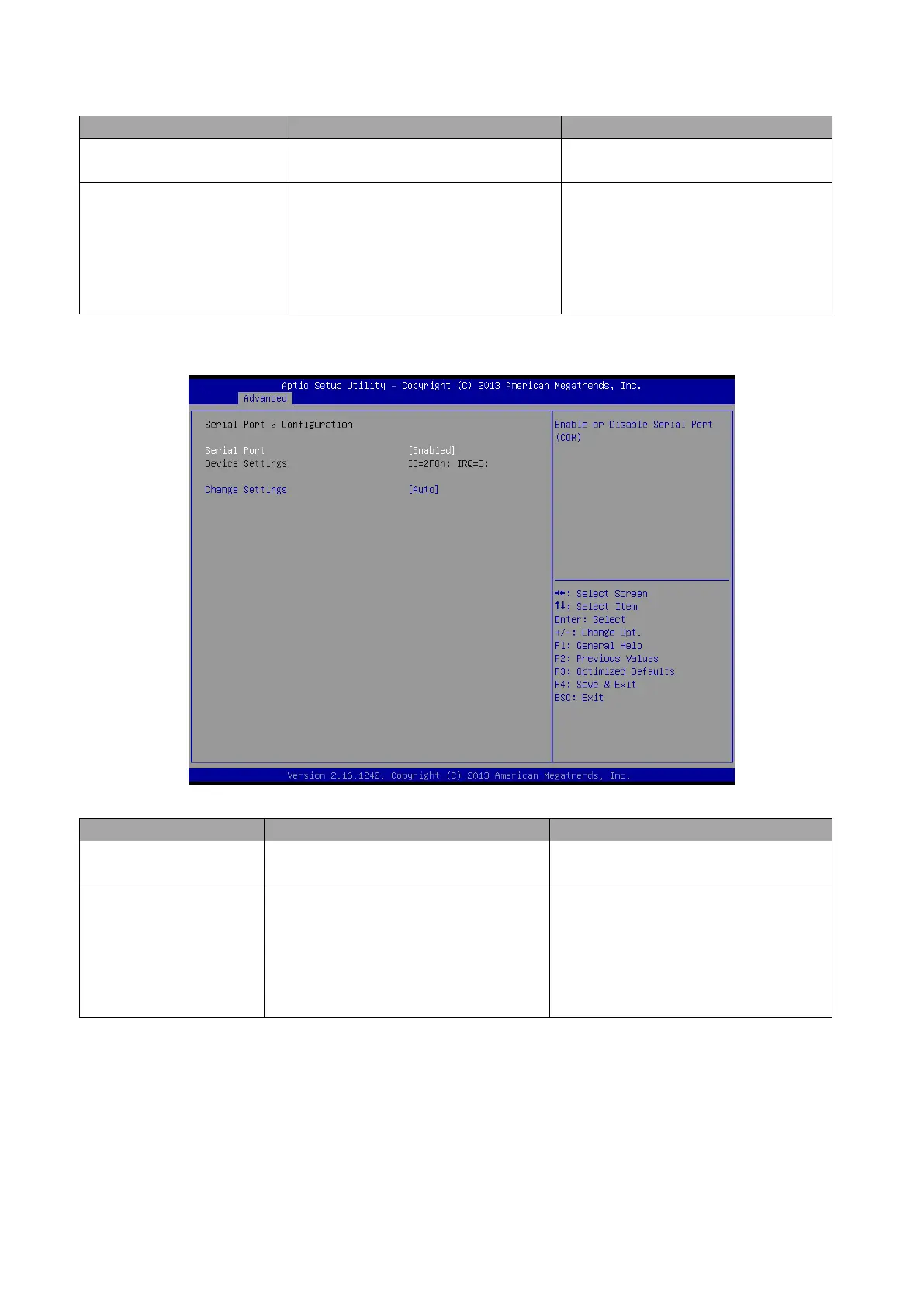
3.6.2.2.2 Serial Port 2 Configuration
Enabled[Default],
Disabled
Enable or Disable Serial Port (COM).
Auto[Default]
IO=2F8h; IRQ=3;
IO=3F8h; IRQ=3,4,5,6,7,9,10,11,12;
IO=2F8h; IRQ=3,4,5,6,7,9,10,11,12;
IO=3E8h; IRQ=3,4,5,6,7,9,10,11,12;
IO=2E8h; IRQ=3,4,5,6,7,9,10,11,12;
Select an optimal setting for super IO
device.



 To Next Page