ECM-BT45 User’s Manual
34 ECM-BT45 User’s Manual
3.6.1.1 System Language
This option allows choosing the system default language.
3.6.1.2 System Date
Use the system date option to set the system date. Manually enter the day, month and
year.
3.6.1.3 System Time
Use the system time option to set the system time. Manually enter the hours, minutes and
seconds.
Note: The BIOS setup screens shown in this chapter are for reference purposes
only, and may not exactly match what you see on your screen.
Visit the Avalue website (www.avalue.com.tw) to download the latest
product and BIOS information.
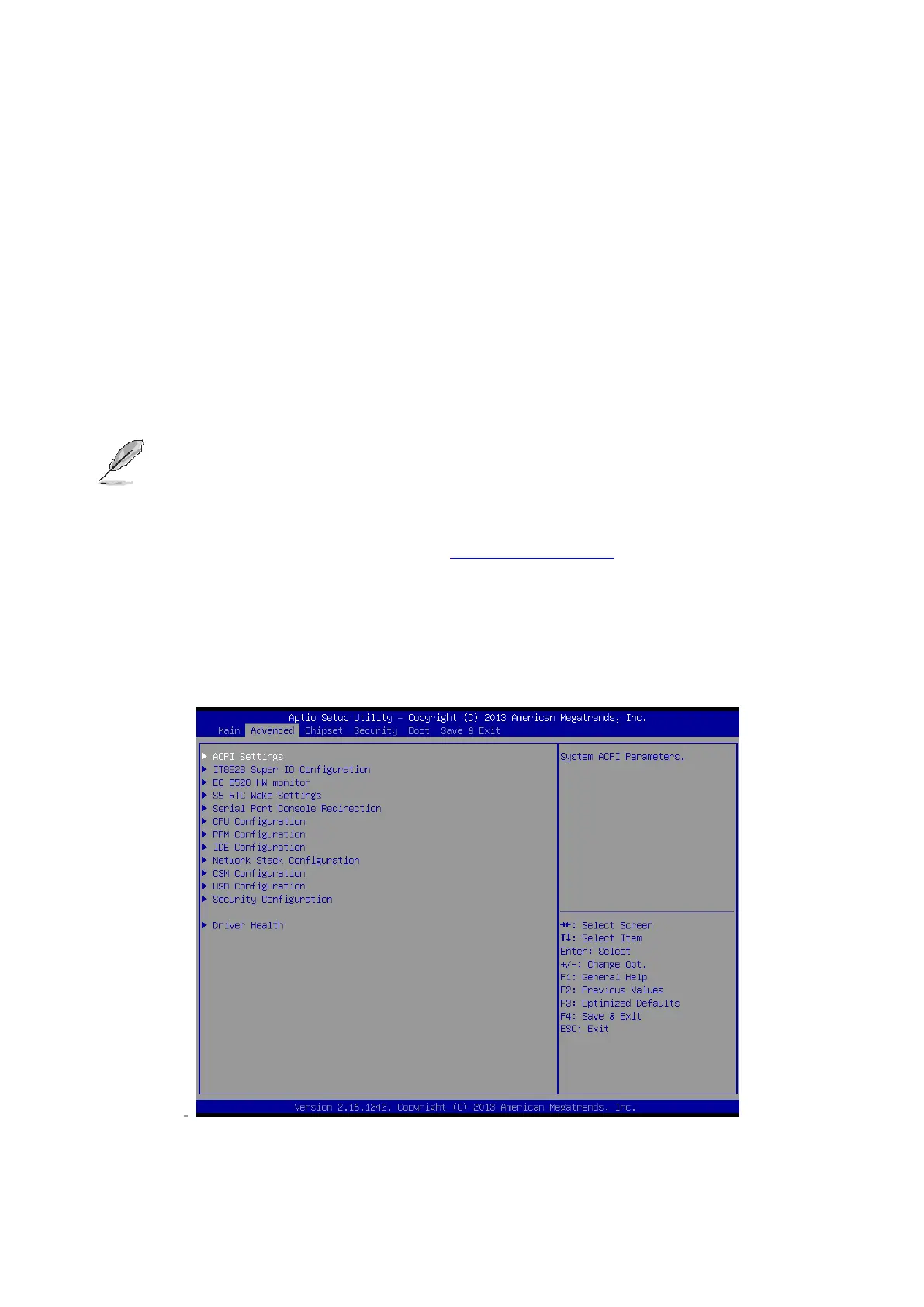
3.6.2 Advanced Menu
This section allows you to configure your CPU and other system devices for basic operation
through the following sub-menus.



 To Next Page