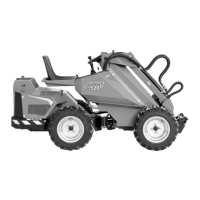
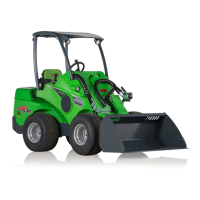
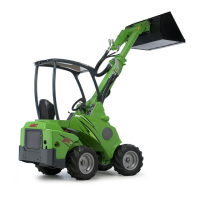
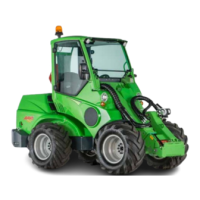
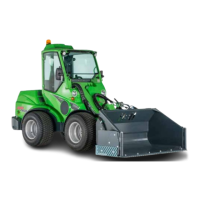
Models 520+, 523+, 528+ and 530+
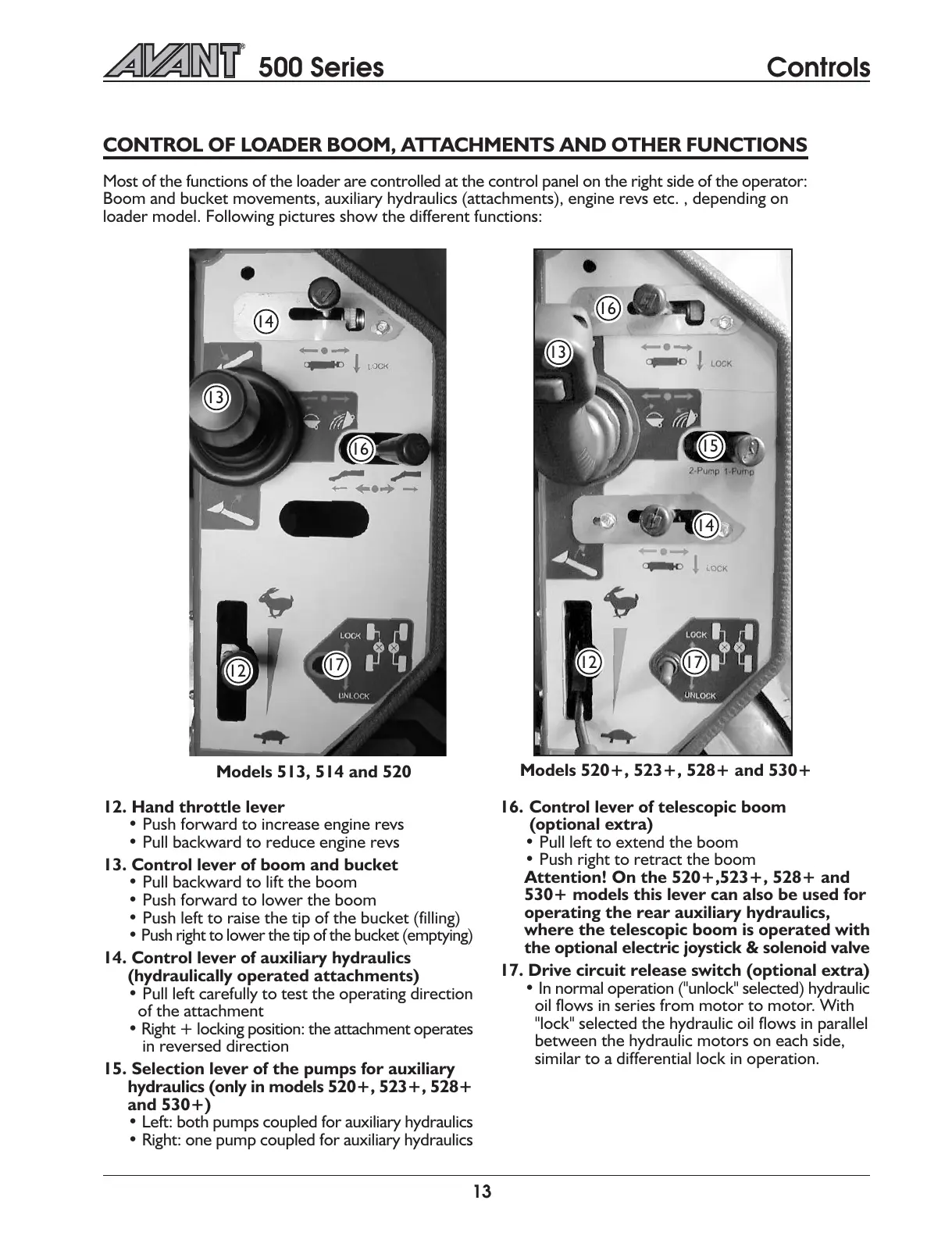
Models 513, 514 and 520
500 Series
Controls
13
CONTROL OF LOADER BOOM, ATTACHMENTS AND OTHER FUNCTIONS
Most of the functions of the loader are controlled at the control panel on the right side of the operator:
Boom and bucket movements, auxiliary hydraulics (attachments), engine revs etc. , depending on
loader model. Following pictures show the different functions:
12. Hand throttle lever
Push forward to increase engine revs
Pull backward to reduce engine revs
13. Control lever of boom and bucket
Pull backward to lift the boom
Push forward to lower the boom
Push left to raise the tip of the bucket (filling)
Push right to lower the tip of the bucket (emptying)
14. Control lever of auxiliary hydraulics
(hydraulically operated attachments)
Pull left carefully to test the operating direction
of the attachment
Right + locking position: the attachment operates
in reversed direction
15. Selection lever of the pumps for auxiliary
hydraulics (only in models 520+, 523+, 528+
and 530+)
Left: both pumps coupled for auxiliary hydraulics
Right: one pump coupled for auxiliary hydraulics
16. Control lever of telescopic boom
(optional extra)
Pull left to extend the boom
Push right to retract the boom
Attention! On the 520+,523+, 528+ and
530+ models this lever can also be used for
operating the rear auxiliary hydraulics,
where the telescopic boom is operated with
the optional electric joystick & solenoid valve
17. Drive circuit release switch (optional extra)
In normal operation ("unlock" selected) hydraulic
oil flows in series from motor to motor. With
"lock" selected the hydraulic oil flows in parallel
between the hydraulic motors on each side,
similar to a differential lock in operation.
12
12
13
13
14
14
15
16
16
17
17



 To Next Page