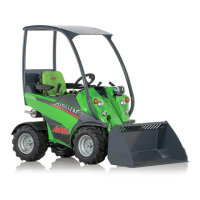
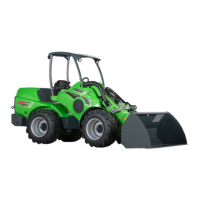
Avant 755i 760i Controls and options of the Loader
49
.
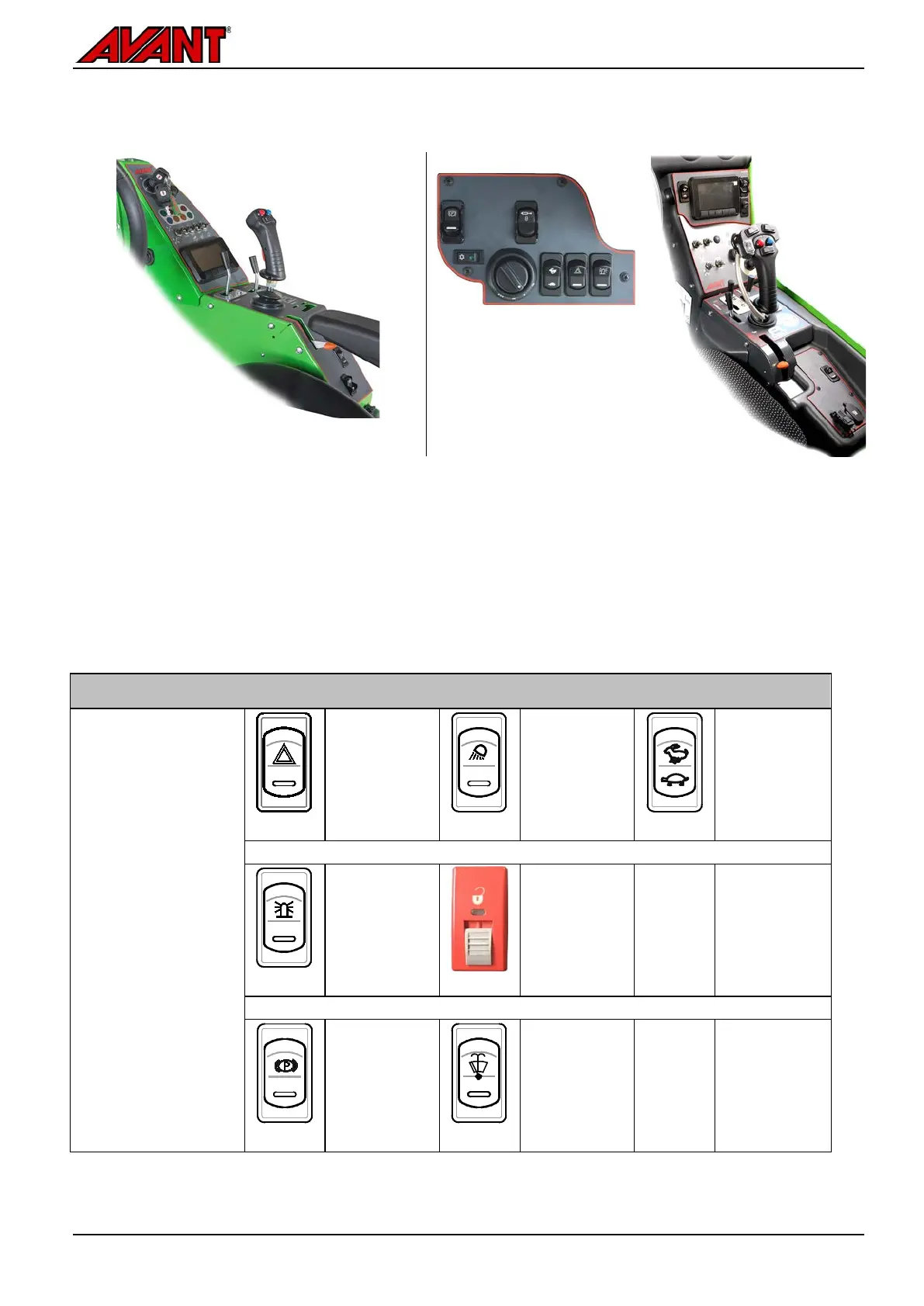
On loaders with ROPS frame or CAB L: On loaders equipped with CAB DLX:
All switches are located near the hand throttle
lever
On loaders that that are equipped with the DLX Cab there are
switches in separate groups:
Around the display
are the switch for parking brake, drive
speed mode (on 760i), and floating system (if installed)
Some switches and cab fan and A/C control are located at
the upper right corner of windscreen
Some additional
switches are located rearwards from the
hand throttle lever
Switches on the panel
NOTE: Some of the
switches presented
here are for optional
equipment and might
not be installed on
the loader.
The position of the
switch may be
different than shown
in here.
Emergency
blinker
Optional
equipment
Extra work lights
on the ROPS
frame, 2 front, 1
rear
Optional
equipment
See page 69
Drive speed
range selection
switch
See page 80
Warning beacon
Optional
equipment
See page 70
Hydraulic
locking pins,
attachment
coupling
Optional
equipment
See page 91
Parking brake
See page 56
Windscreen
wiper and
washer
Included with
CAB L, LX and
DLX


 To Next Page