Getting started
44
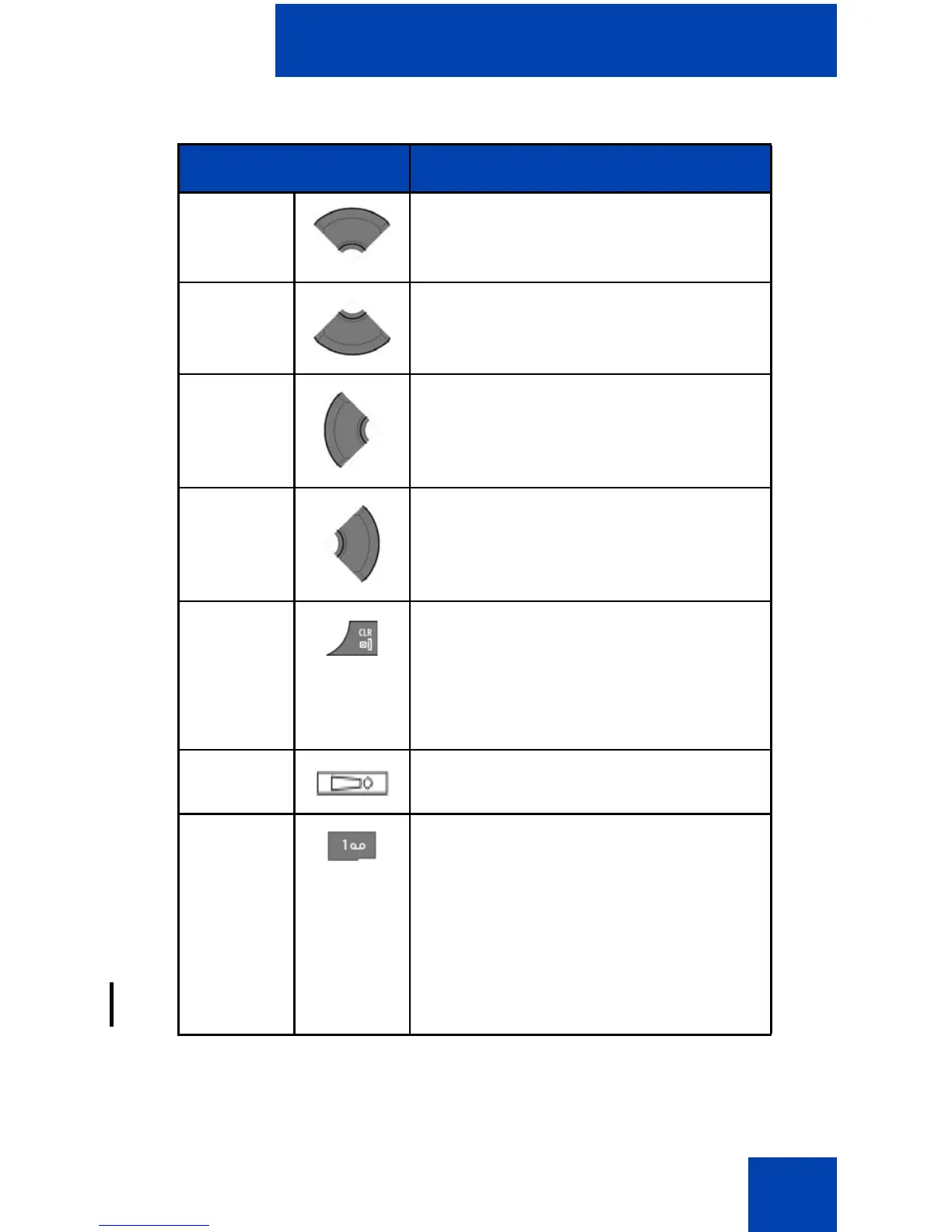
Up key Press the Up key to position the
cursor.
Down key Press the Down key to position the
cursor.
Left key Press the Left key to position the
cursor.
Right key Press the Right key to position the
cursor.
Clear key • Press the Clr key to cancel the
current action and to return to the
previous menu.
• Long press the Clr key to return
to Idle mode.
SOS key Long press the SOS key to make an
emergency call (if configured).
1 • Press the 1 key one or more
times to enter the digit (for
example, to enter a number, date,
time, or PIN).
• Press the 1 key one or more
times to enter a special character.
For more information, see “Key
functions in text mode” (page 46).
Table 9: Key functions in Edit mode (Continued)
Key Description


 To Next Page