Getting started
45
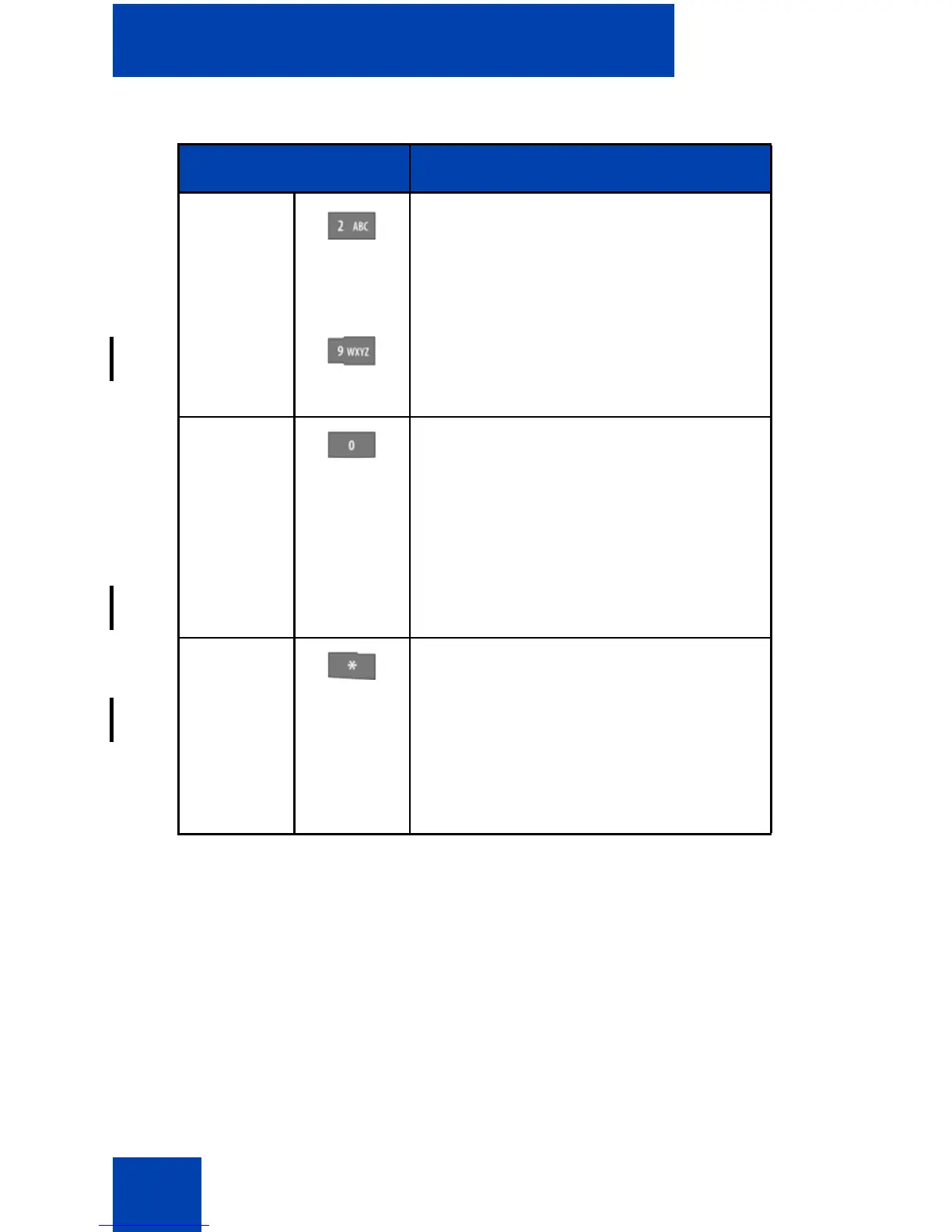
2–9 • Press the 2–9 keys to enter the
digits (for example, to enter a
number, date, time, or PIN).
• Press the 2–9 keys one or more
times to enter a letter. For more
information, see “Key functions in
text mode” (page 46).
0 • Press the 0 key to enter the digit
(for example, to enter a number,
date, time, or PIN).
• Press the 0 key one or more
times to insert a space or a
punctuation mark. For more
information, see “Key functions in
text mode” (page 46).
* • Press the * key one or more times
to enter a special character. For
more information, see “Key
functions in text mode” (page 46).
• Long press the * key to enter a
comma when you edit a number.
The comma indicates a pause.
Table 9: Key functions in Edit mode (Continued)
Key Description



 To Next Page