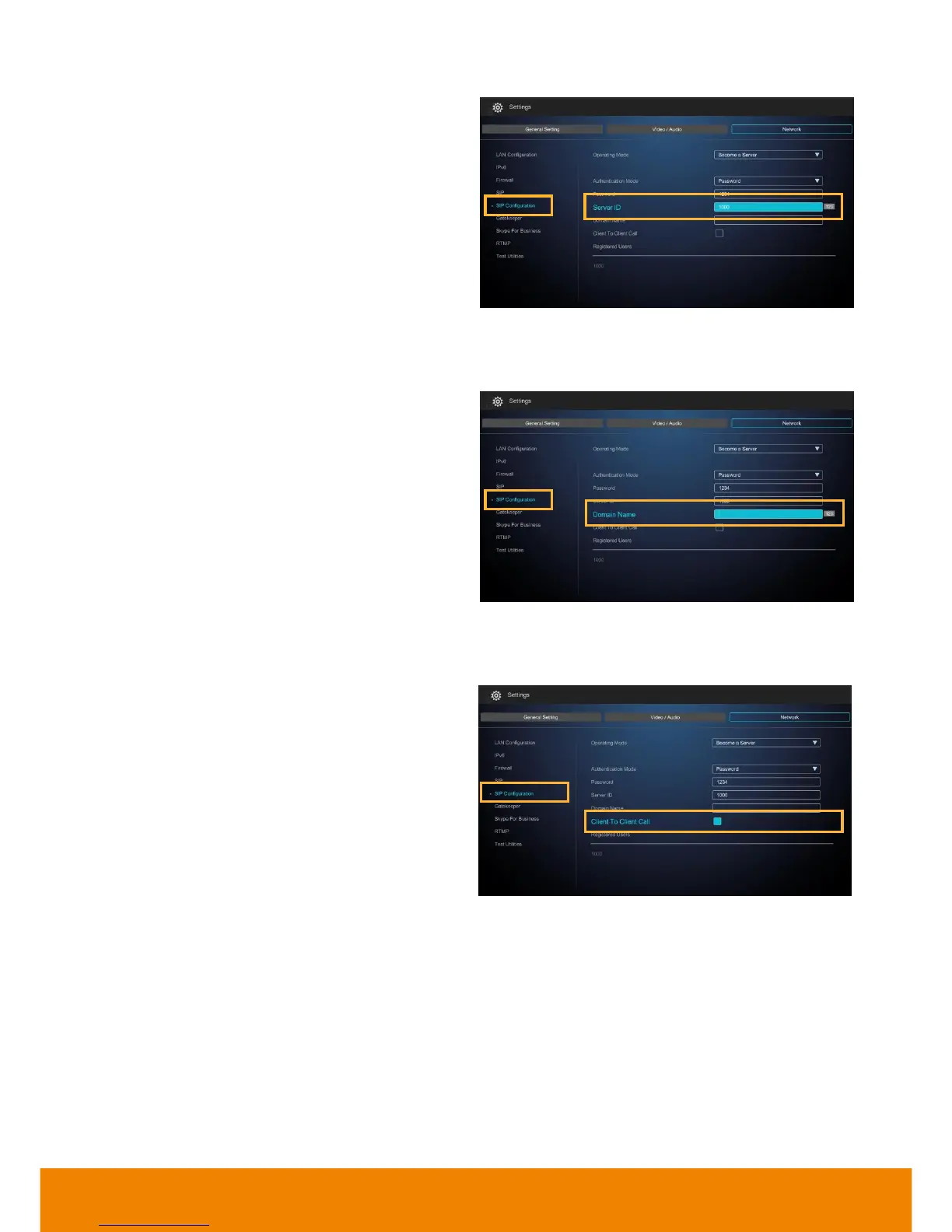
To make a 1 to 1 call meetings through the
registered SIP server to other SVC system,
EZMeetup, or 3rd party conference device. SVC
supports five group ( 1 to 1) call meetings.
[Note]
1. Callers and receivers need to be registered
on same SIP server and are list in Registered
Users’ list.
2. SVC(SIP server) must power on and setup in
SIP server mode.
3. SVC(SIP server) is a call meeting bridge and
host session in background.
4. Make sure the TCP/UDP ports(30299 ~
30699) of router and SVC are opened.
5. Make sure the internet bandwidth is enough
and will not affect performance of standard
conference call.
6. The BFCP content sharing only support UDP
protocol in Client to Client call.



 To Next Page