7 — Appendices
7 - 22 Service Instructions RP-A301CE/RP-A351CE/RP-A355CE
Working cycles
In SLICE and WEIGHT functions it is possible to
work in a cyclic way.
In waiting condition, press the O button to visualise
the count of the working cycles.
Programme inside each function.
Press the AUTOMATIC button; when the machine
gets to the fixed weight or slice number it stops
automatically, led L3 flashes to indicate the end of
the cycle.
After taking the product from the slice receiving
tray a new cutting cycle starts automatically.
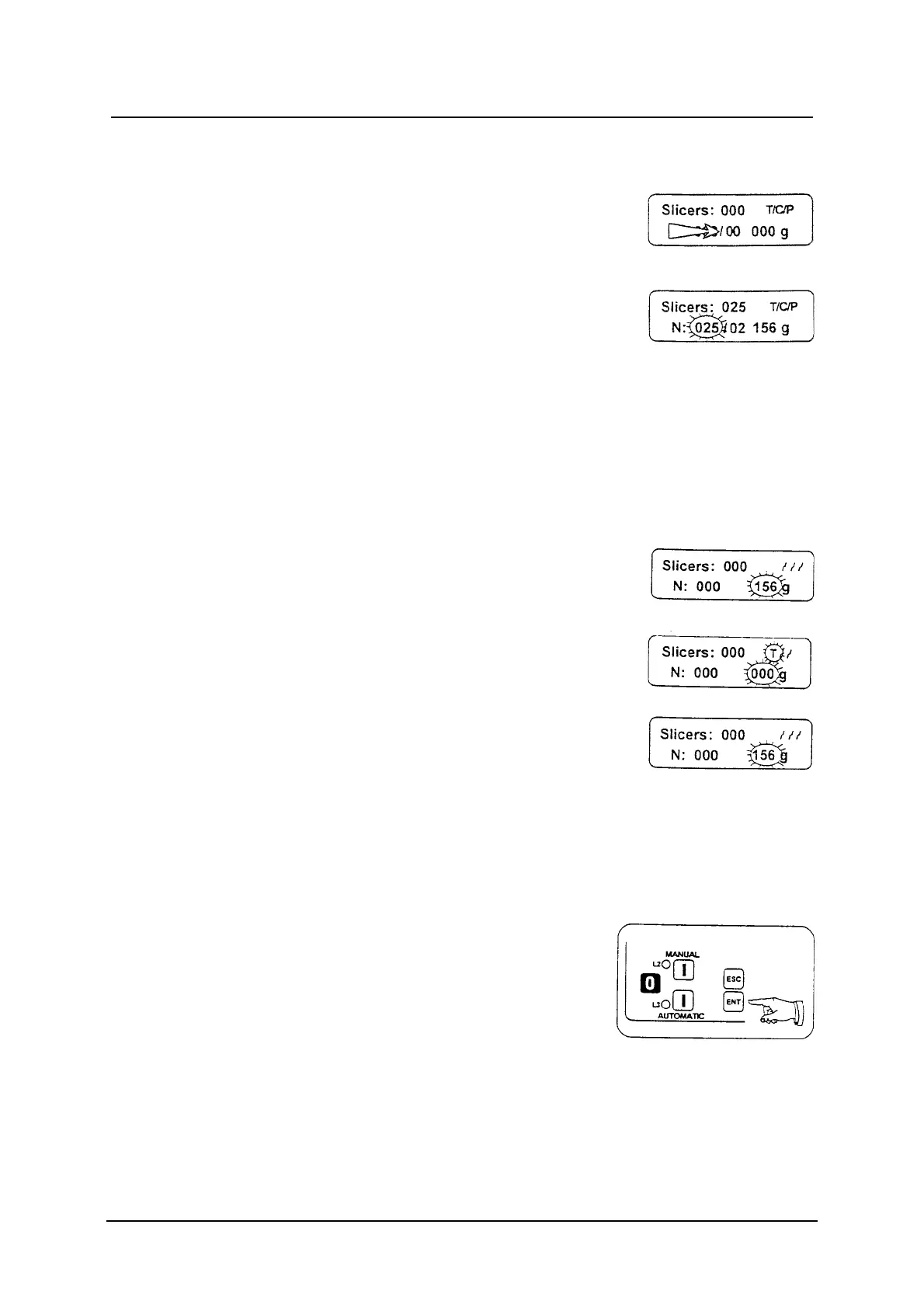
Tare
The tare function can be used in all the working
function here described.
To set up the tare, use the ESC button:
1 Pressing ESC for about a second it is
possible to reset the tare value on the weight
display (one beep).
2 Pressing ESC for about two seconds, the tare
value previously set up is displayed (two
beeps).
In normal condition the weight display must always
be zero, if it is not zero, reset it as described at the
a point.
Operative menu
To enter the Operative Menu (MAIN MENU) keep
the ENT button pressed until an acoustic signalling
indicates that the function is active. The machine
must be in waiting condition.
To choose one of the three functions, in a cyclic
way, press the MANUAL button.
To exit the MAIN MENU press the ENT button
more than once.



 To Next Page