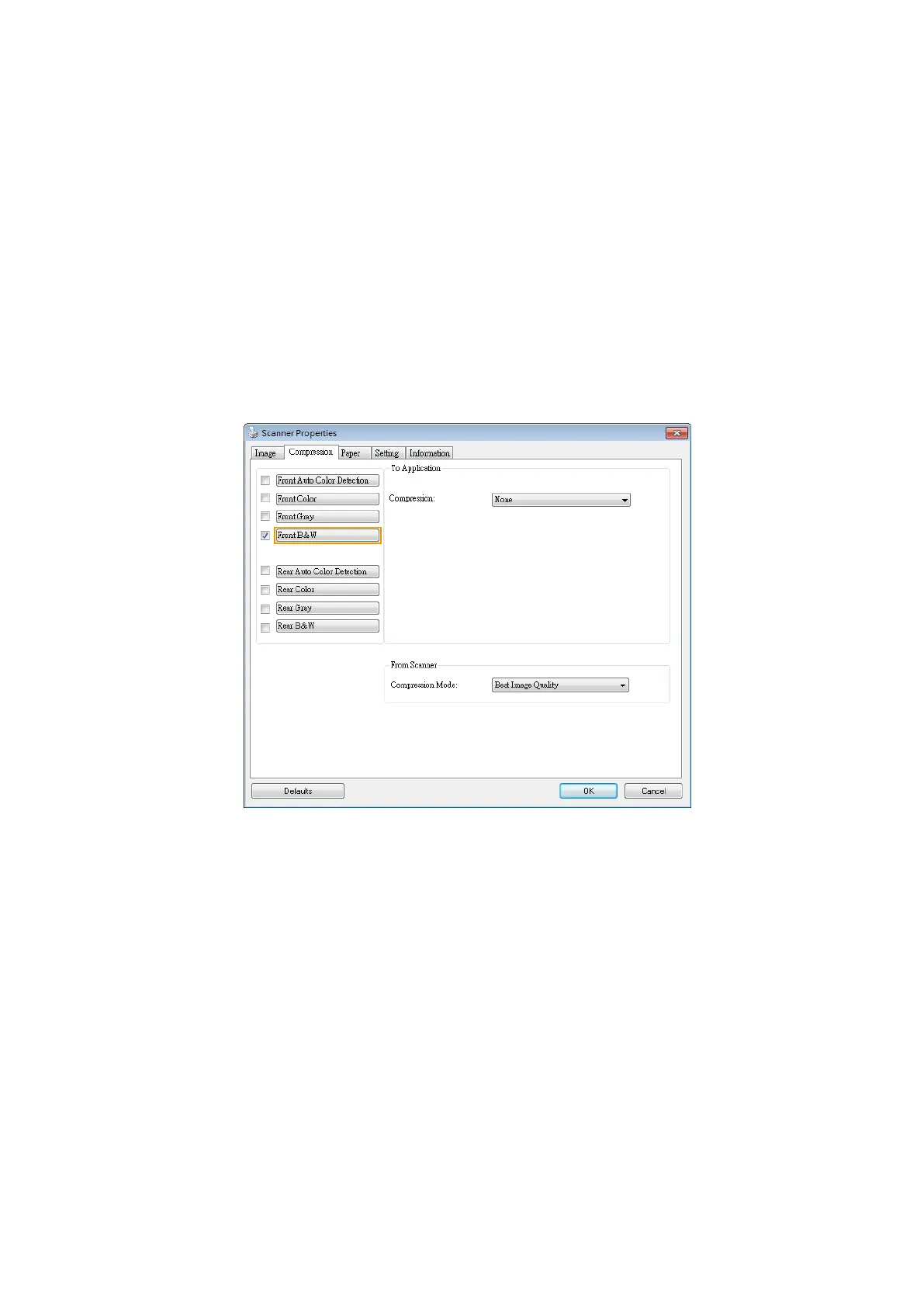
Note that the compression depends on your image editing application. If your
image editing application does not support the type of compression format, then
the image of the compressed file will look abnormal.
From Scanner: (Note: The availability of this feature varies due to scanner
model.)
Choose if you wish to compress the scanned image and transfer it from the scanner
to the TWAIN driver.
Choice: Uncompressed, *Best Image Quality (Low Compression Level), Better
Image Quality (Normal Compression Level), Normal Image Quality (High
Compression Level). (*: Factory Default)
The Compression tab dialog boxThe Compression tab dialog box



 To Next Page