Checking the Button Configurations before Scanning
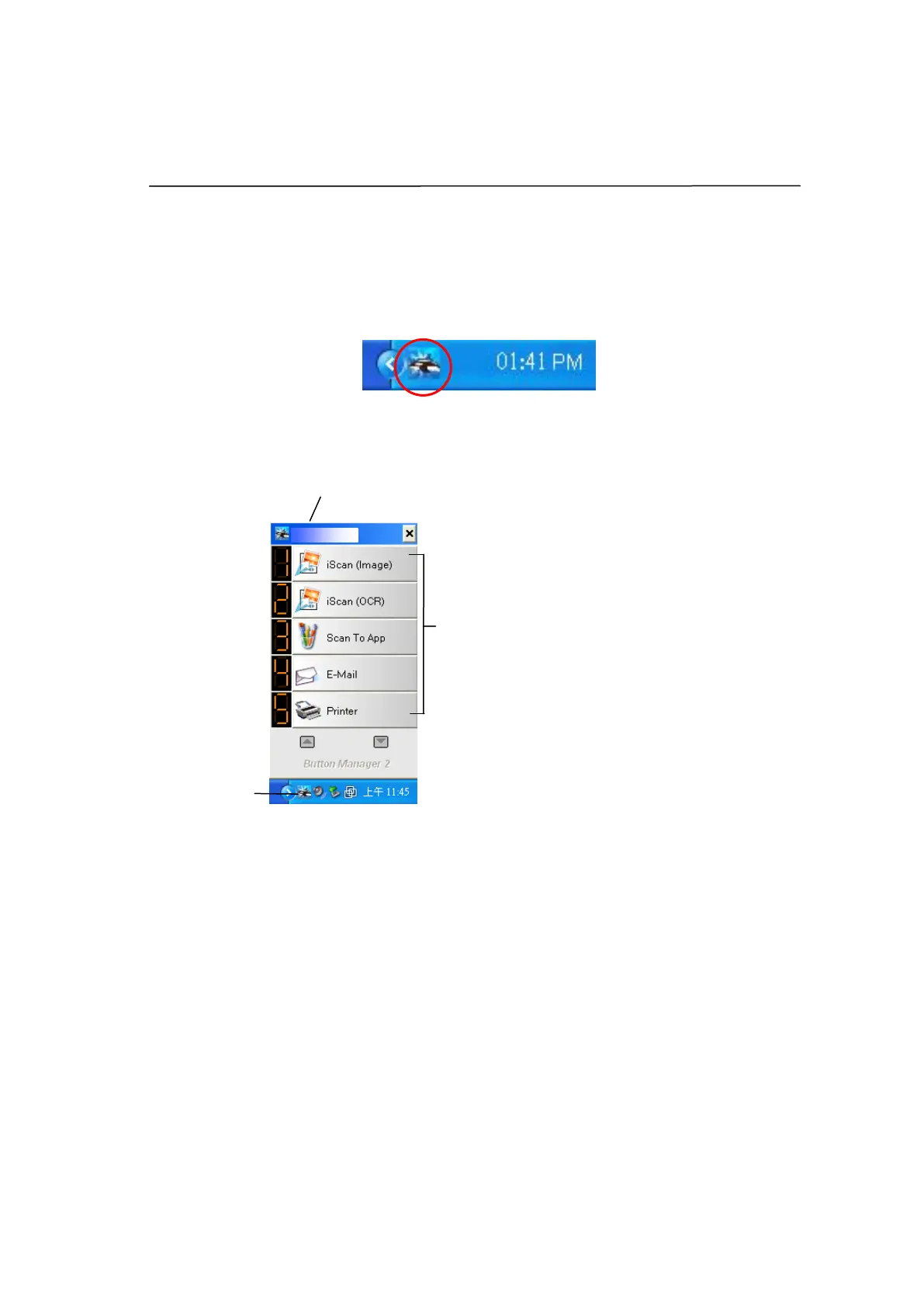
1. Button Manager V2 runs from the system tray. After Button Manager V2 and
the scanner driver are properly installed, Button Manager V2 is started and
the Button icon will be displayed on the system tray at the bottom right
corner of your computer screen.
2. Left-click the Button Manager V2 icon to prompt the following Button Panel.
The Button Panel
This indicates the scanner model
The Function
Icon
(The number of
function icons
vary based on
type of
scanner.)



 To Next Page