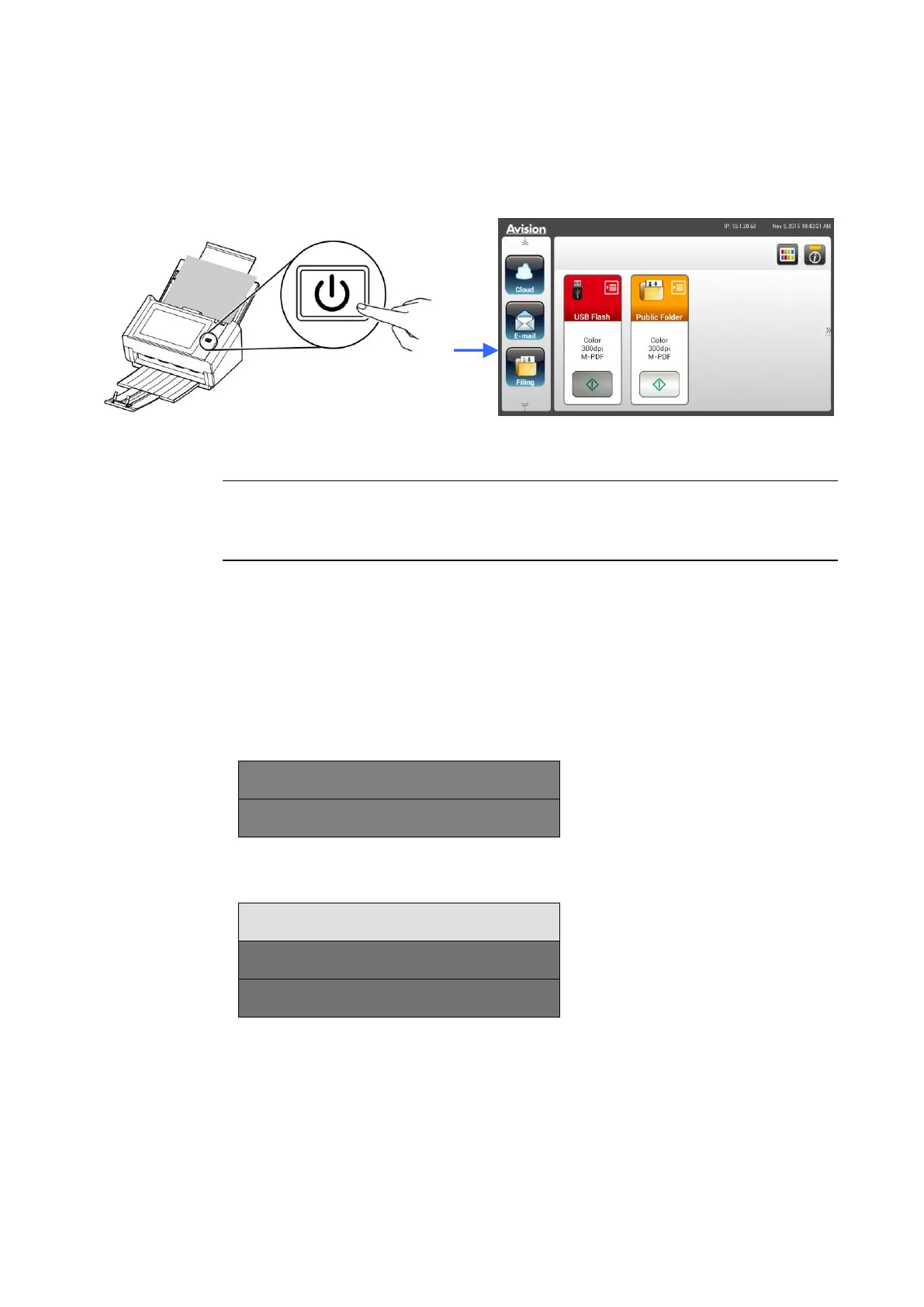
3. Press the [Power] button to turn on the product. The Power LED lights
in green and the LCD Touch Panel will be displayed with a Home screen
as illustrated.
Note:
If the product will not be used for a long time, press the Power button for 3
seconds to turn off the power. Then unplug the product from the power
outlet.
Turning Off the Machine
1. Press the Power button for at least 2 seconds. A Confirmation dialog box
appears.
2. Tap [Power off] to turn off the machine or reboot to restart the machine.
The machine is going to power off.
3. Tap [OK] to turn off the machine.



 To Next Page