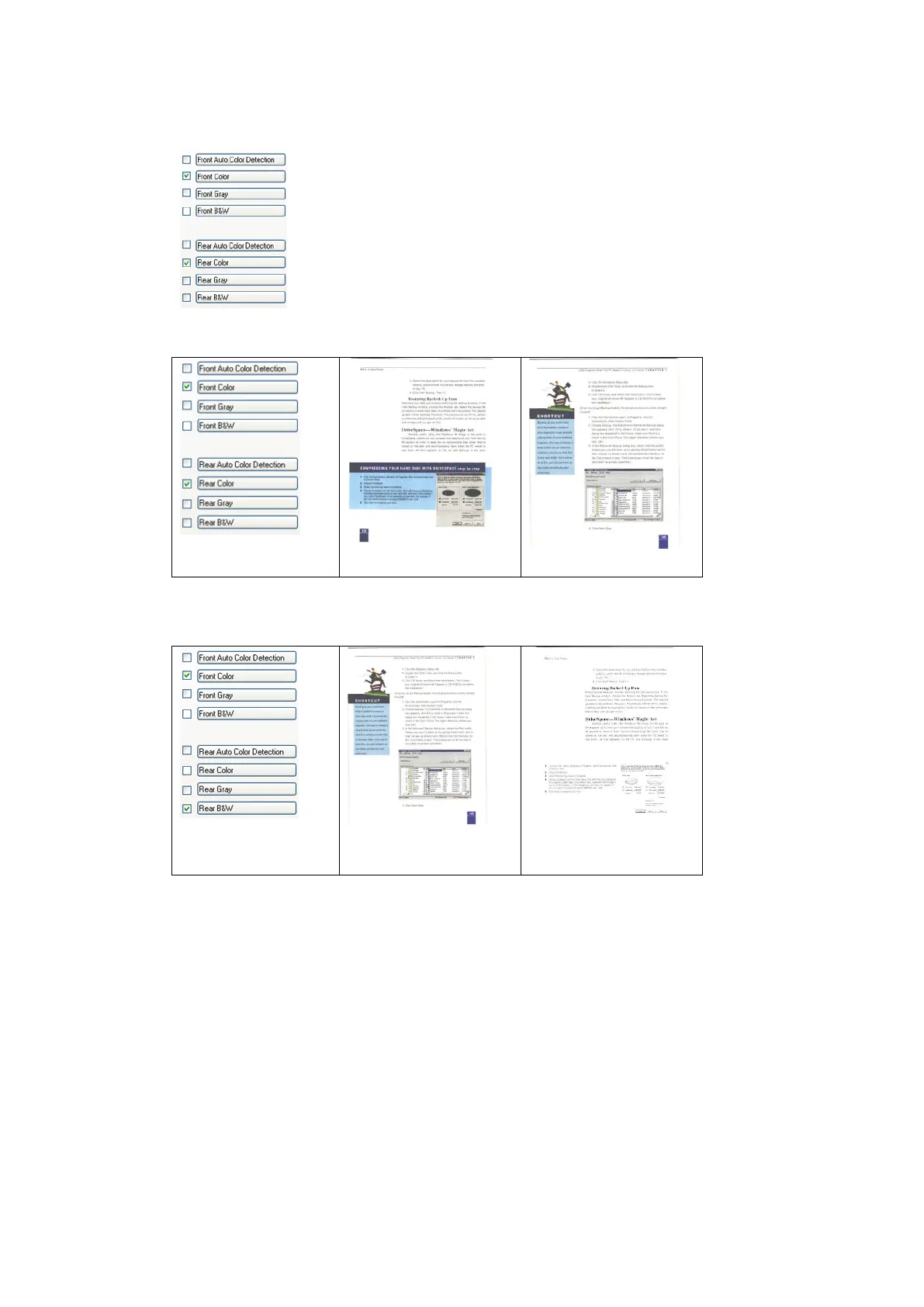
The Image Selection Box
The Image Selection box includes the image type and
document side option. If you wish to scan both the
front side and the rear side of your color document,
you can check both Front Color and Rear Color at the
same time. Note the options vary based on type of
scanner.
Example 1:Scanning a two-sided color document, both sides in color
Example 2:Scanning a two-sided color document, one in B&W, the other
in color



 To Next Page