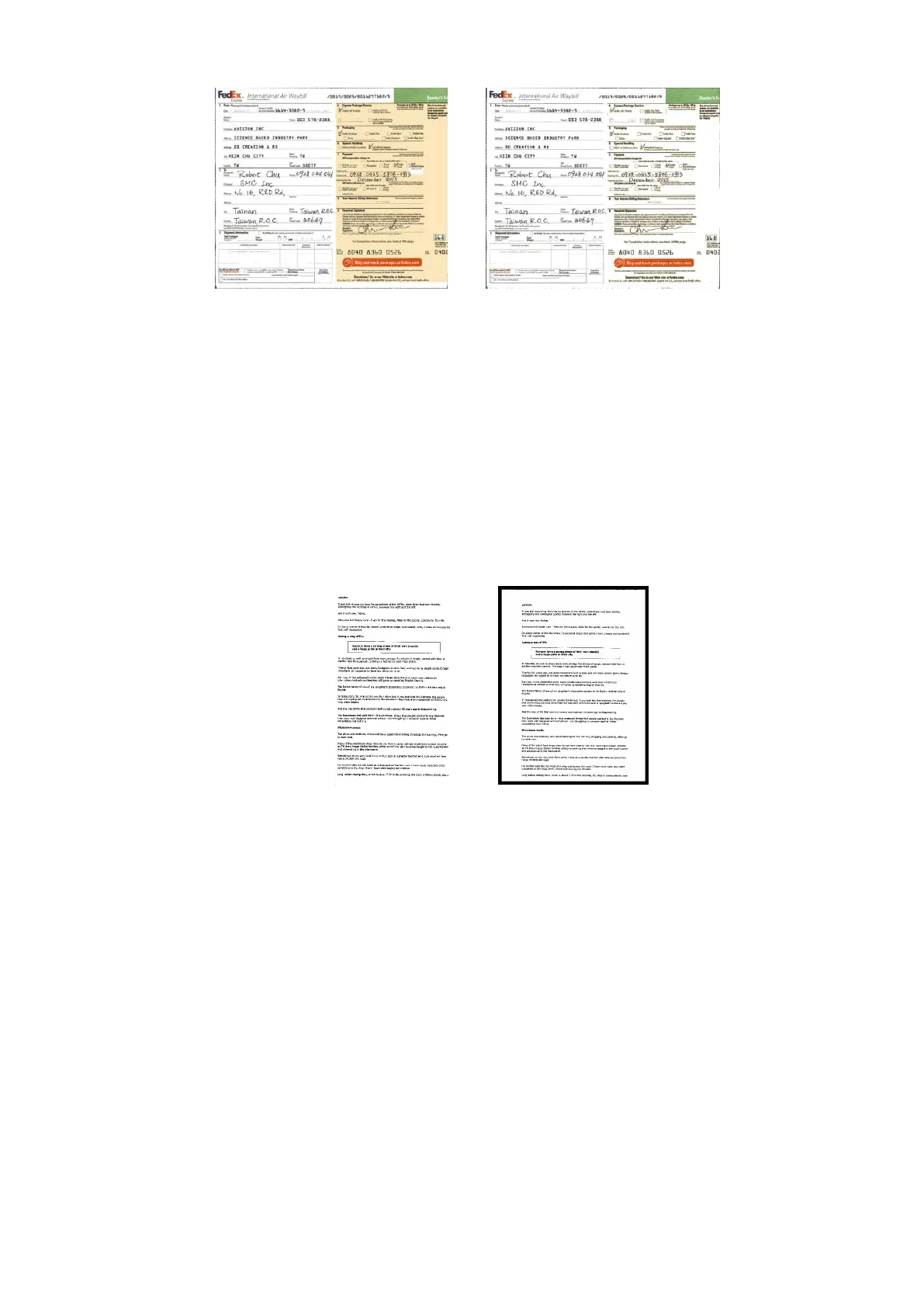
Check White or Black if you wish to add white or black
edge on the border of your scanned image. Enter the
value from 0 to 5 mm. Default value is 0.
If you want to add a white or black frame on the edges
of the scanned image, check "Edge Extension".
The default value is 0. The maximum value is half of the
short side of the selected scan area.
For example, if you choose an A4 size (8.26 "X11.69"),
then the maximum value of the white or black box is
4.14" (half of "8.26").



 To Next Page