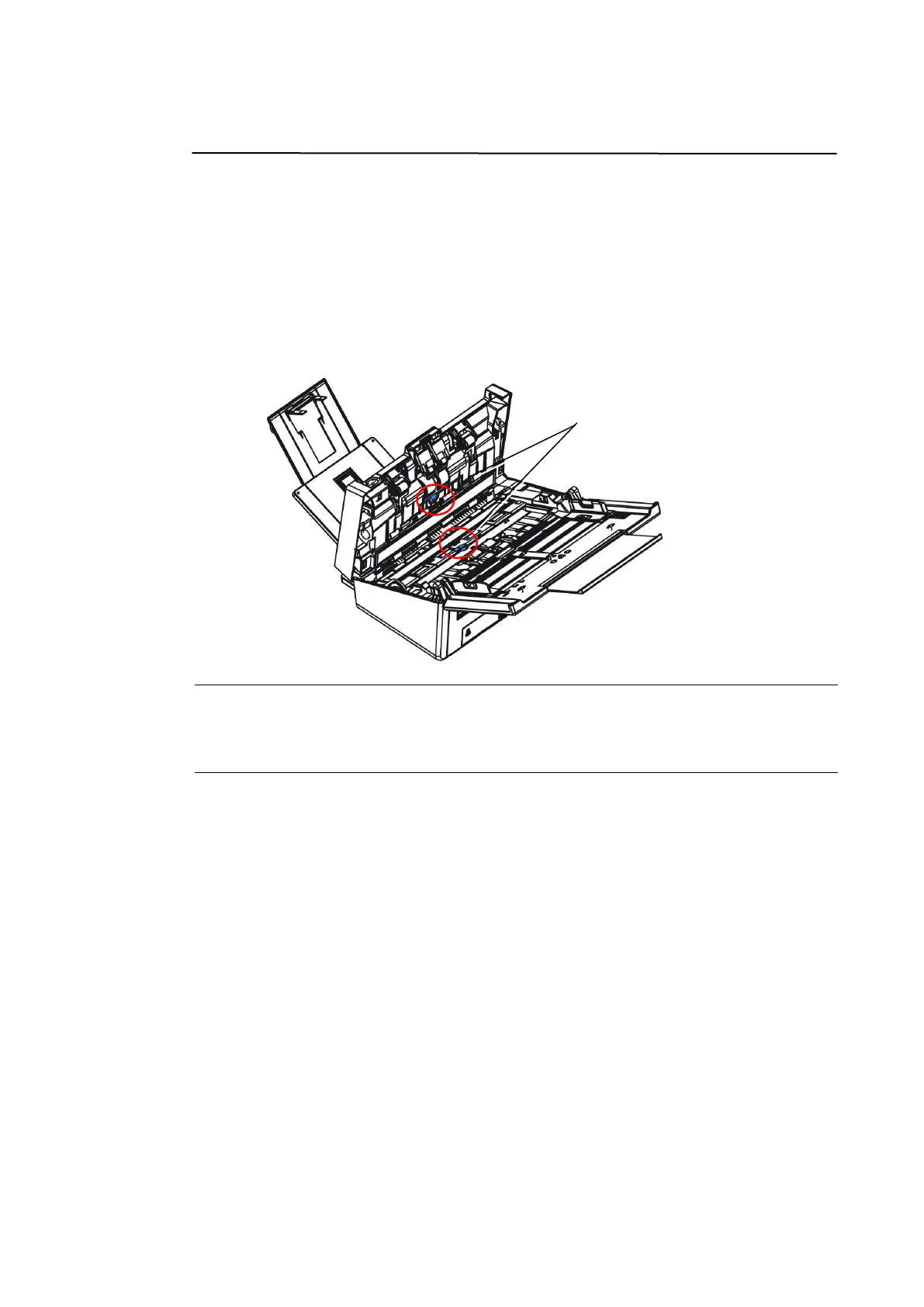
Cleaning the Ultrasonic Sensors
If the scanner sometimes fails to detect multi-feed via ultrasonic sensors, it is
possible that paper dust or dirt may be accumulated on the surface of the
ultrasonic sensors. Please follow these steps to clean the sensors.
1. Press the ADF release button. Open the front door.
2. Wet a clean cloth with some isopropyl alcohol. (95%)
3. Gently wipe the dirt and dust off the surface of the ultrasonic sensors.
Note:
If it is difficult to clean, use a cotton swab.
The availability of ultrasonic sensor varies according to your scanner model.



 To Next Page