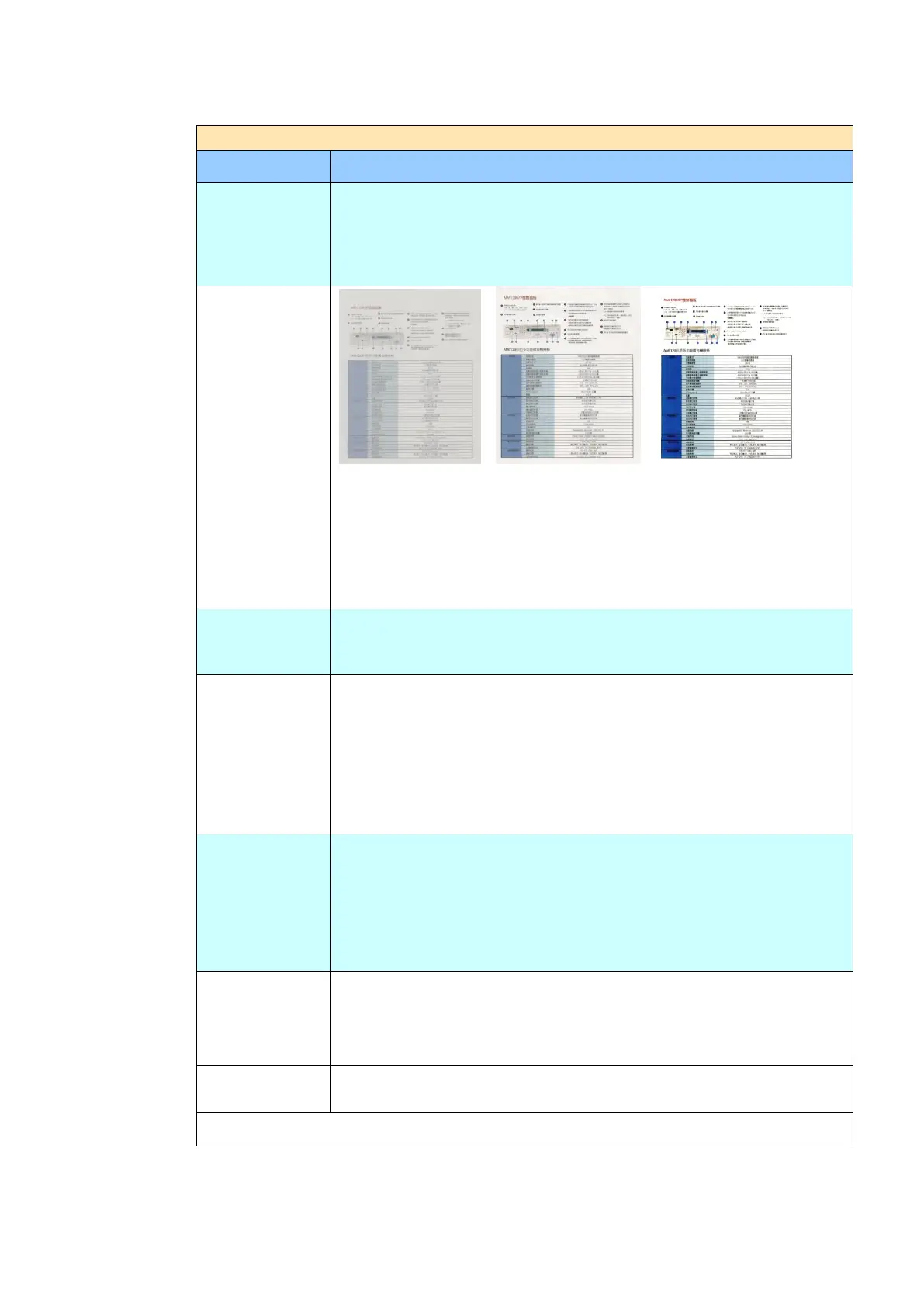
7 levels of density are provided to adjust the lightness or
contrast of your document. If your original document is too light
or too dark, you can use this setting to adjust the scanned
image. Choice: Level -3~3. Default value: 0
Contrast: -3 Contrast: 0 Contrast: 3
(Normal)
Choice: Level -3~3. Default value: 0
Adjust the Contrast slider right or left to increase or decrease
the contrast.
If you wish to remove the blank page, you can adjust the
sensitivity value to define the threshold. The higher the value,
the more the sensitivity.
The options will be available only when “JPEG” format is
selected in the Attachment Format option. Choose the quality
level of your scanned image. The higher the quality, the larger
file size.
Choice: *Normal Quality/Small File, Higher
Quality/Larger File, Highest Quality/Largest File
Choose your document type.
Choice: *Mixed, Photo, Text
Text: Suitable for document contains pure text.
Photo: Suitable for document contains photos.
Mixed: Suitable for common business document with photo or
text.
Choose if you wish to enable the Multi-Feed Detection via
ultrasonic unit. Ultrasonic Detection allows you to set
overlapped document by detecting paper thickness between
documents. Choice: On/*Off
Used to adjust the brightness of the entire image. The smaller
the number, the higher the brightness. Range: 128~*255



 To Next Page