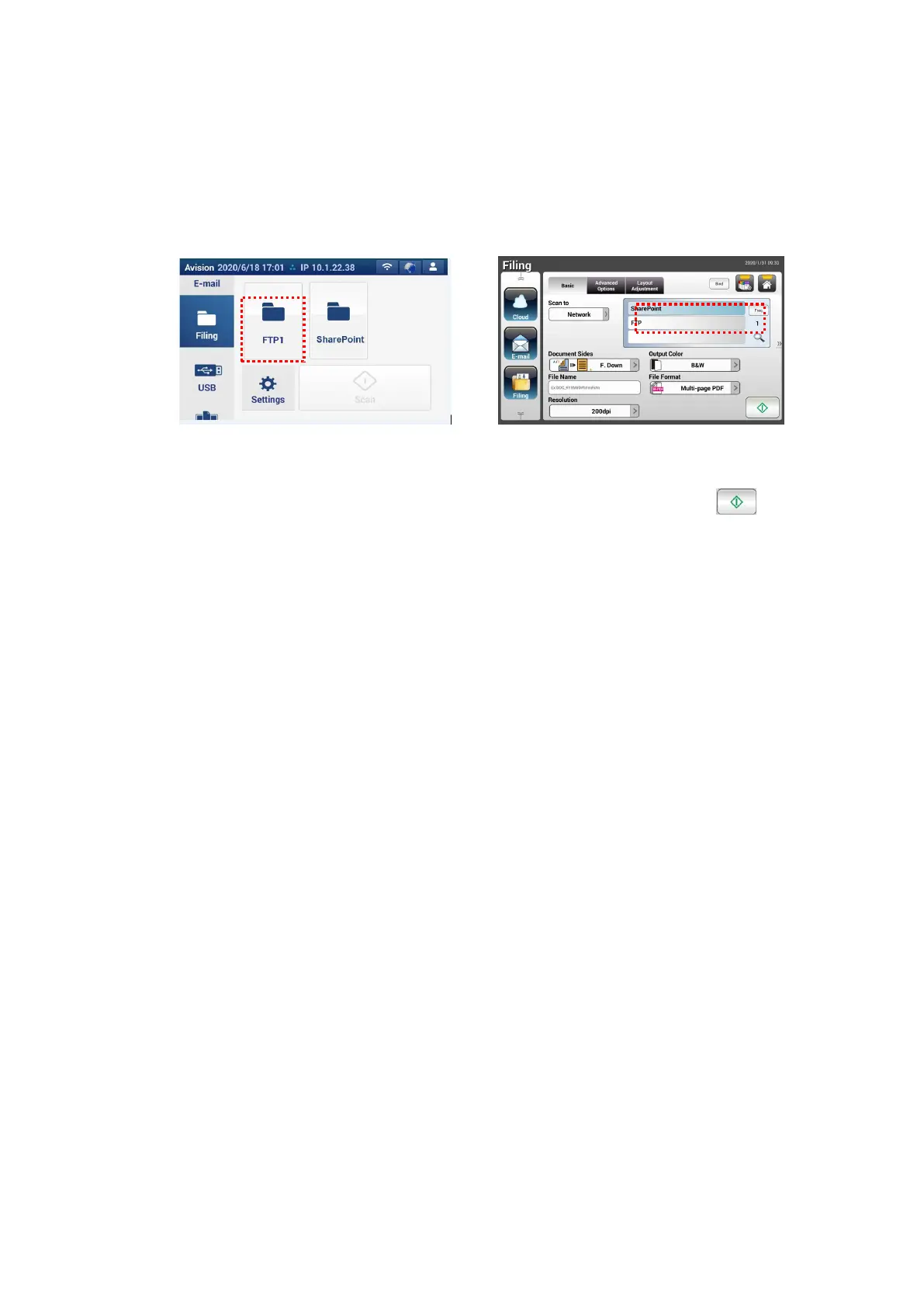
To scan and send your image to SharePoint Server,
1. For AN335W/AN360W series, tap [Filing] and then choose [Network]
from the [Scan to] option. Finally, choose [SharePoint].
For AN335WL series, tap [Filing] and then choose [SharePoint].
AN335L series AN335W/AN360W series
2. Load your document to the scanner and then tap the [Start]
button.
3. In a second, the scanned image will be sent to the SharePoint server.



 To Next Page