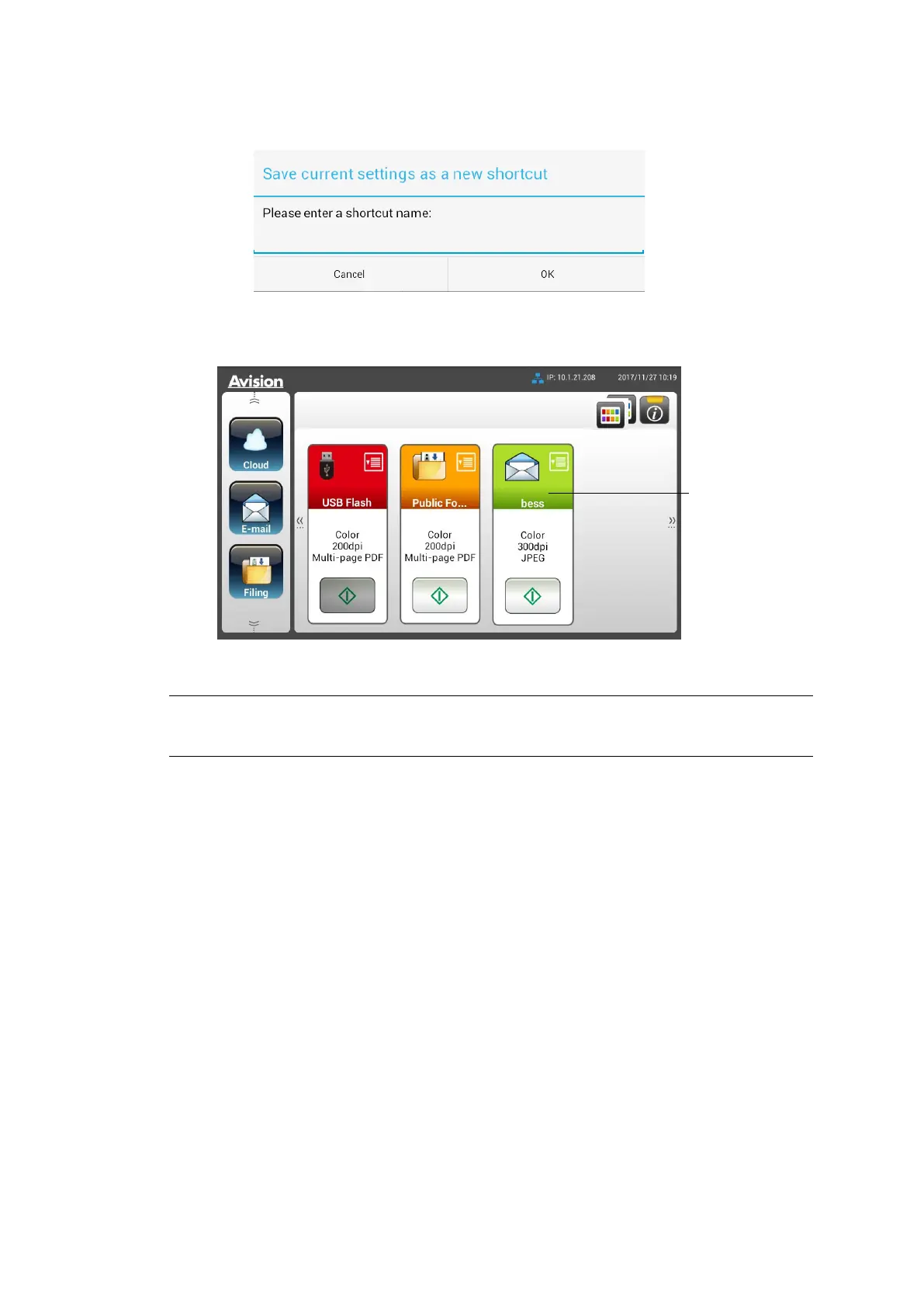
6. An [Enter a Shortcut Name] dialog box will be prompted.
7. Enter your shortcut name and tap [OK]. For example, bess. The new
shortcut button will be displayed on the LCD Touch Panel.
Note:
Follow the similar procedure to create your frequently Cloud or Filing destination
to be your ShortCut on the LCD Touch Panel.



 To Next Page