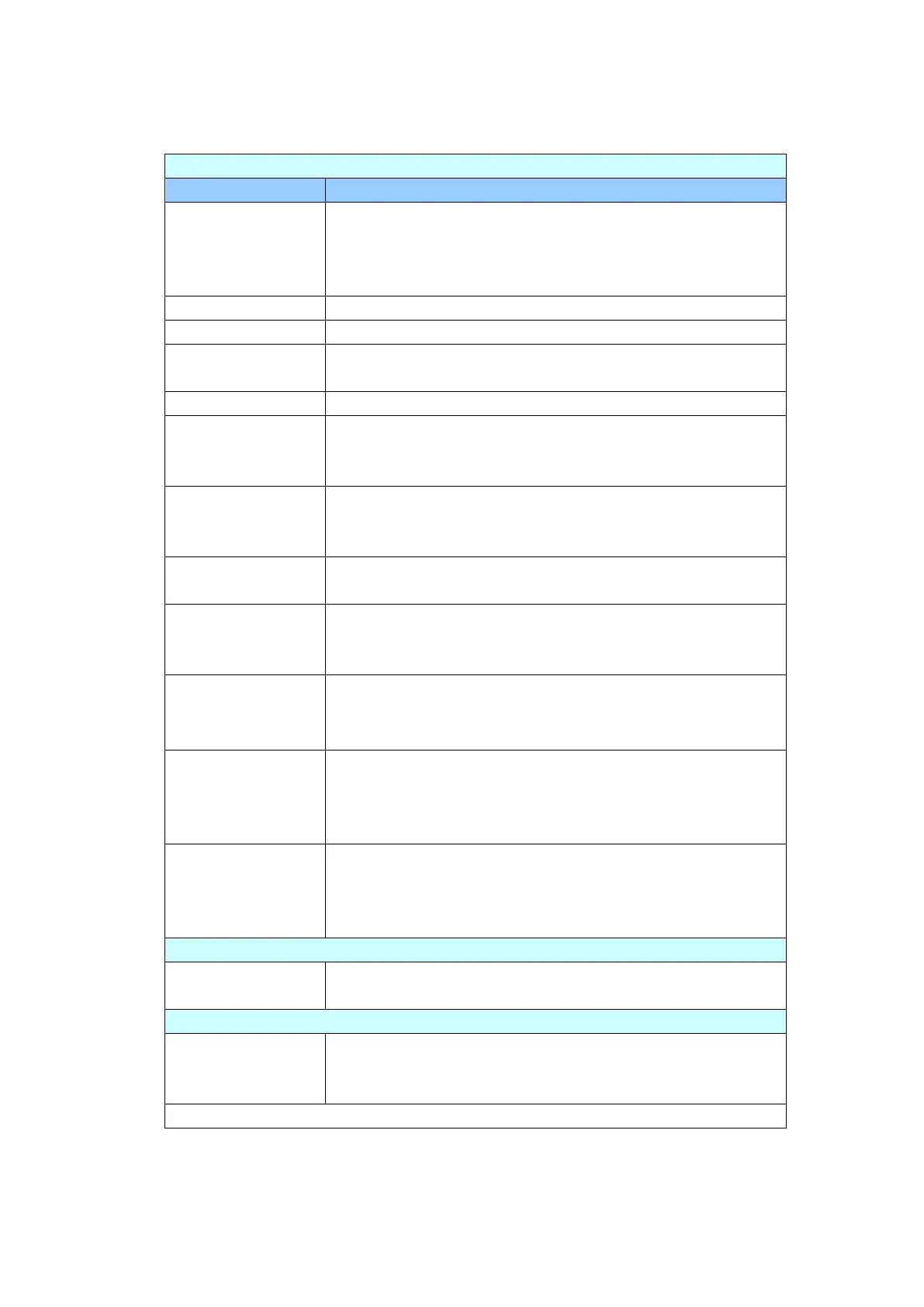
Device Management
General: Used to specify the product’s general information.
Avision-xxxxxx: The network name (SSID) for the
scanner in a wired and wireless environment. Xxxxxx
indicates the last six digits of the scanner’s Mac
address.
Used to specify the product’s NTP server.
Used to specify the product’s current date.
Used to specify the product’s current time. The time
format is 24-hour system.
Used to specify the time zone of your location.
Used to specify the length of time the product needs to
enter the power saving mode after last action. Range: 1
~ *240 minutes
Keep wired
network on
during sleeping
Check to keep wired network on during the machine’s
power saving mode.
Check to enable auto power off. Range: *0 ~ 480
minutes
Enter the length of time the product turns off the screen
after the last action.
Choice: *Never, 3 min, 5 min, 10 min
Enter device’s e-mail address. This address serves as
[Report to E-mail] address in Filing function if you
wish to send the filing report to an E-mail address.
Multi-Feed
Detection
default
Choose if you wish to enable the Multi-Feed Detection
via ultrasonic unit. Ultrasonic Detection allows you to
set overlapped document by detecting paper thickness
between documents. Choice: On/*Off
Used to specify the login name and password to enter
the product’s web page.
E-mail Address: used to specify the administrator’s
E-mail address.
Used to enable or disable the function. Choice: *ON/OFF
Check [Enable] and then enter the IP address of a
specified server to send the system log file to for quick
troubleshooting.



 To Next Page