PAGE 39
Windows PC Software
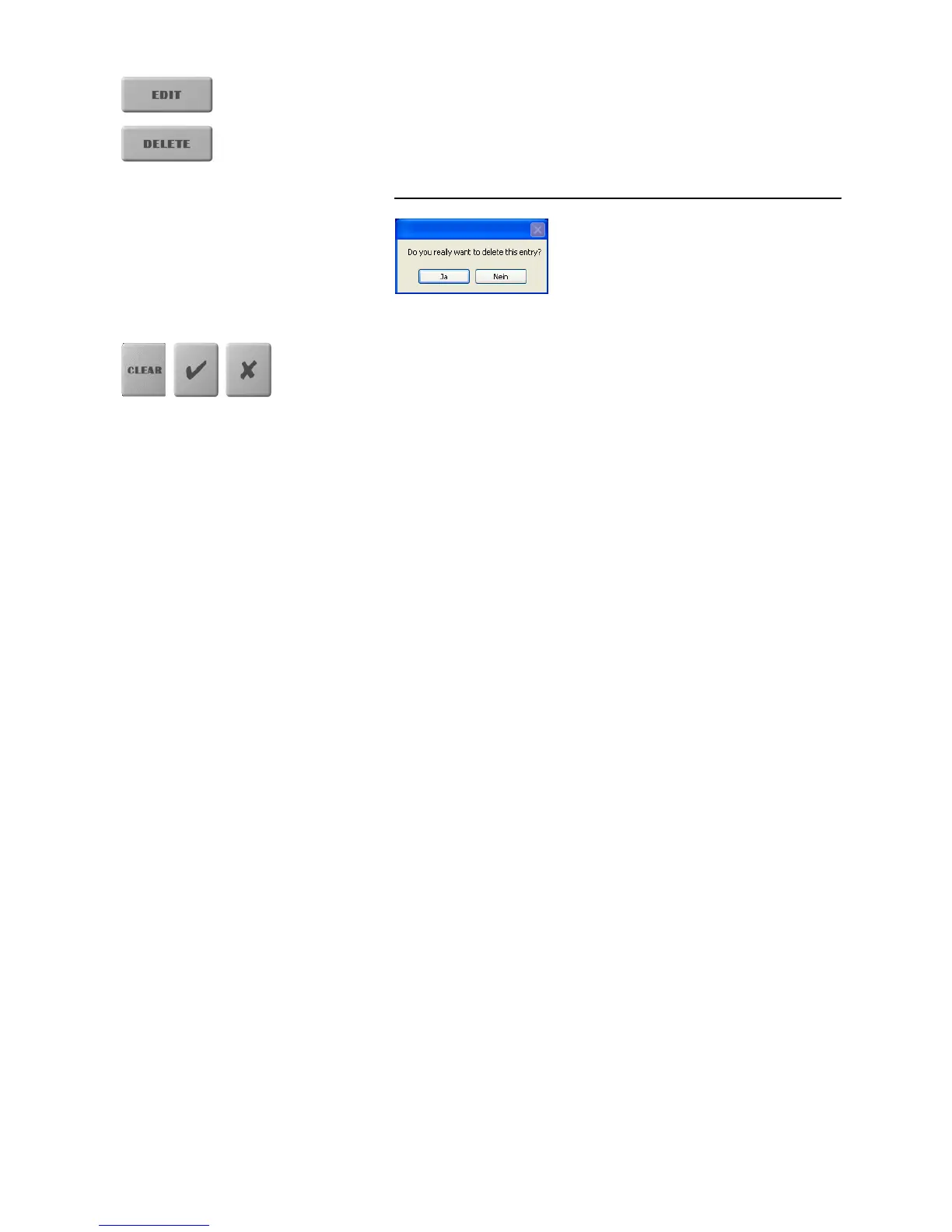
By the use of the EDIT button an already existing record can be edited. The
search function is not available here.
Via the button DELETE the currently displayed record is deleted.To avoid
unintentional deleting, you have to confirm that you really want to delete the
entry with Yes.
FIG. 11 SAFETY CONFIRMATION
By using the CLEAR button a preselection of a line can be deleted. This
function is only available if you open the Phone book by pressing the INFO
button (see CHAPTER 5.4.1.1).
By using the
U
button you confirm your entry respectively your selection.
By using the
Y
button you reject the entry respectively your selection



 To Next Page