PAGE 64
Windows PC Software
5.6.1.3 Login
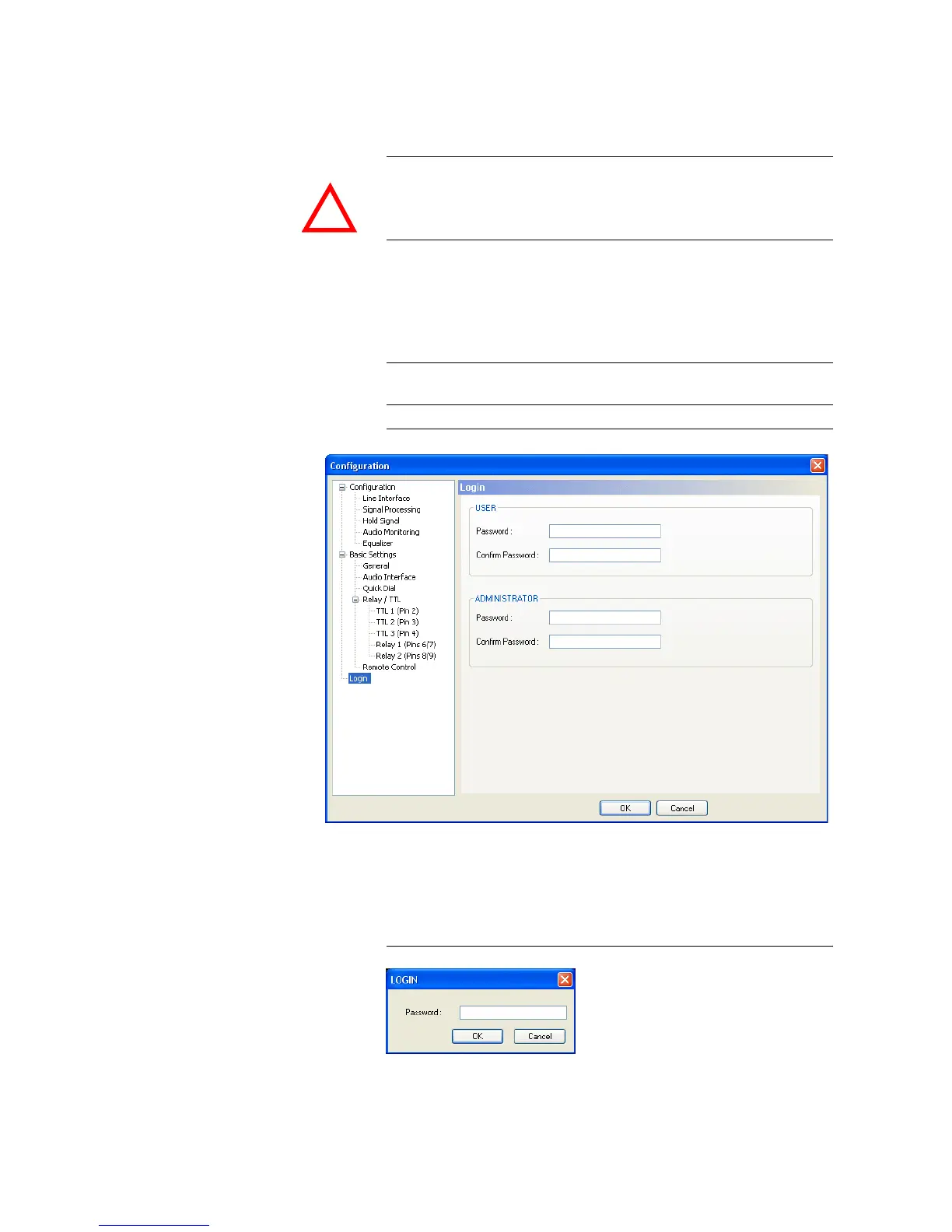
To protect the system from re-configurations, two password levels with dif-
ferent user rights are available.
•Under USER you assign the user Password. For safety reasons you must
confirm the password under Confirm Password.
•Under ADMINISTRATOR you assign the Administrator Password. For
safety reasons you must confirm the password under Confirm Password.
FIG. 29 LOGIN
When you have assigned a password, the window for the password entry is
automatically displayed when you click on a menu with password protection.
Please enter the User Password or the Administrator Password.
FIG. 30 PASSWORD LOGIN
The authorisation levels are defined as follows:
ATTENTION The entered password is saved in the system. It is highly important that you
enter your password carefully. If you have forgotten your password, only the
AVT Service can re-activate the system.
NOTICE
There is no differentiation between upper and lower case for the password
entry.
!



 To Next Page