PAGE 52
Windows PC Software
5.6.1.2 Basic Settings
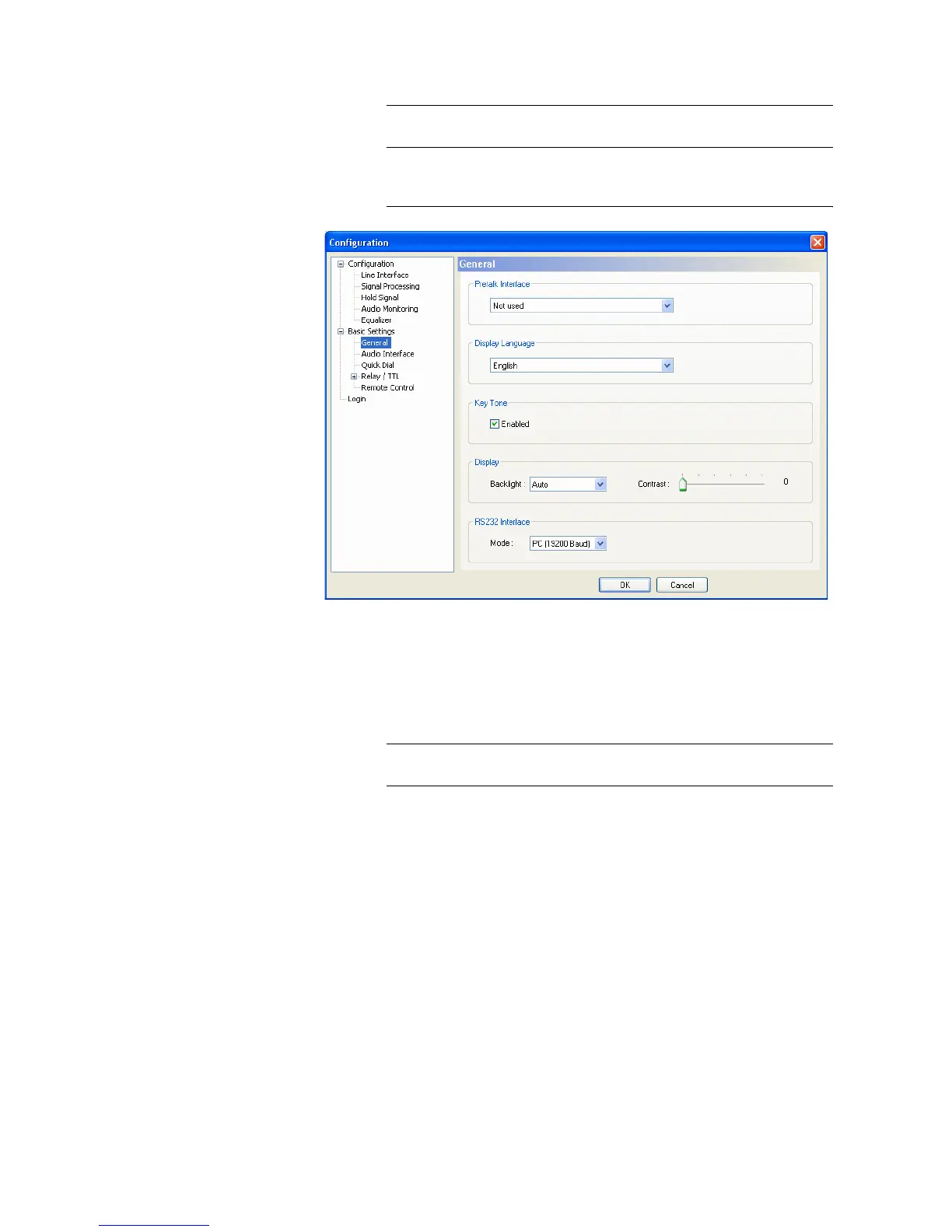
5.6.1.2.1 General
FIG. 20 GENERAL
Pretalk Interface
• If you want to use the PRETALK function of the system, you must indicate
under Pretalk Interface if a Handset/Headset or an analogue telephone
(External Phone (Only in POTS mode) is connected.
If you do not want to use the Pretalk interface, please select Not used.
Display Language
• Currently English and Deutsch are available as display languages.
Key Tone
• To activate the key tone, check the Enabled box.
NOTICE
All configurations made under Basic Settings cannot be saved as Preset
((see CHAPTER 5.6.2).
NOTICE
Please notice that an analogue telephone can only be used in the POTS oper-
ating mode.



 To Next Page