PAGE 67
Windows PC Software
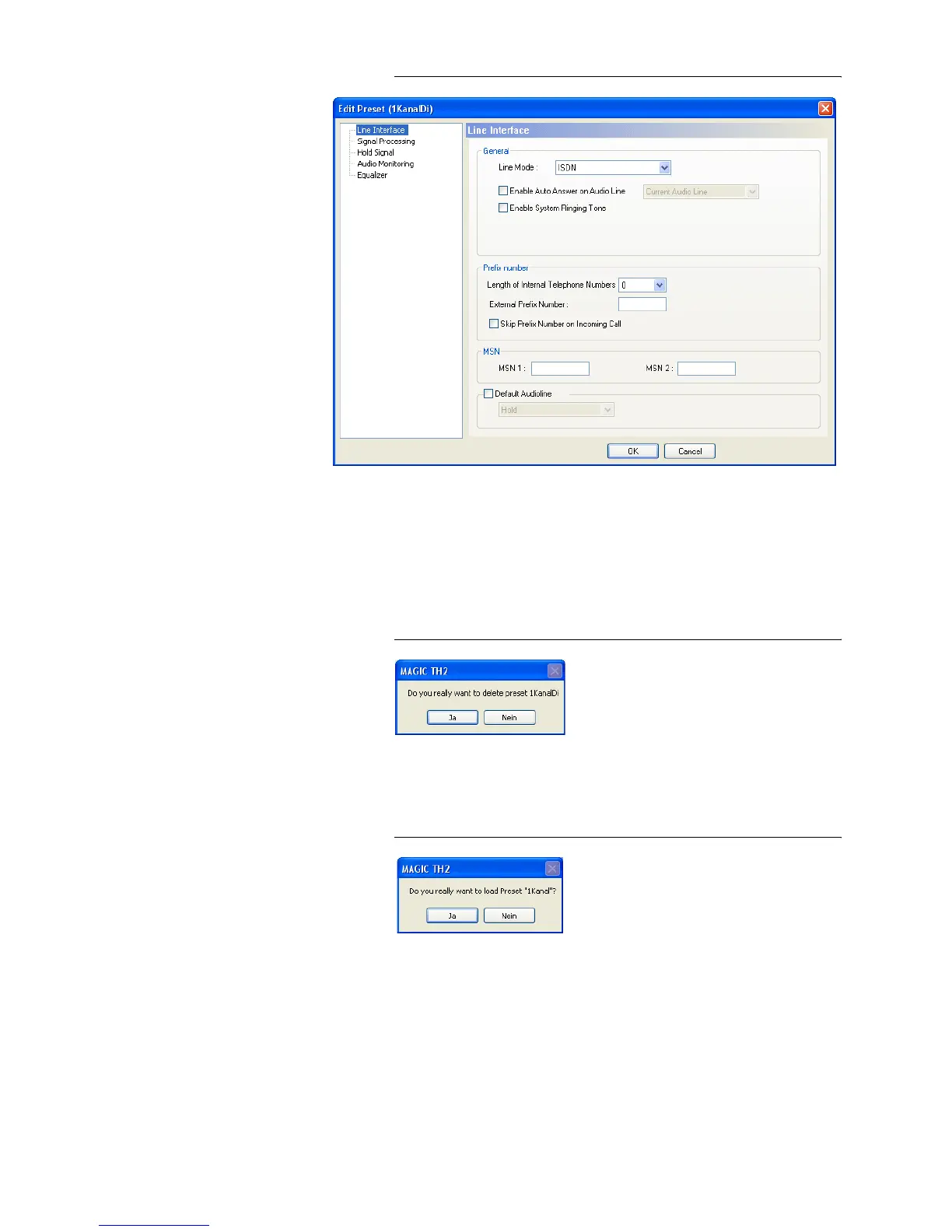
FIG. 33 EDIT PRESET
• By using the button Edit the currently selected configuration can be ed-
ited. The current configuration of the system is not changed or loaded with
this function.
• Via the button Delete the configuration selected from the list is deleted.
For safety reasons you have to confirm your selection.
FIG. 34 CONFIRMATION DELETE PRESET
• To activate a configuration selected from the list, press the Select button.
For safety reasons you have to confirm your selection.
FIG. 35 CONFIRMATION LOAD PRESET
• Via the button Import a configuration can be imported from a data carrier
(disk, USB stick etc.). The file extension of the configuration file is always
‘.thp‘. A click on the button opens the file browser in which the desired file
can be selected.
• Likewise, it is possible to export configurations to a data carrier. The but-
ton Export saves the configuration selected from the list as ‘.thp‘ file. By
clicking on the button the file browser is opened and you can choose the
location where the file is saved.



 To Next Page