PAGE 93
Option: Remote Control & ISDN Monitor
• By pressing the button Save the current logging is saved as binary file.
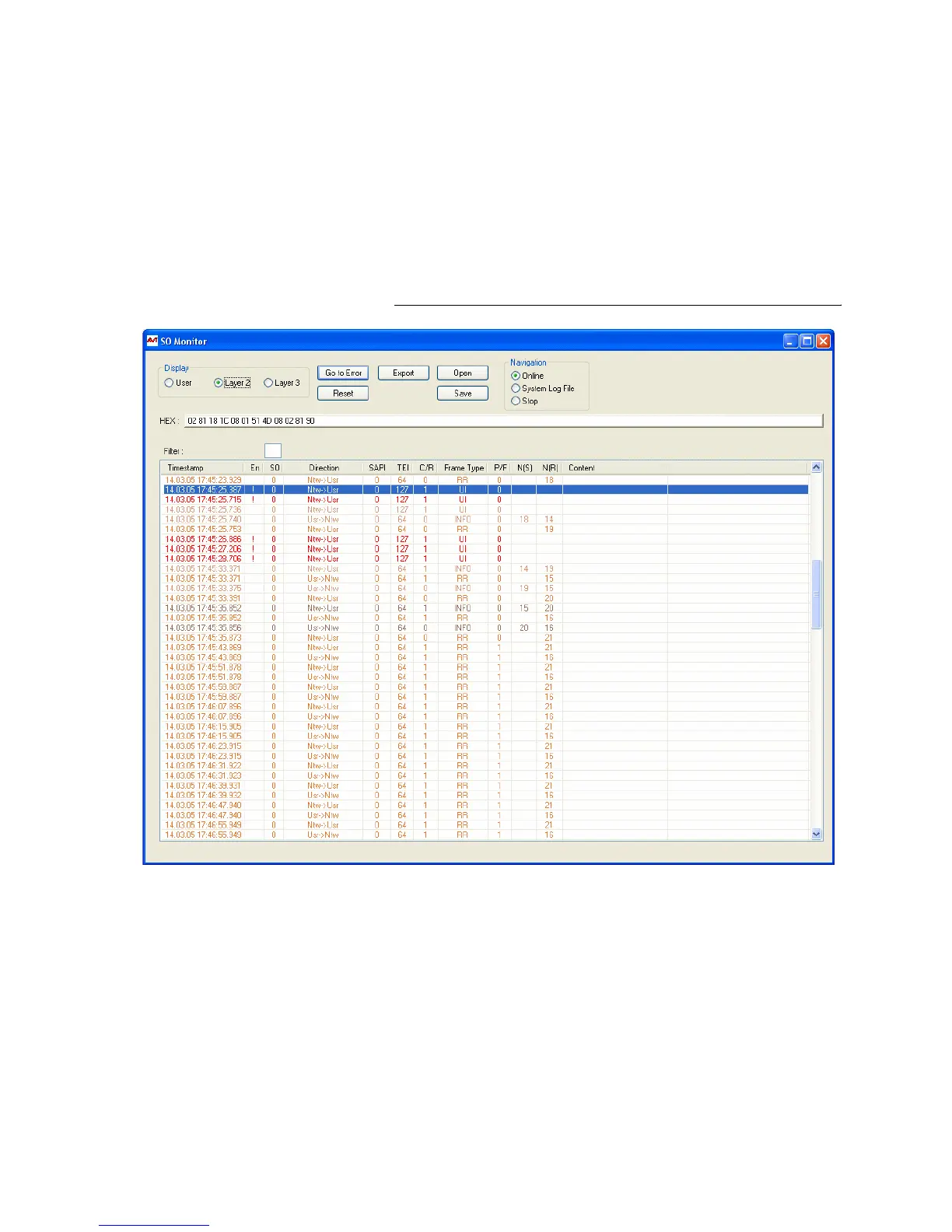
• In the line HEX the binary data of the currently selected row of the log file
is displayed in hexadecimal form.
•Using Filter you can filter the log file for certain criteria. S0 selects the
ISDN interface of the system. For the MAGIC TH2 this value must always
be „0“ respectively be empty, since the system incorporates only one ISDN
interface.
Using the filter CR (Call Reference) you can display all available entries for
a transaction. Additionally, the colour in which the entries are displayed
is changed for each new Call Reference.
FIG. 57 S
0
MONITOR LAYER 2



 To Next Page