37
4.3.5 Storage
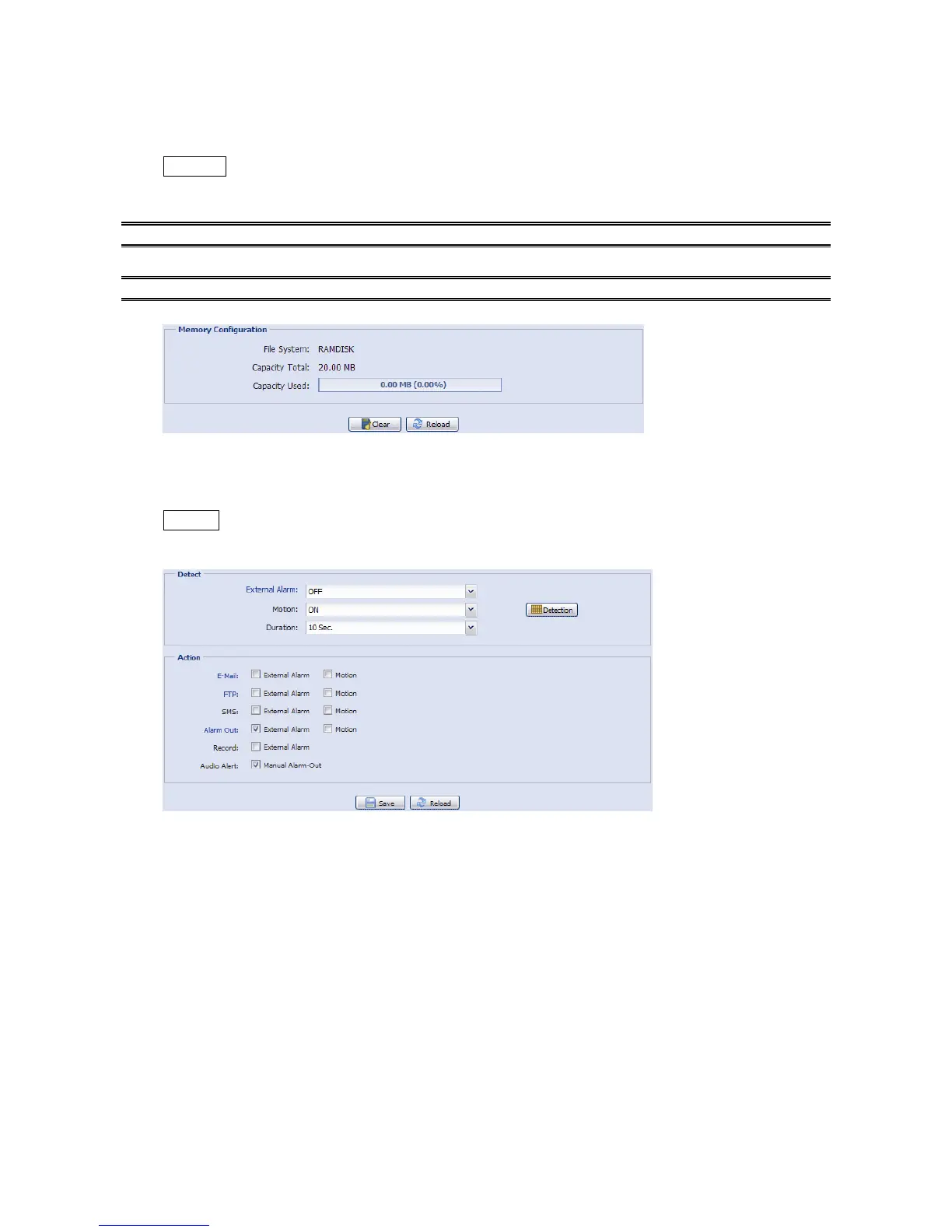
Memory
In “Memory”, you can check the remaining capacity for recording, or clear all recorded data saved if
needed.
Note: The recorded data will be removed also when you reset or reboot this camera.
You can only record a limited number of recordings.
Note: To save more recorded data, it’s recommended to use this camera with the compatible NVR.
4.3.6 Trigger
Trigger
You can configure how this camera reacts when there’s an alarm or a motion event.



 To Next Page