EXIT
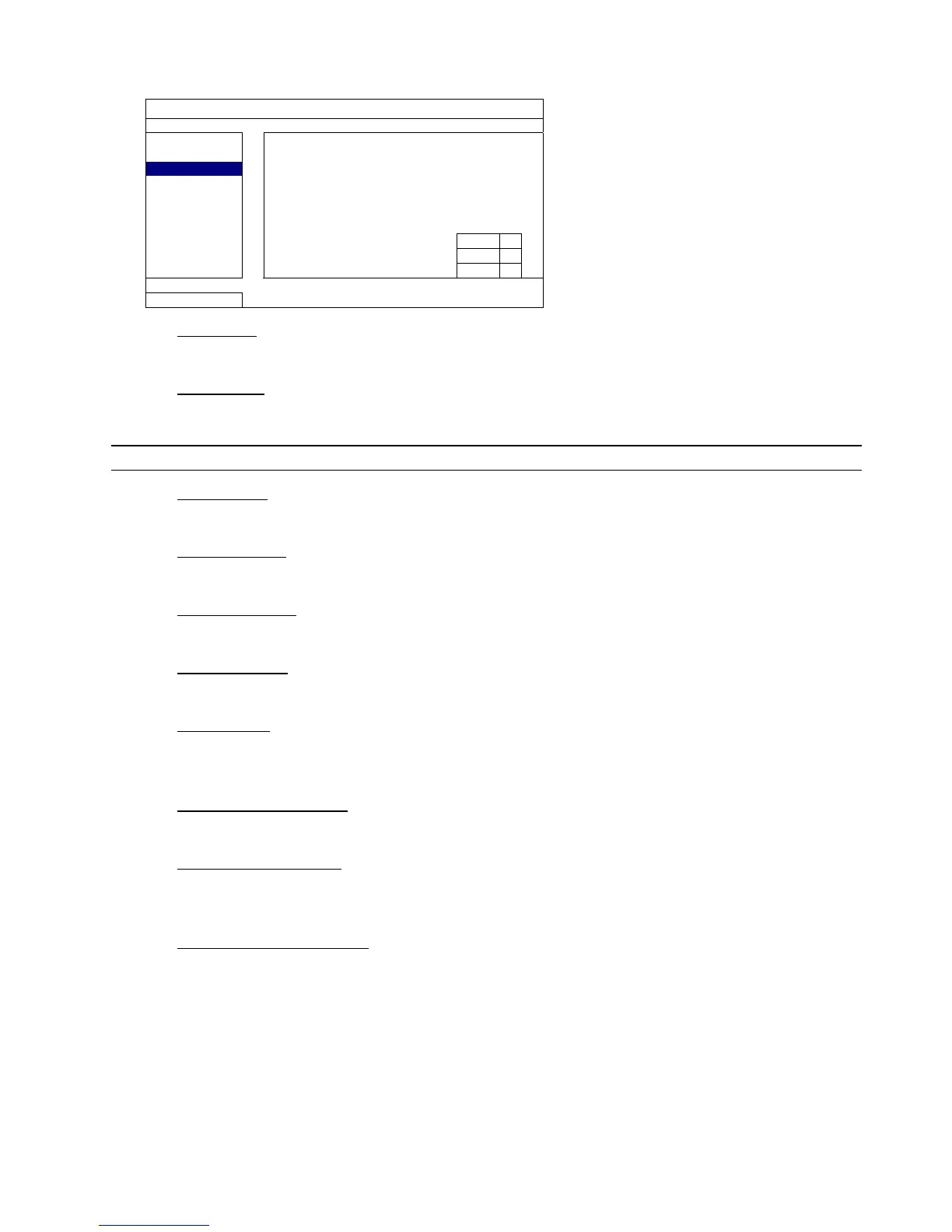
1) EXT. ALERT
Select to enable or disable the sound when any external alarm is triggered (ON / OFF).
2) INT. BUZZER
Select to enable or disable the sound (ON / OFF) for all internal buzzers: KEY BUZZER, VLOSS BUZZER,
MOTION BUZZER, ALARM BUZZER, and HDD BUZZER.
Note: When this item is set to “OFF”, item 3) to item 7) will be disabled even though they are set to ON.
3) KEY BUZZER
Select to enable or disable the sound when pressing the buttons on the front panel (ON / OFF).
4) VLOSS BUZZER
Select to enable or disable the sound when video loss happened (ON / OFF).
5) MOTION BUZZER
Select to enable or disable the sound when any motion alarm is triggered (ON / OFF).
6) ALARM BUZZER
Select to enable or disable the sound when any internal alarm is triggered (ON / OFF).
7) HDD BUZZER
Select to enable or disable the sound (ON / OFF) when the HDD remaining capacity reaches to the value set
in “HDD NEARLY FULL (GB)”.
8) ALARM DURATION (SEC)
Select the duration time for alarm buzzer in second (5 / 10 / 20 / 40).
9) HDD NEARLY FULL (GB)
If HDD BUZZER is enabled, select the duration time for buzzer notifications when the hard disk available
capacity is 5/10/15/20 GB left.
10) HDD OVERHEAT ALERT (°C)
Select the temperature alert for your hard disk to be aware of the possible overheat of your hard disk.


 To Next Page