FREQUENTLY-USED FUNCTIONS
19
5. FREQUENTLY-USED FUNCTIONS
5.1 Quick Search
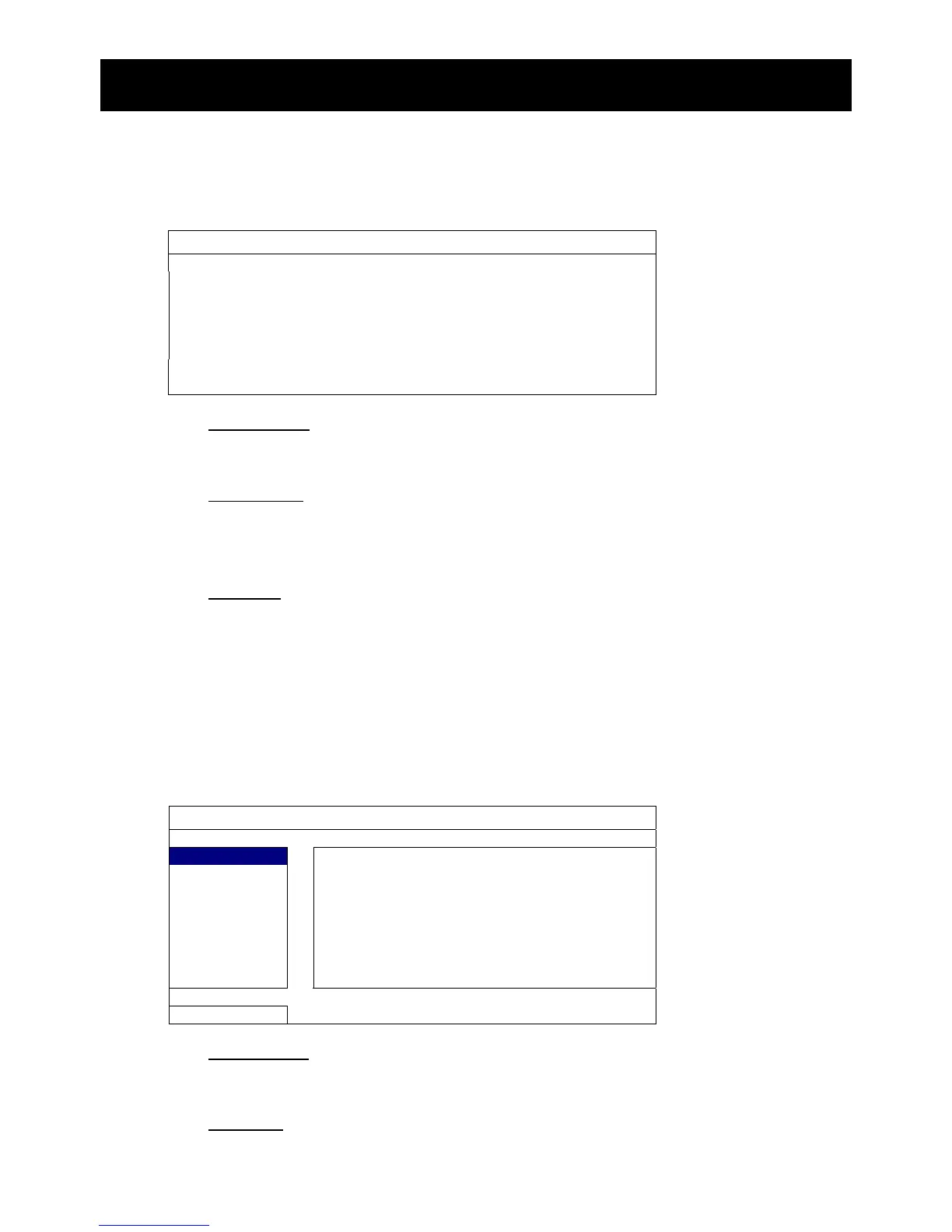
Press “SEARCH” on the DVR front panel to enter the time search menu as follows:
QUICK SEARCH
DATE 2009/NOV/20
TIME 15:17:57
HARD DISK ALL HDD
SEARCH START
1) DATE / TIME
Select the date & time within which includes the data you want.
2) HARD DISK
Select the hard disk including the video data you want to search, or select “ALL
HDD”.
3) SEARCH
Click “START” to start search and play the video data immediately.
5.2 Record
5.2.1 Quick record setting
Right-click to display the main menu, and select “QUICK START” “GENERAL”.
QUICK START
GENERAL
1) IMAGE SIZE
Select one of the image sizes: FRAME, FIELD or CIF.
2) QUALITY
Select one of the 4 quality options: SUPER BEST, BEST, HIGH & NORMAL.



 To Next Page