ChroMate
®
Microplate Reader Operator’s Manual Doc. 4300 Rev. Q 31
Edit a Curve (Continued)
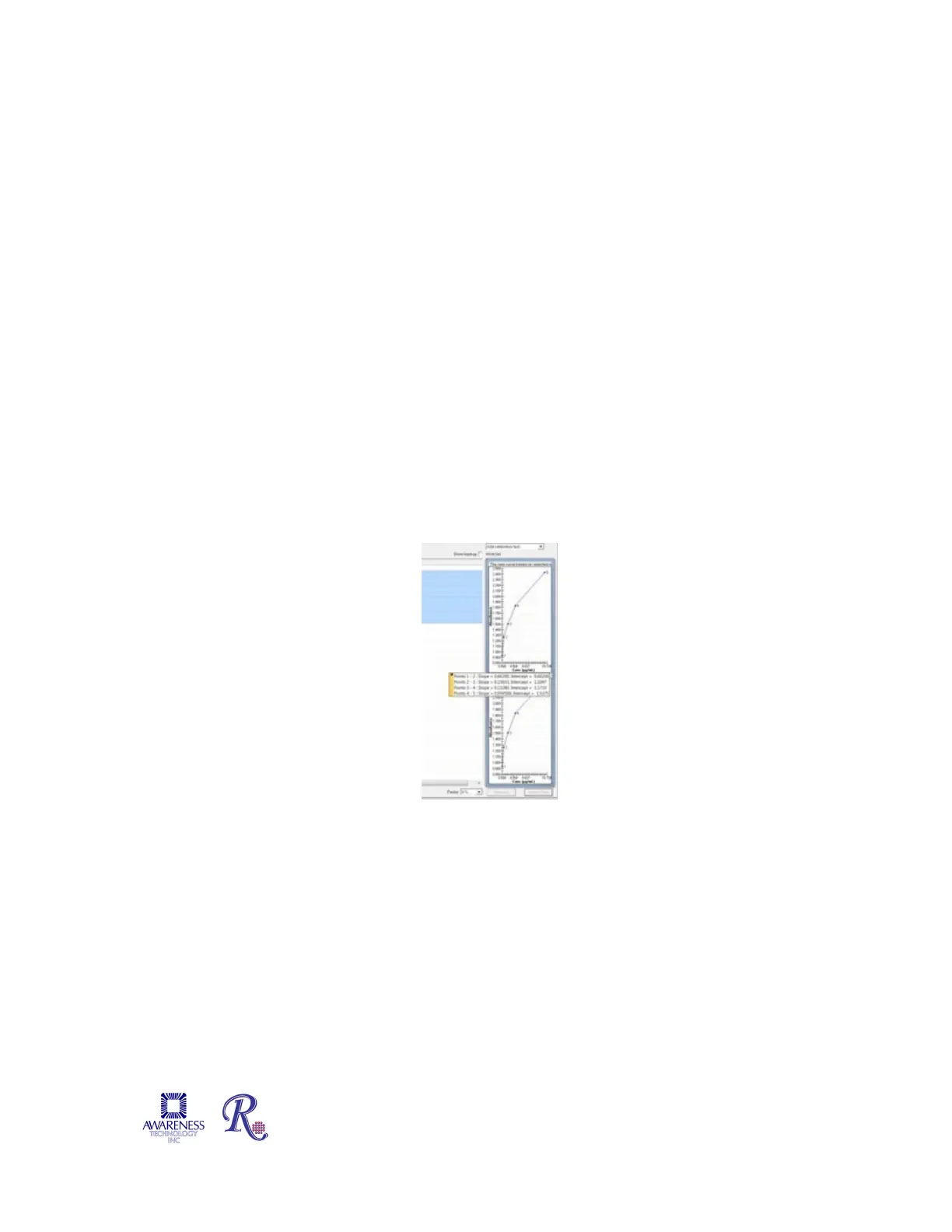
The stored curve which is active is displayed on the bottom of the screen. This may
be the previously stored curve or a newly accepted curve. Before the curve is
accepted it can be reviewed for any adverse outlying calibrators. If the outlying
values are seen for any of the calibrators, these may be removed by unchecking the
check box next to this calibrator.
The resulting calibration curve is shown in the upper graph. Once you are satisfied
with the calibration curve in the upper graph, click the Accept Selected button and
this will move the curve from the upper graph to the lower current graph.
At this point concentration values will be calculated for the samples and displayed in
the Test Results Tab.
The samples can now be accepted by clicking on the Accept button. NOTE: By
selecting the ‘Auto’ checkbox in ‘Settings Result Acceptance’ (reference Section
5.7.1.3), samples and controls may be set up for automatic acceptance and will not
require ‘manual’ acceptance.
The sample results will be moved from the Test Results Tab to the Report Tab where
they are automatically stored in the database and may be printed in reports.
Moving the mouse pointer over the plotted curve will display the curve fit parameters.
4.2.2.3-4 View Curve fit parameters


 To Next Page