CANDPSX user manual rev 2 Page 25 of 42
____________________ _
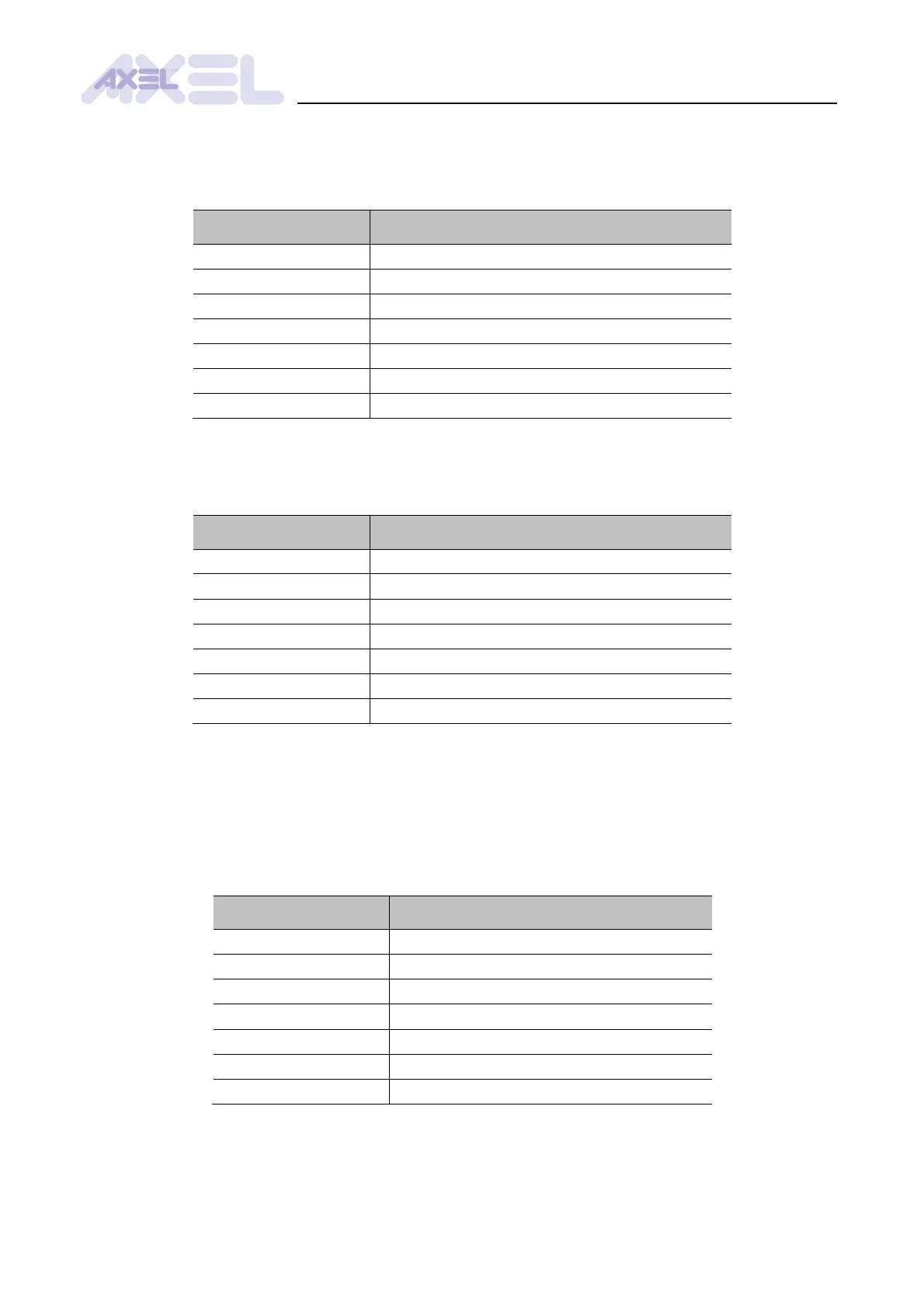
In order to assign the corresponding offset in the Profibus dual port to CAN message objects, set
the parameters 2300h - 23FFh. The parameters are aggregated into groups of 8 elements (e.g.
parameters 2300h - 2307h mapped to message 1, 2308h - 230Fh mapped to message 2, etc.):
All parameters/Messages/Message n/Mapping object n
To configure the size of the mapped objects, set the parameters 2500h - 25FFh. The parameters
are aggregated into groups of 8 elements (e.g. parameters 2500h - 2507h mapped to message 1,
2508h - 250Fh mapped to message 2, etc.):
All parameters/Messages/Message n/Mapping object n
5.2.4 CAN massage triggers
Transmission of CAN messages is executed depending on the evaluation of a trigger event,
consisting of the variation of a data in the Profibus dual port.
To assign the offset in the Profibus dual port to the trigger objects of a CAN message, set the
parameters 2180h - 219Fh:
All parameters/Messages/Message n


 To Next Page