CANDPSX user manual rev 2 Page 28 of 42
____________________ _
6 DATA EXCHANGE BETWEEN PROFIBUS-DP AND THE SYSTEM
6.1 INTRODUCTION
CANDPSX makes it possible to map system data in the Profibus dual port in order to enable the
Profibus Master to interact with the system. The objects are published in the internal database and
thus they are seen as parameters. It is possible to map up to 16 parameters from the system to
Profibus-DP and up to 16 parameters from Profibus-DP to the system. The parameters are
mapped consecutively in the Profibus dual port, starting from offset 0. The first null parameter
determines the end of the map.
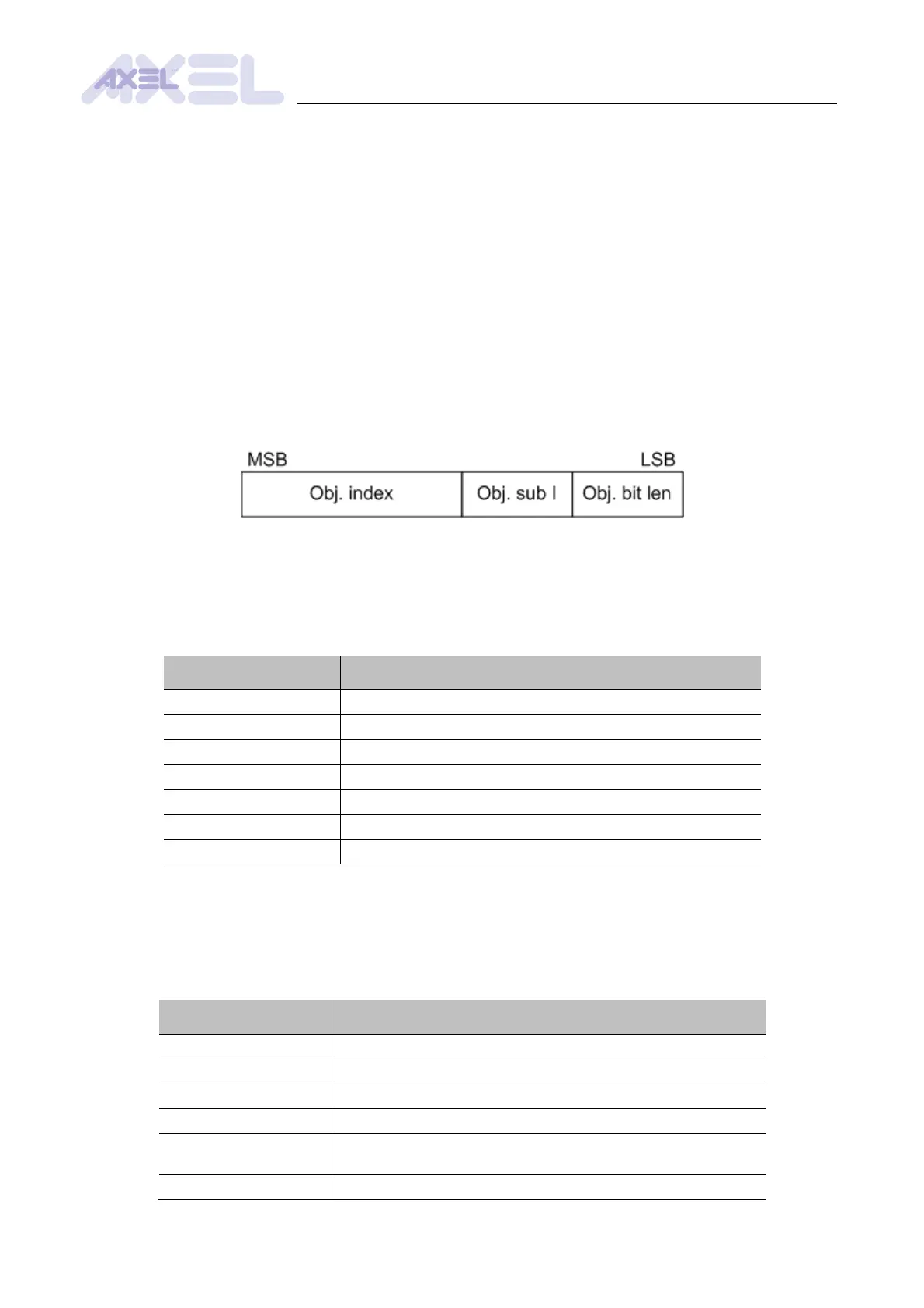
The system also includes a set of parameters for building the system data map from and to the
Profibus dual port. The procedure to set up these parameters complies with the CiA DS301
document about PDO dynamic mapping, which states that the information about any parameter
being mapped must be encoded in a 32-bit double word.
Fig. .3: How to code the information about a parameter being mapped
6.2 MAPPING SYSTEM PARAMETERS TO PROFIBUS-DP
To map parameters to the Profibus-PD system in the dual port, set the parameters 2060h - 2067h:
6.3 MAPPING SYSTEM PARAMETERS FROM PROFIBUS-DP
To map the parameters from the Profibus-DP system in the dual port, set the parameters 2050h -
2057h:


 To Next Page