EasyManua.ls Logo

Axel CANDPSX - Checking the Size of a CAN Message; Example: Configuration of an Inbound CAN Message

Axel CANDPSX
42 pages
Print Icon
To Next Page IconTo Next Page
To Previous Page IconTo Previous Page
Loading...
CANDPSX user manual rev 2 Page 26 of 42
____________________ _
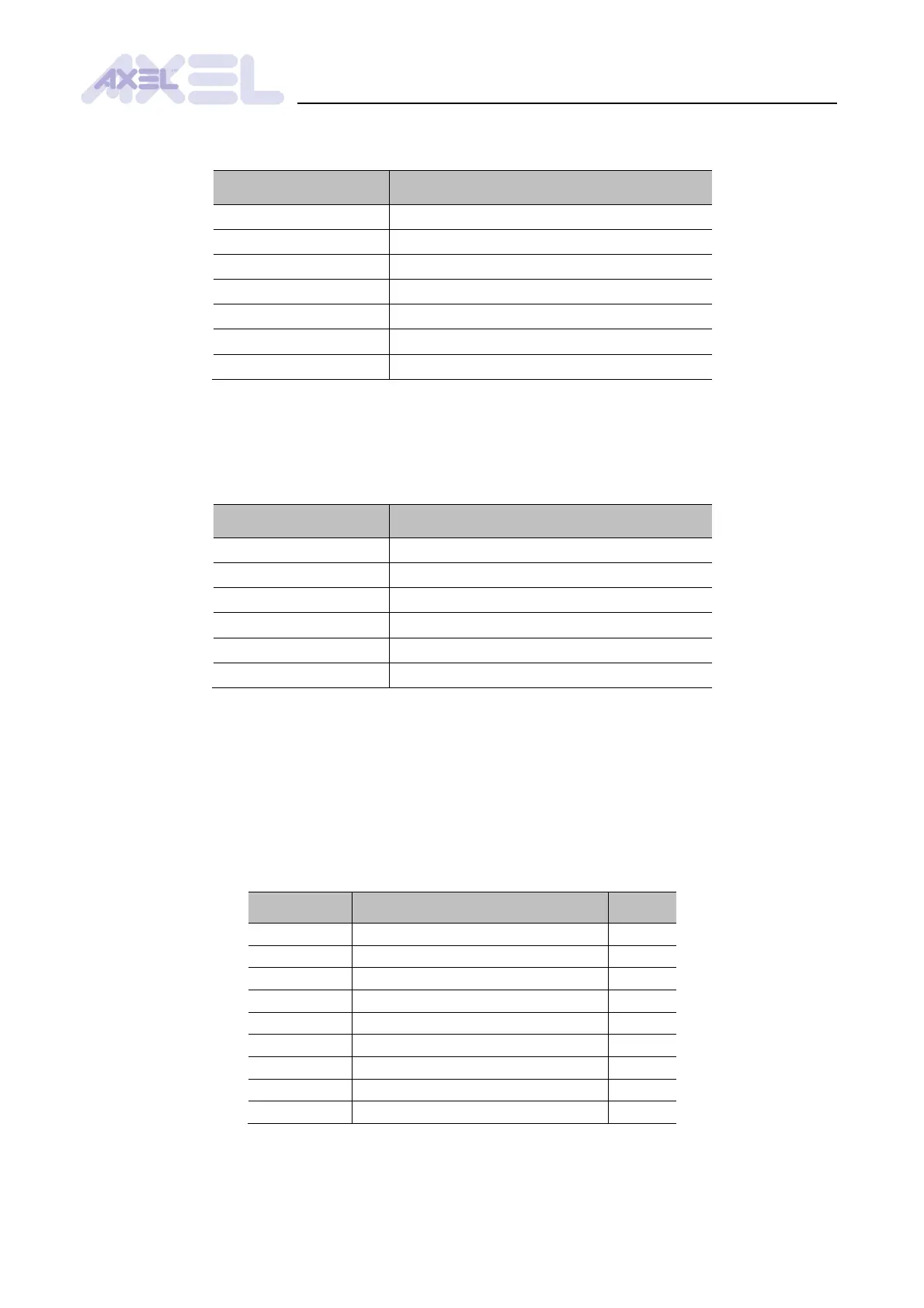
To specify the size of the trigger objects of a CAN message, set the parameters 21C0h - 21DFh:
Property
Value
Parameters
21C0h to 21DFh
Logic View menu
All parameters/Messages/Message n
Data type
8 bit unsigned int
Measurement unit
byte
Value
1 to 8
Default value
1
Access
Read/Write
5.2.5 Checking the size of a CAN message
To check the actual size of a CAN message, read the parameters 2200h - 221Fh (but only after
having saved the settings and having reset the module):
Property
Value
Parameters
2200h to 221Fh
Logic View menu
All parameters/Messages/Message n
Data type
8 bit unsigned int
Measurement unit
byte
Value
0 to 8
Access
Read-only
5.2.6 Example: configuration of an inbound CAN message
Let us consider the configuration of message 1 with the following characteristics:
inbound asynchronous PDO of type 254
ID = 204h
objects mapped according to Fig. .2
How to set the parameters:
Parameter
Description
Value
2140h
Type of message
5
2100h
Message ID
204h
2300h
Dual port offset of object 1
0
2301h
Dual port offset of object 2
14
2302h
Dual port offset of object 3
26
2500h
Size of object 1 [bytes]
2
2501h
Size of object 2 [bytes]
1
2502h
Size of object 3 [bytes]
4
2503h
Size of object 4 [bytes]
0

Table of Contents