ENG
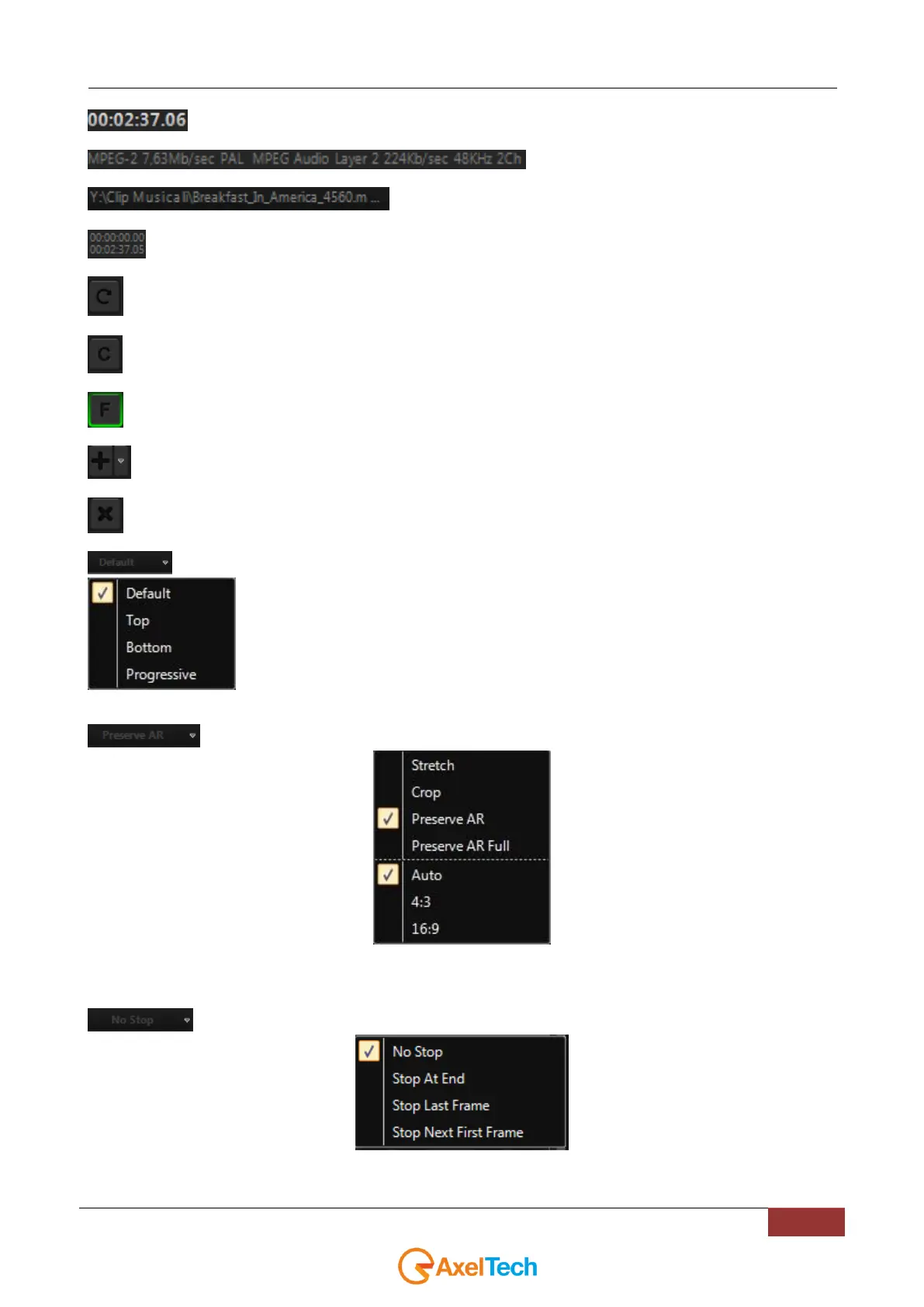
Length of the clip
Multimedia info
File path
Mark In and Mark Out
Loop mode. The clip will be played continuously.
Cue mode. The clip will always be ready to be played.
First Frame. This button appears only if the clip is ready to be played. It allows to put on air the first frame.
Insert a new playlist item. Click on the arrow to open a submenu with the options (File, NDI, URL, Live)
Delete the clip from the playlist.
The DEFAULT button will open the following menu:
Use this menu to define the clip FIELDS.
NB: It is possible to change the fields of the clip while the clip is on air
The PRESERVE AR button will open the following menu:
Use this menu to modify Aspect Ratio and Stretch Mode of a single clip without changing the default settings of your TV
station.
NB: It is possible to change Aspect Ratio and Stretch mode of the clip while the clip is on air
The NO STOP button will open the following menu:
Use this menu to choose how to stop the clip



 To Next Page