ENG
4.5 REMOTE(ONLY YOUPLAY BROADCAST & YOUPLAY SERVER)
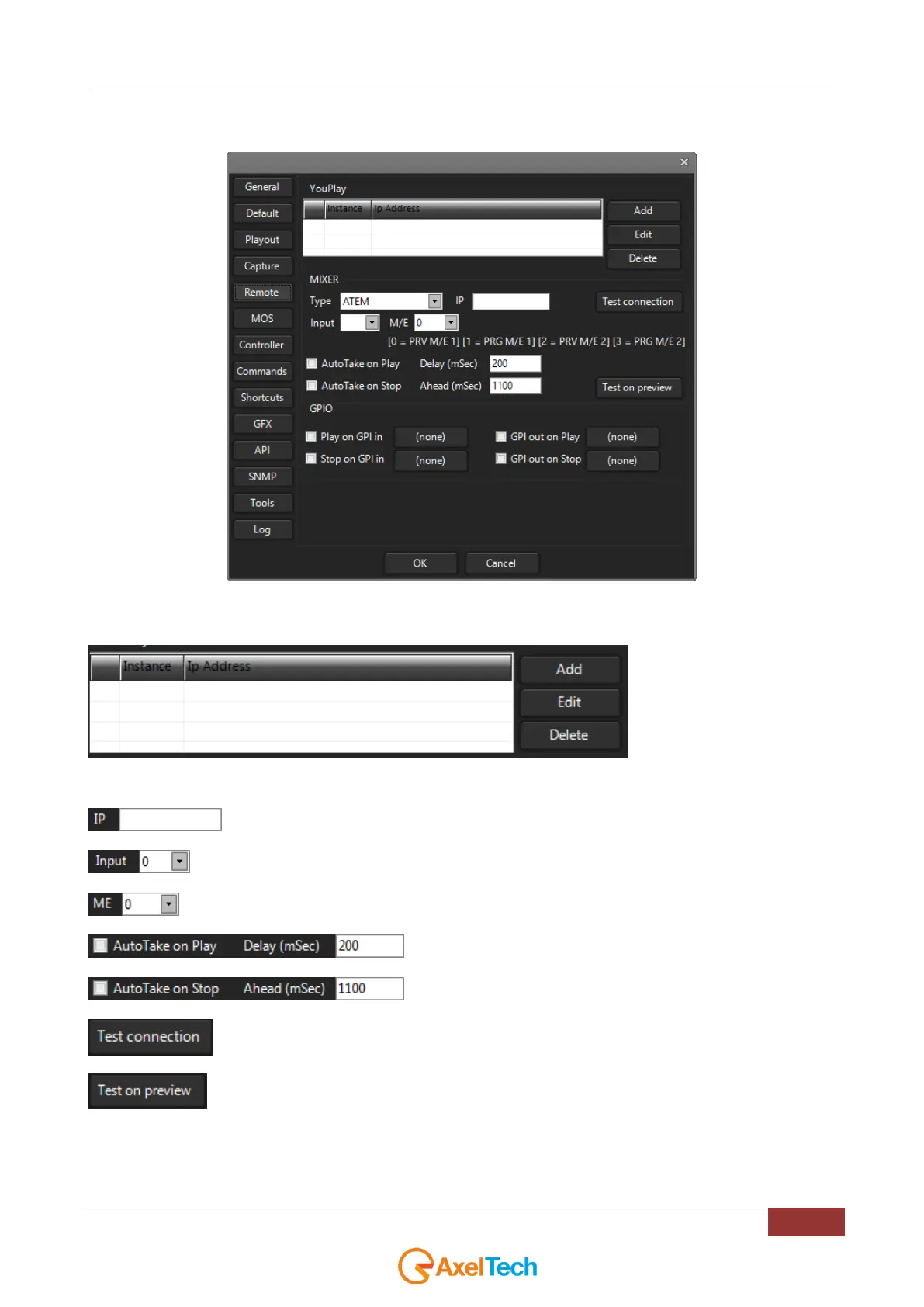
The Remote Settings panel manages the settings of the ATEM (Blackmagic Mixer).
NB: The ATEM Software Control must be previously installed on the YouPlay pc.
To add, edit or delete different
instances for different mixers.
ATEM IP address
Input where YouPlay is connected
Selection to set mixer ME
If enabled, play and stop on the playout will give the command to
the ATEM cursor with the delay set.
Test the connection with ATEM
Test the switch command on ATEM preview channel



 To Next Page