ENG
-SINGLE OUTPUT PARAMETERS-
Video Device: for the current output, select here the desired video device between the availables
Video Line: if the output device has available multiple lines you can select here the desired one
Video Format: in this parameter you can customize the single output Video Format
Location X: on a Cartesian plane structured reference scheme, it will be possible to decide here the
starting abscissa of the upper left corner of the current video output.
This parameter becomes useful for the relative arrangement of the single output with respect to
the others
Location Y: on a Cartesian plane structured reference scheme, you can decide here the y starting
ordinate of the upper left corner of the current video output.
This parameter becomes useful for the relative arrangement of the single output with respect to
the others.
Mirror: through this menu you can apply only on this Output Video Device a video mirroring, to
invert left with right
Rotate: through this menu you can apply the desired rotation specifically on this Output Video
Device
ATTENTION:
1. The setting of your VideoWall is the result of all of the 3 following factors:
- Total Output Video Format
- Output Format of the Single VideoWall display
- correct mutual spatial arrangement of the single displays in relation to the others.
If these three factors are not set correctly the overall result will not be consistent with the desired result.
2. If your final purpose is not connected with a single playout related with the VideoWall, you can also use
MOSAIC of the different YouPlay istances in a totally creative and original way as you wish.
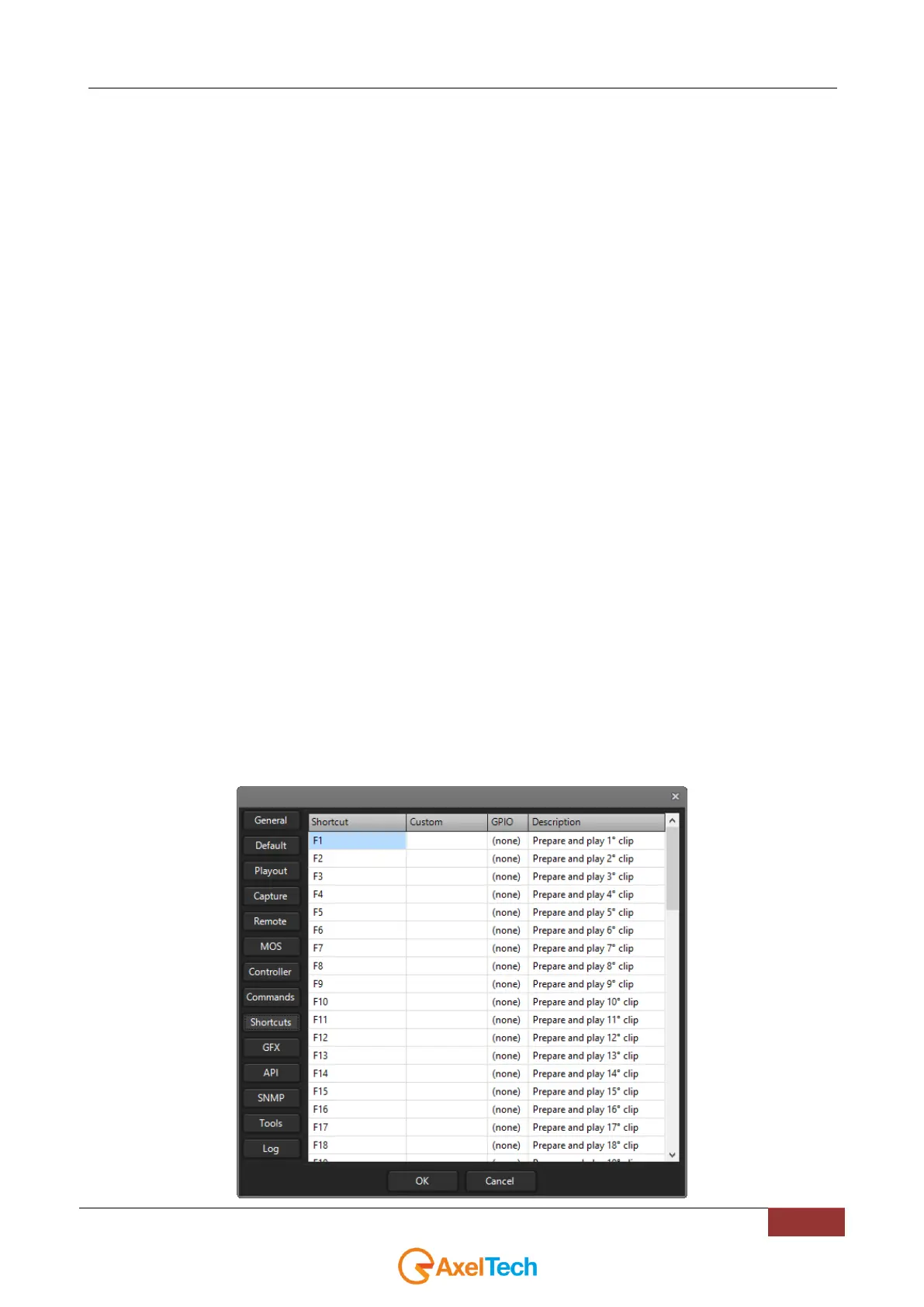
4.10 SHORTCUTS
In this SHORTCUTS section the complete List of all the available shortcuts useful for the YouPlay users:



 To Next Page