ENG
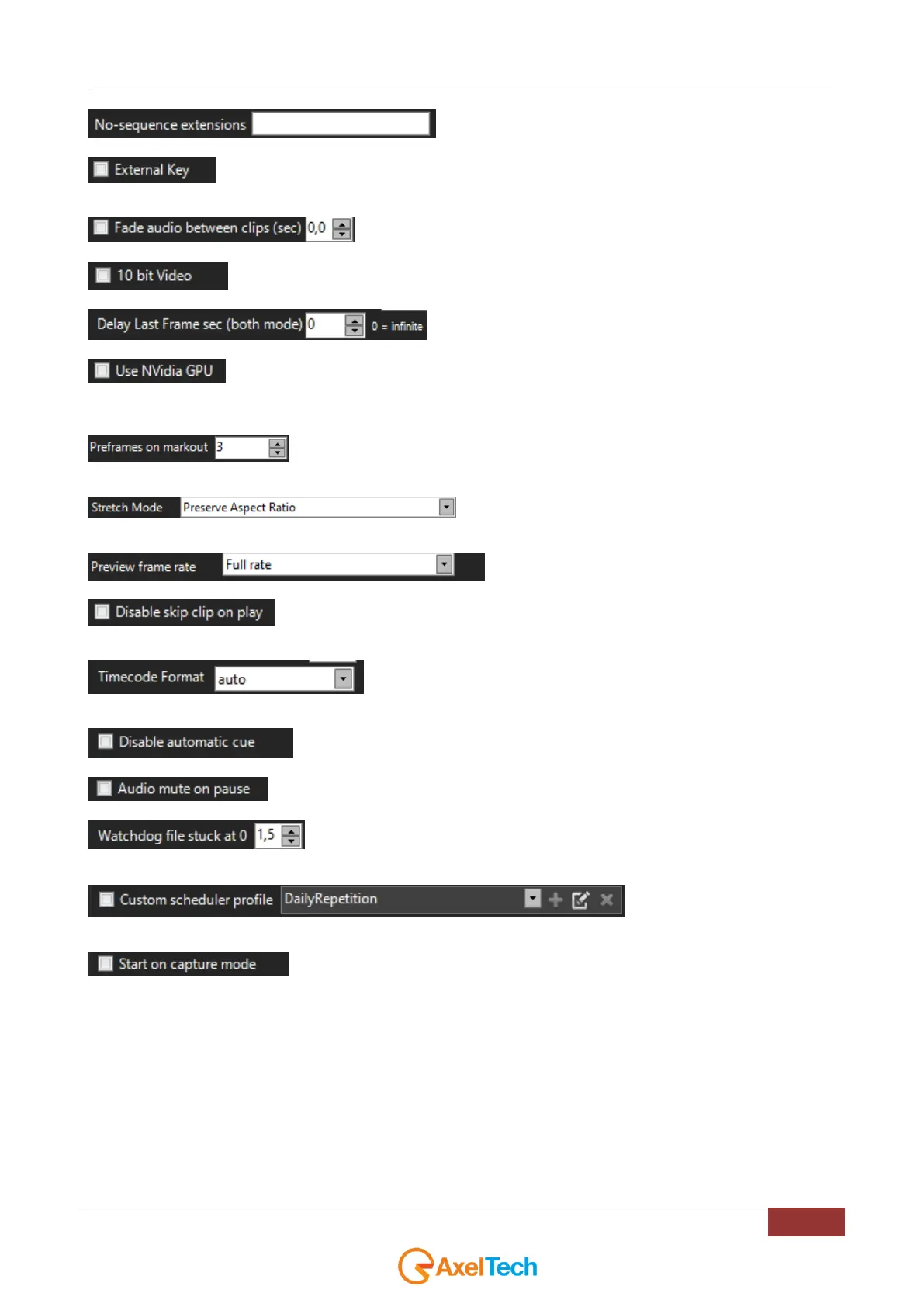
file extensions not to be considered image sequences.
If enabled sets Blackmagic output on RGB 32 with fill and key separated (if the video card can
support it). E.G. for SD BM Studio 2, for HD BM 4k.
seconds of audio fade between one clip and another
setting that allows subtitles to be displayed on the output
in "both mode", the delay seconds on the last frame
If a NVIDIA board is connected to the current PC, this option could be selectable to free the CPU
and the internal graphic engine of this Pc from the encoding stress. By checking this parameter this YouPlay channel
offloads any encoding to an external NVidia device.
Set how many frames before markout it will switch to next clip.
Default settings for Stretch Mode (it is possible to set
different Stretch mode on the single clips, see Clip Options section).
sets the frame rate for the preview
disables SKIP MODE when a clip is playing on the current channel (With the activation of
this parameter it is not allowed to force the playlist)
sets the timing synchronization format of the timecode
disables automatic loading of the next clip
mutes the audio when the channel is paused
Specifies the waiting time (in seconds) related to the upload retrying, when the
position of a file remains on 0
From this parameter you can
customize the scheduler profile by choosing between the available options.
at YouPlay channel start, the program will boot in CAPTURE MODE.
4.3.1 *ACG GRAPHICS FORMAT (ONLY YOUPLAY BROADCAST & YOUPLAY
SERVER)
.acg is the Axel format in which graphic pages are stored.
It is possible to create, manage and edit .acg files through the useful free CG COMPOSER software by Axel Technology.



 To Next Page