ENG
From summer time to winter time:
Instead, when you have the switch between summer time to winter time, the result will be the following one:
x 2017-10-29 02.00.00 2017-10-29 00.00.00.48 00.00.00.00 0000000 YouPlay1.mxf
x 2017-10-29 03.00.00 2017-10-29 01.00.00.48 00.00.00.00 0000000 YouPlay1.mxf
x 2017-10-29 03.00.00 2017-10-29 02.00.00.48 00.00.00.00 0000000 YouPlay1.mxf
x 2017-10-29 04.00.00 2017-10-29 03.00.00.48 00.00.00.00 0000000 YouPlay1.mxf
4.16.2 PLAYOUT
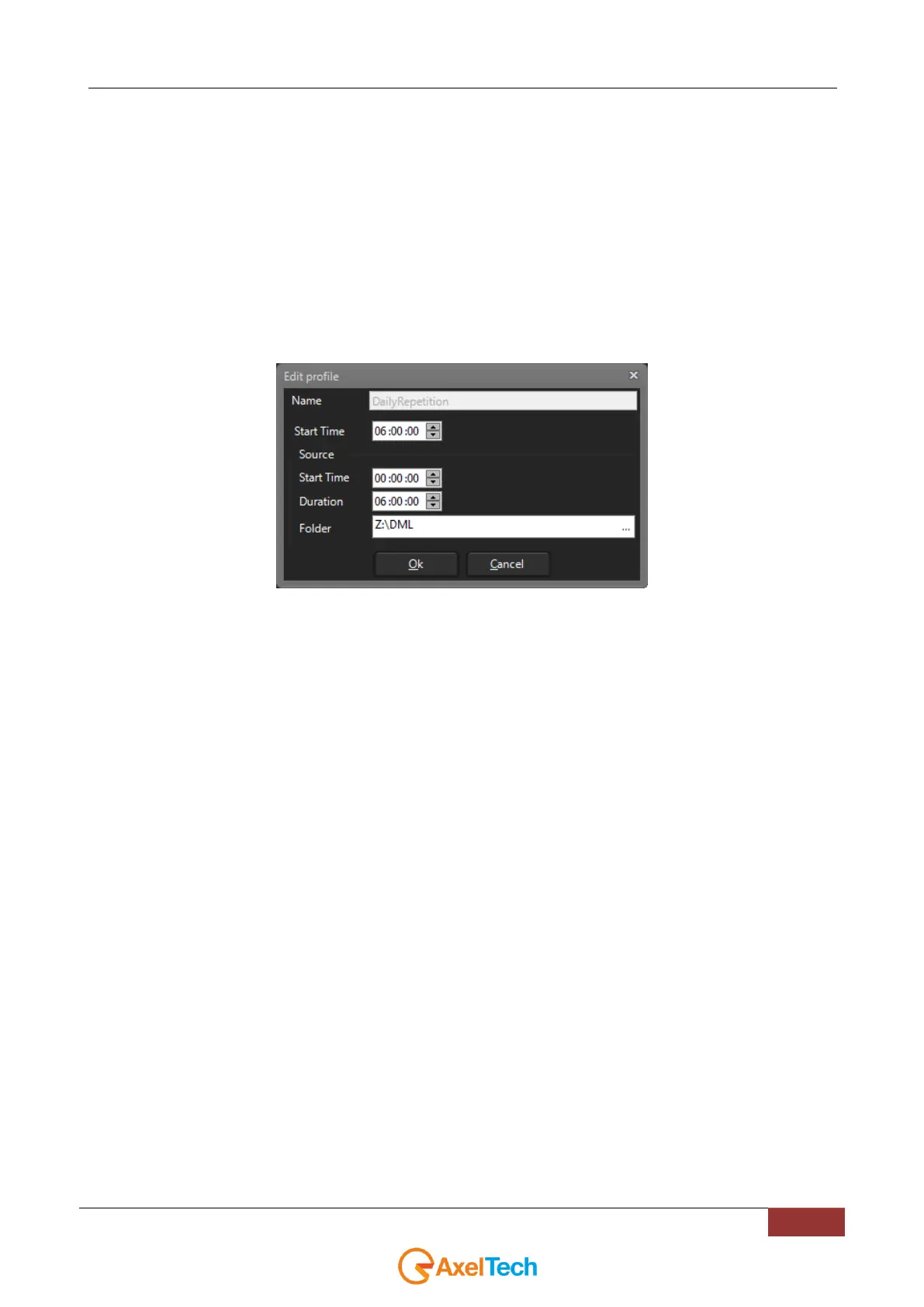
If you use the custom schedule DailyRepetition as shown in the followng example:
YouPlay will scan the specified directory. It will look for files formatted in LTC UTC DURATION and it will look for Date
and Time in UTC.
In this way the clips playout is managed in a transparent, continuative way without interruptions.



 To Next Page