ENG
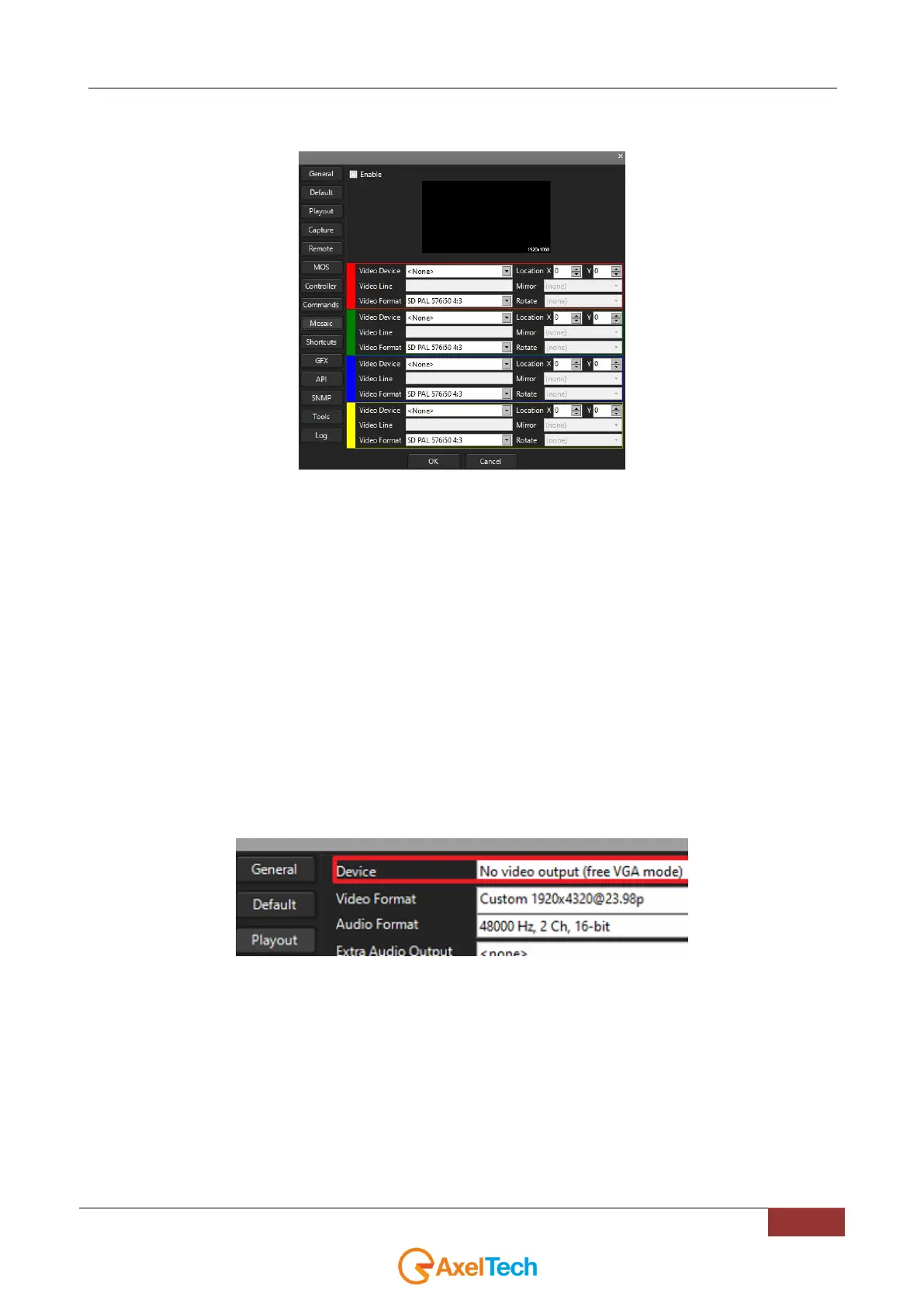
4.9 MOSAIC
Mosaic is a feature that allows you to distribute the incoming video stream into n-video outputs, where n is a number
ranging from 1 to 4.
In example, if you have a 4K video input you can split it into 4 HD video outputs.
It is also possible to build a mosaic with some video in portrait, someother in 16:9 and other desired formats.
By this interesting function you can split the incoming video, allowing you to let it out however you like.
This Mosaic function could be extremely useful in the case of a VideoWall (network VideoWall, transparent VideoWall,
multiple simultaneous sources VideoWall, VideoWall rear projection cubes or Direct View LCD/Plasma screens).
We suggest you to reserve a specific YouPlay instance for the MOSAIC function.
If an output video device/line is already used by the same YouPlay instance or by others, the last result will be the
overlaying of this last video layer on previous ones.
-DISABLING THE TRADITIONAL PLAYOUT OUTPUT-
The next picture will explain you the operations to be done on the traditional Output Device of your YouPlay instance.
Open the desired YouPlay instance and go in the following tab: Youplay > Settings > General.
Probably you have a VideoWall if you need the mosaic option,
so the traditional Playout Output has to be disabled by setting Device = No video output (free VGA mode):



 To Next Page