ENG
2.5 PLAYOUT OPTIONS
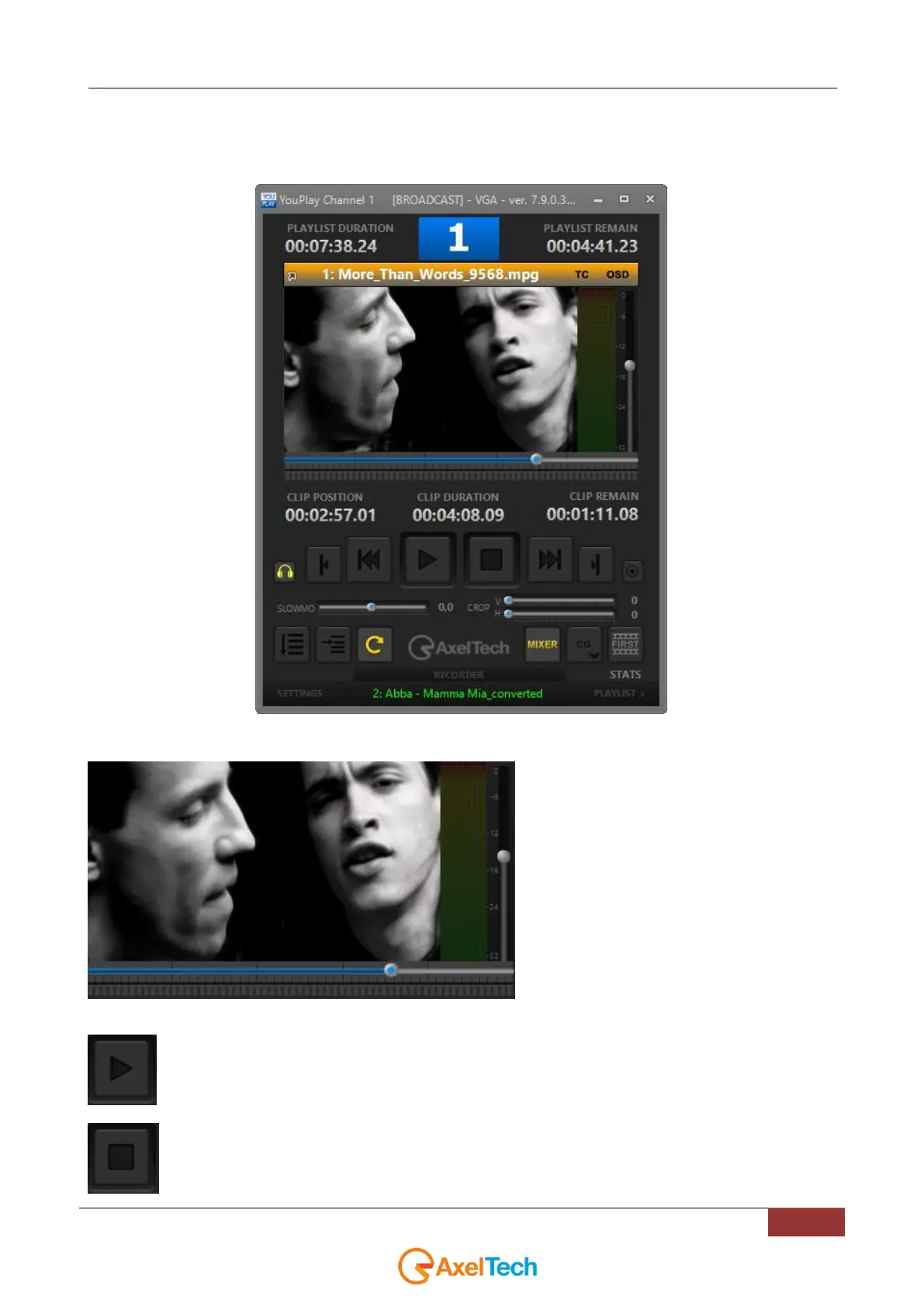
On the left of the screen there is the playout panel.
The playout panel is composed by the following sections and controls:
Clip preview. Double click on the preview will run
the clip on Windows Media Player
Play the clip. This button will change into PAUSE while the clip is playing.
Stops the clip while playing.



 To Next Page