ENG
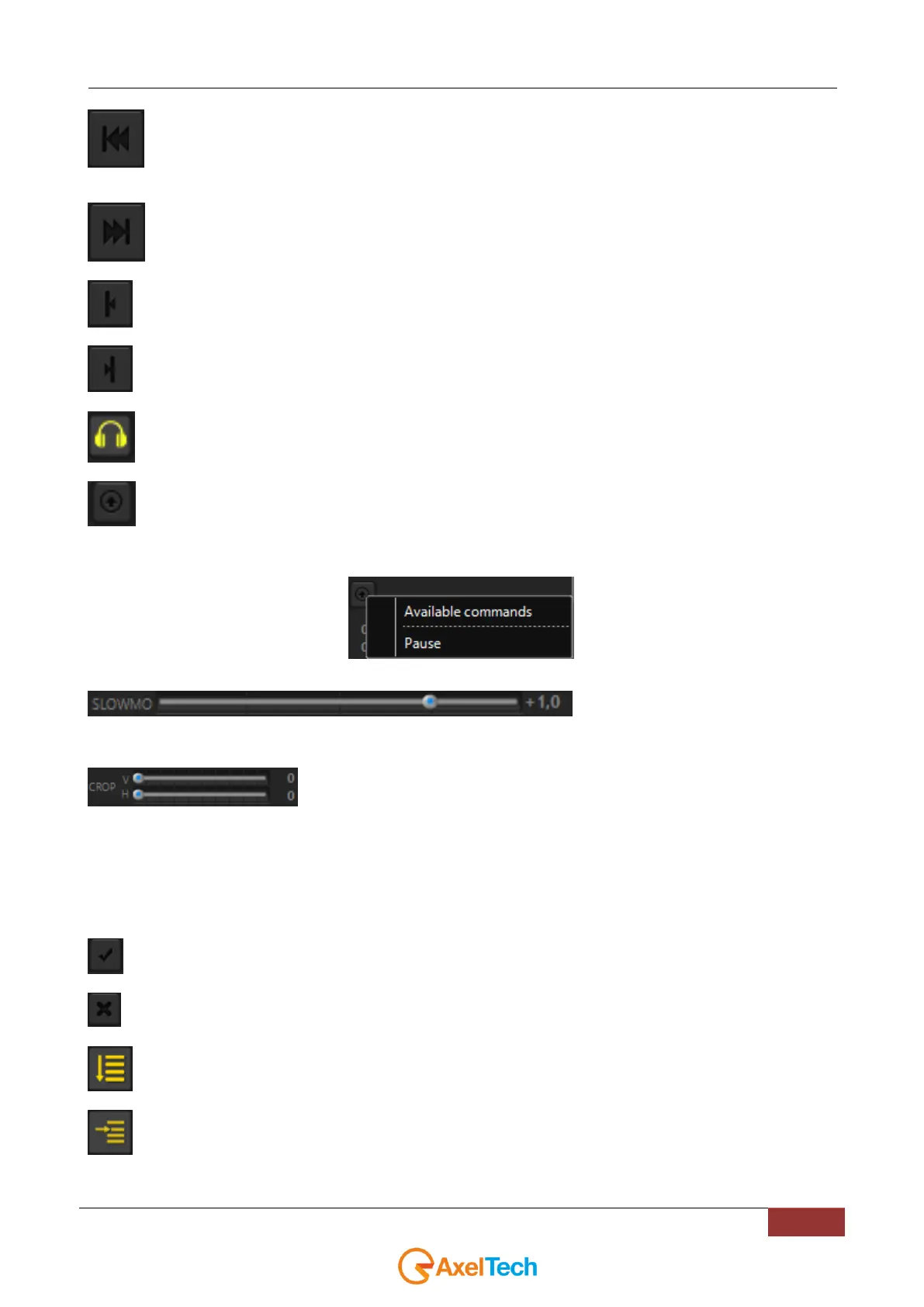
Back to the previous clip/restart clip. NB: If you click this button before 3 seconds from the start, it comes back
to the previous clip, after 3 seconds it will restart the current clip.
Next clip.
Sets the markIn point.
Sets the markOut point.
Enables the audio preview
With this button you can send a remote command to an external device or to an external software(like Tricaster,
Xrouter, BlackMagic VideoHub and BlackMagic ATEM) by choosing between one of the available.
In this example we have set for a Pause command to send to Axel - XROUTER software:
It is possible to set available commands by adding, editing or removing them in the Settings > Commands section.
Allows to play the clip slower or faster.
Move the cursor to the left (for a slower play) or to the right (for a faster play). To come back to the normal speed, click
on the PLAY button.
With these two sliders you can crop the Playout in realt ime.
V slider crops the playout vertically
min cropping value = 0
max cropping value = 100
H slider crops the playout horizontally
min cropping value = 0
max cropping value = 100
After changes the crop will be immediately applied.
Applies the markin and markout changes.
Remove actual markers.
If enabled, plays the whole playlist continuously, always respecting the stop mode set on the single clips.
ONE AT A TIME MODE: If enabled, it will stop playing at the end of the clip. WARNING: when this function is
enabled, all the stop mode of the clips will be disabled and the No Stop option on the clips will be hidden.



 To Next Page