ENG
Loop mode. The clip will be played in loop until the clip will be stopped or the One At aTime mode will be
enabled.
Show or hide the .acg page with graphics(To enable this powerful feature go to: Settings > Playout > Logo /
Graphics > CG (more CPU usage) has to be checked)
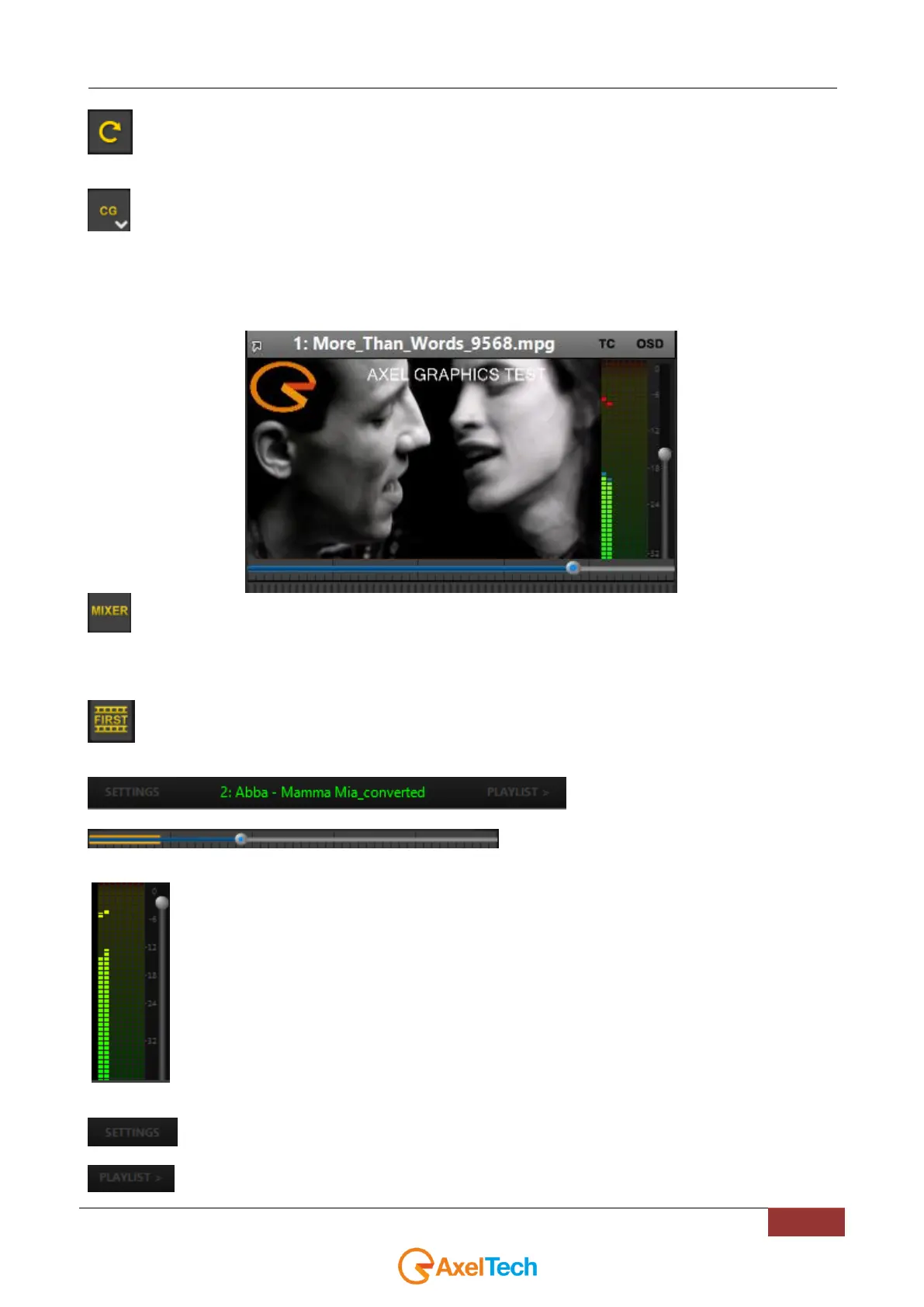
In the next example
- we previously set an .acg page
- we selected it in the list by opening the arrow in CG button
- we activated CG button until it turned to yellow.
This button allows the YOUPLAY CHANNEL to be controlled by an external mixer (like Atem or Tricaster device)
by choosing between one of the available. It is possible to set the external mixer parameters by entering in the Settings >
Remote > Mixer section.
If enabled, it stops the clip on the first frame of the next clip. NB It can be enabled only if ONE AT A TIME MODE
is enabled.
Shows the next clip on the playlist
Playout cursor. It is possible to move it to search a
particular point on the clip.
Realtime Volume Control. By moving the slider up or down it is possible to change the clip volume even if
the clip is running.
click on this button to enter in the youplay channel settings.
this button expands / reduces playlist section on the right side.



 To Next Page