ENG
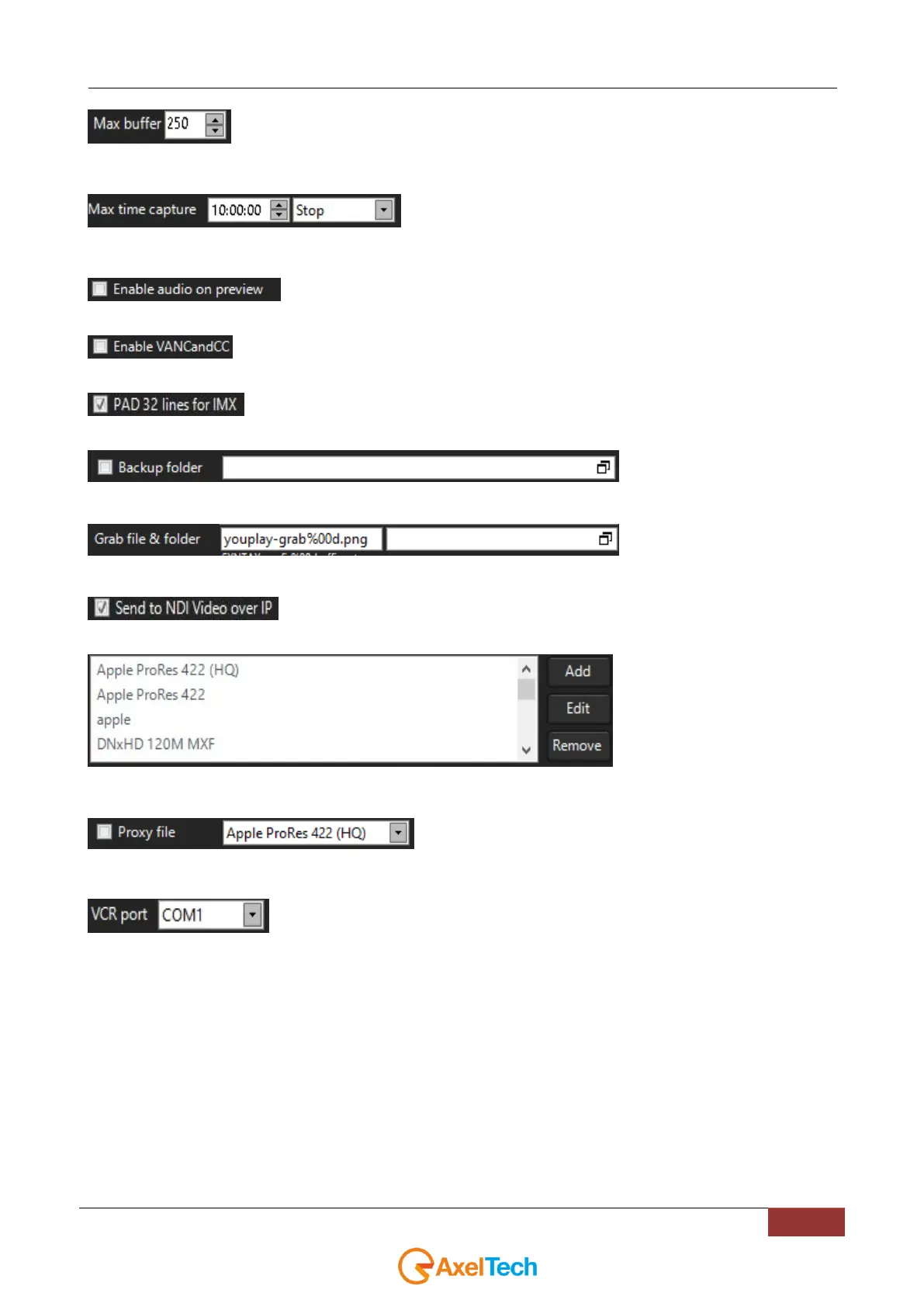
Defines the maximum buffer of the recording
Further than this time the Stop rule will be applied (the recording will be
stopped) or the Split rule will be applied(a new segment will be created and the recording continues)
Enables the audio on the preview.
Enables the Closed Caption on the captured video
Applies on the captured video a 32 lines PAD ( a little panel of 32 pixel high on the top of the video)
for the IMX formats.
If desired, here you can select a backup
folder for your captured files
Defines the filename of the snapshot in
the shown sintax. In the next free field you can define the target folder of the grabbed pictures.
Enables the NDI over IP stream of the recorded clip.
Adds, Edits, Removes the captured
profiles present on the PC. These changes are the same for all the XIngest instances.
It enables the video proxy of the recorded clip with the selected profile. If
the same capture profile is used, the “_proxy” suffix will be applied.
Defines the RS422 COM port of the available external VCR. If <none> is selected no VCR will be
initialized in the home page.



 To Next Page